

When to use it
- To split a large agent into specialists, such as a reception agent that hands over to a billing agent or a sales agent.
- To switch to an agent built for another language or dialect.
- To reuse an agent you already have instead of rebuilding its steps in this flow.
Before you start
The project needs at least one other agent. If there’s none, the panel shows “No agents available. Please create an agent first before using transfer to agent.” or “You only have this agent in your account. Add another agent to use Transfer to Agent.” See Create, import and manage agents.Add a Transfer to agent step
1
Add the step
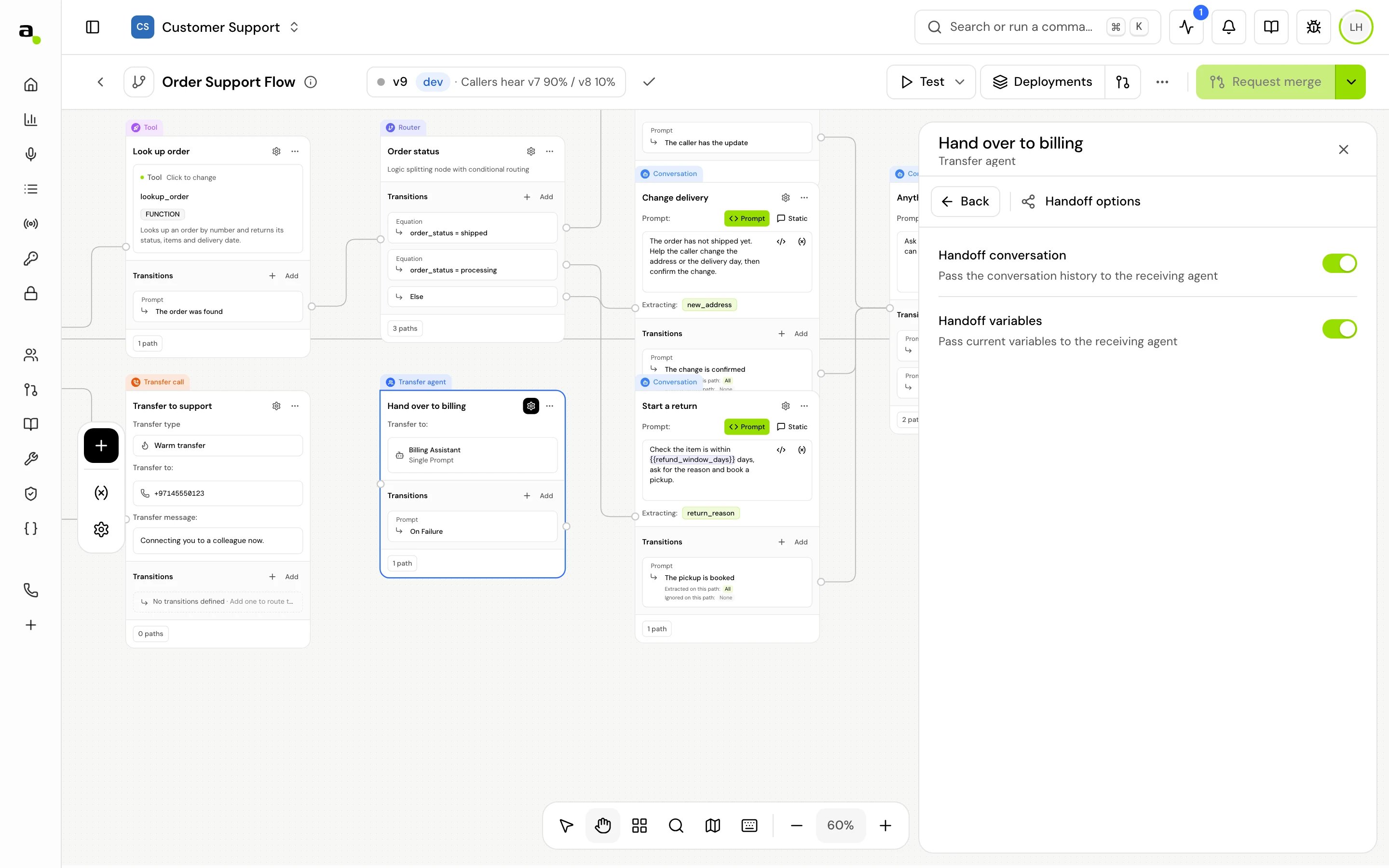
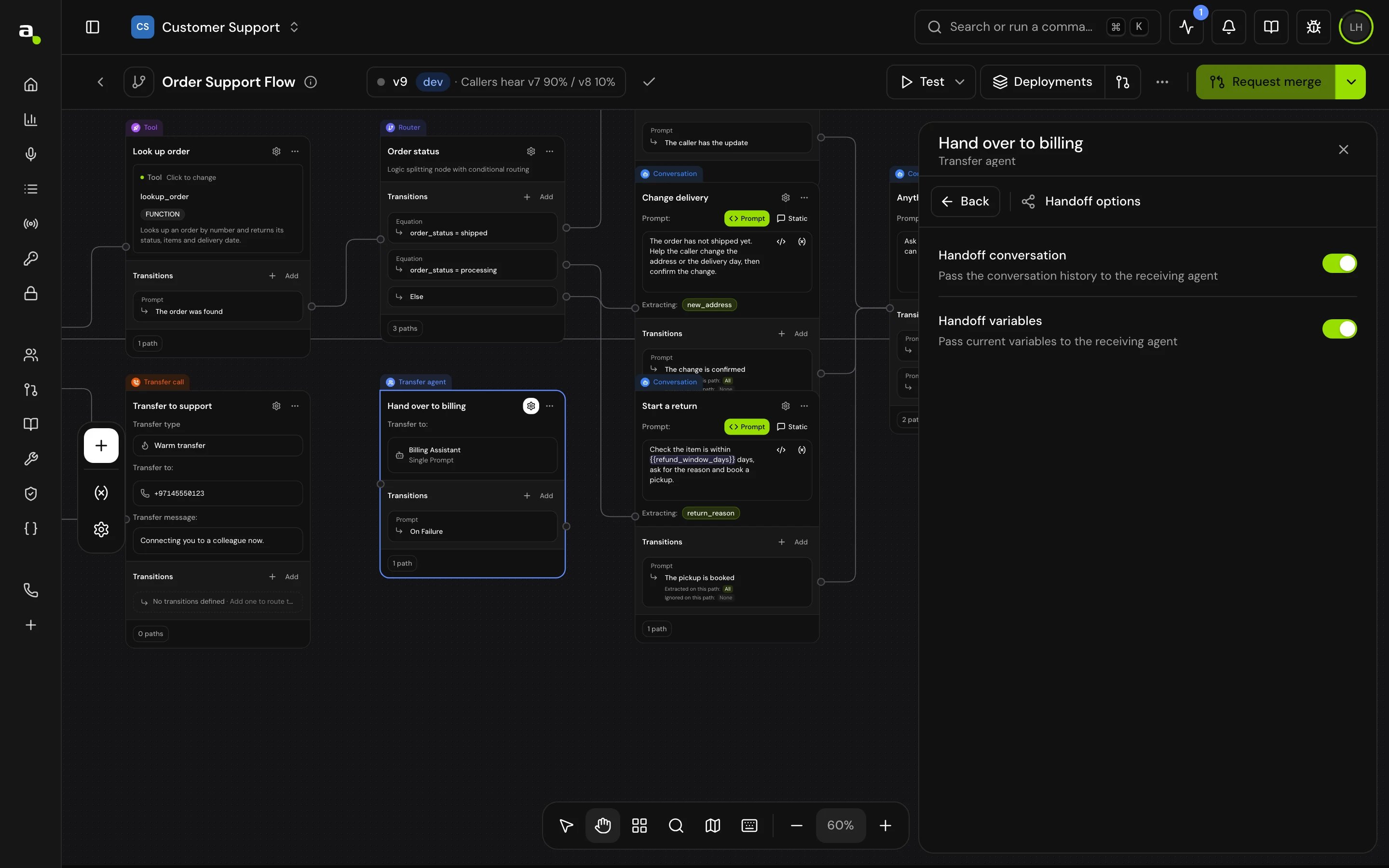
On the canvas, click Add node and choose Transfer to agent (“Transfer conversation to another agent”). The panel title reads Transfer agent.
2
Pick the agent
Under Transfer configuration, open Transfer to agent and choose an agent. The list shows the other agents in this project, flow or single prompt.
3
Choose what to hand over
Open Handoff options and turn on Handoff conversation, Handoff variables, or both.
4
Connect On Failure
Connect On Failure to a step that tells the caller and offers another way forward.
Fields
Transitions
On Failure is created with the step and can’t be removed. There’s no success path: once the other agent takes over, this flow ends.
You can also add Skip if to this step: when its conditions already hold as the call arrives, the call goes straight to its target and the step doesn’t run. See Skip if.
How it works on a call
- The step’s local variables are set.
- The receiving agent is loaded and takes over the call, with its own voice, prompt and settings.
- With Handoff conversation on, it gets the conversation so far as context. With Handoff variables on, it shares this call’s variables.
- If the transfer can’t start, the call takes On Failure and this agent carries on.
Good to know
- Steps built through the API without the two handoff fields hand over both the conversation and the variables. Steps built in the app always save them, off unless you turn them on.
- Confirm before proceeding, in the Global section, makes the agent check with the caller before handing over.
Related
Transfer call step
Hand the caller to a person or a phone line.
Variables
What gets handed over with Handoff variables.
Create, import and manage agents
Build the agent you hand over to.
Global steps
Make a handoff reachable from anywhere in the flow.