

route = "billing"), to fix a value for later steps, or to work out a new value from others, like a spoken date from an ISO date. The UI calls them Local variables; their values can be static text or Jinja.
Local variables are for flow agents.
Where you can set them
Set a local variable
1
Add the variable
In the step, add a local variable: Add variable > Local variable in the Variables section, or Add variable under Local variables.
2
Name it
In Name, type a snake_case name, for example
route.3
Pick a type
Choose a Type: String, Number, Boolean, Array (JSON) or Object (JSON).
4
Set the value
In Value, type the value. It can include variables and Jinja, for example
{{ customer_name | title }}. “Leave empty to clear the variable’s value.”5
Optional: describe it
Add a Description so your team knows what the variable is for.
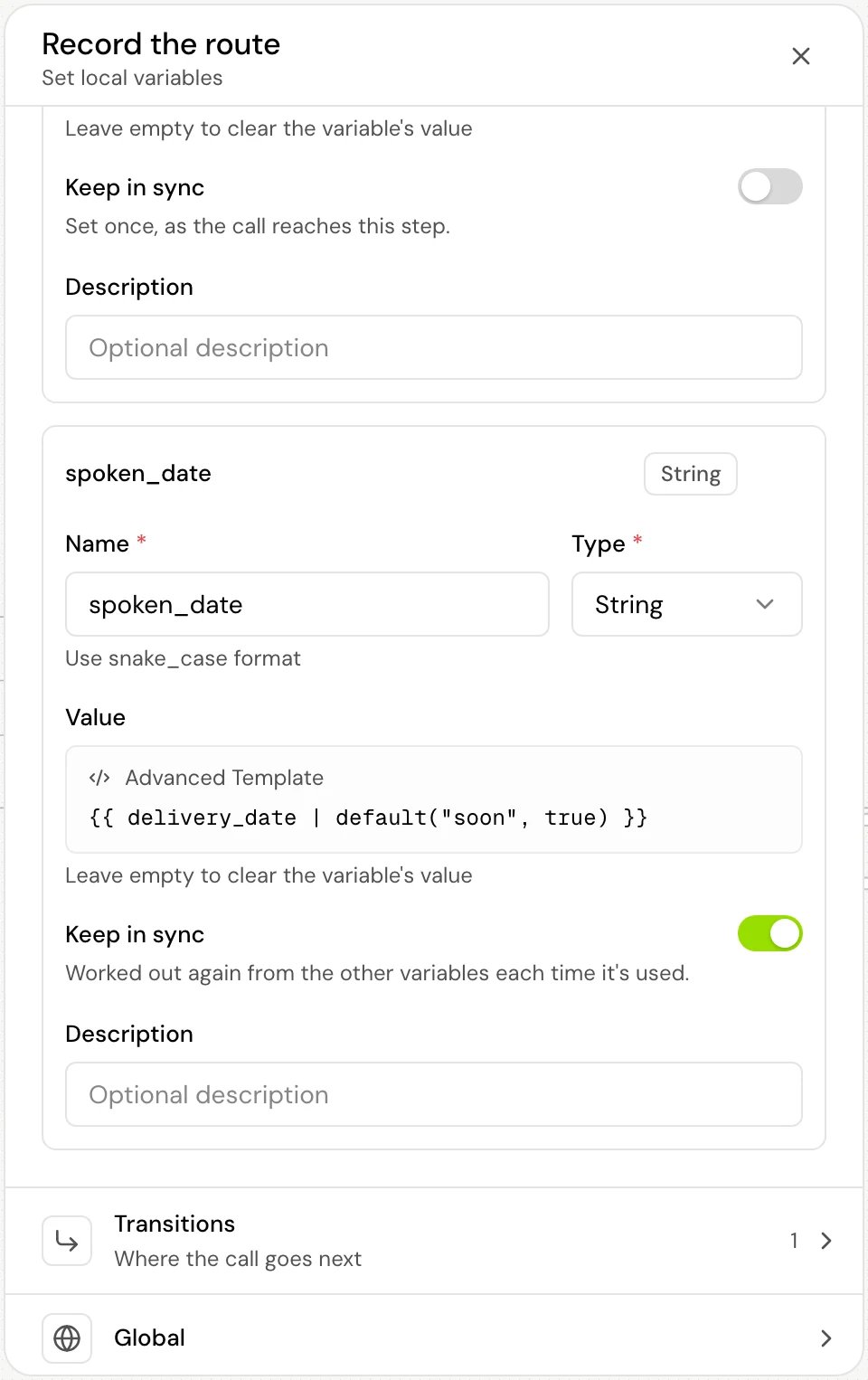
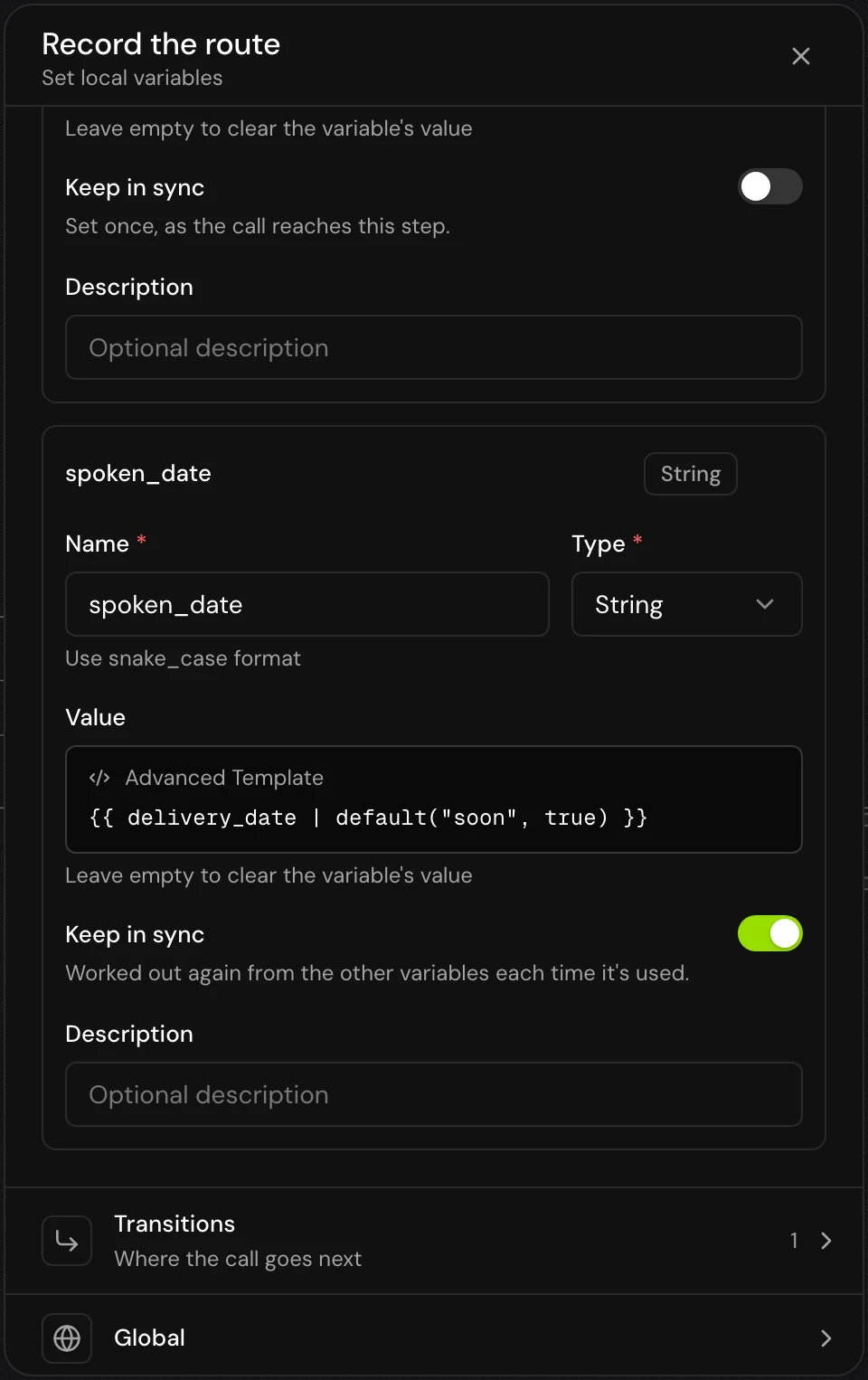
{{route}}.
Keep a value in sync
By default a local variable is worked out once: “Set once, as the call reaches this step.” Turn on Keep in sync to recompute it from the other variables every time it’s used: “Worked out again from the other variables each time it’s used.” The variable shows an In sync badge. Use it for a value that depends on others that can still change, so it never goes stale:- Keep in sync needs a value with Jinja in it. Plain text has “Nothing to keep in sync”. It isn’t offered for the Boolean type.
- A kept-in-sync variable can read other kept-in-sync variables, so you can chain them (a date, then its ISO form, then a spoken form).
- A value that reads itself, like
{{ attempts | int + 1 }}forattempts, can’t be kept in sync: “It reads itself, so the call sets it once instead.” The same applies to a loop through other variables. - If anything later writes a plain value to the same name, that value replaces the formula and the variable stops recomputing.
How it works on a call
- A set-once value is filled in when the call reaches the step, using the values known at that moment. Variables that have no value yet render empty.
- A kept-in-sync value is worked out each time a prompt, message or tool reads it. If working it out fails, the last good value is used.
- A kept-in-sync variable outranks other variables with the same name, except environment variables. See Variables overview.
- Every value is stored as text, whatever the Type. An array or object value written as JSON can still be used as a list or object in Jinja.
Good to know
- To count something, set it once in a step that the call passes through each time:
{{ attempts | int + 1 }}reads the old value and writes the new one. - A local variable keeps its value for the rest of the call, also after the call leaves the step, until something writes the same name again.
- Give local variables names that don’t match system variables. A local variable called
current_datereplaces the system value.
Related
Set variables step
A step that only sets variables, then moves on.
Extracted variables
Values the agent collects from the caller and from tools.
Jinja syntax
Formulas, conditions and filters.
Router step
Branch on the values you set.