

Before you start
- A phone number in your project with a working outbound connection. See Bring your own number.
- The number assigned to an agent, or the agent’s ID to pass in the request. See Phone numbers.
- Credits: a call needs a balance above zero.
- For the API: a secret key from API keys, kept on your server. See Create API keys.
Call from the app
There are two ways: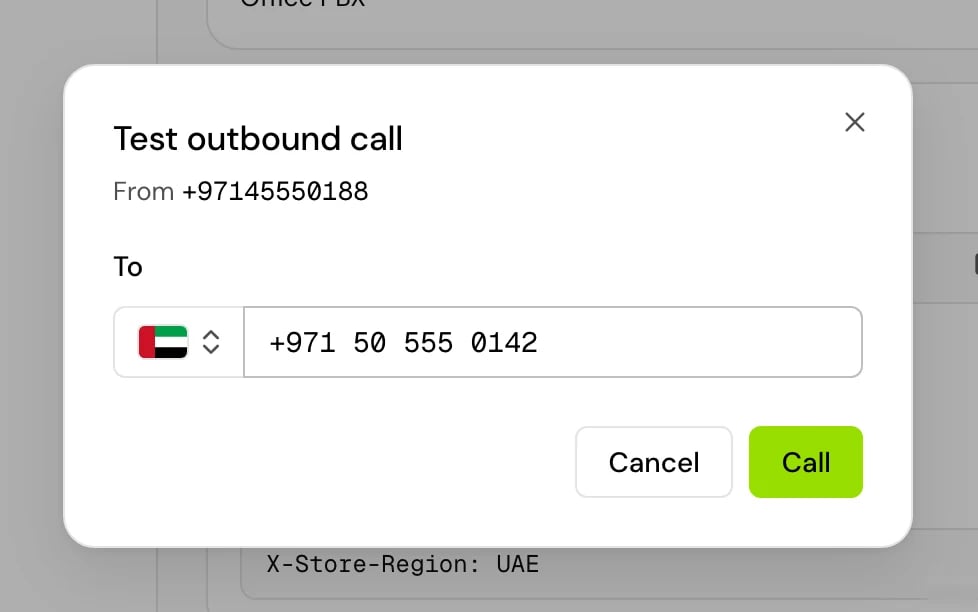
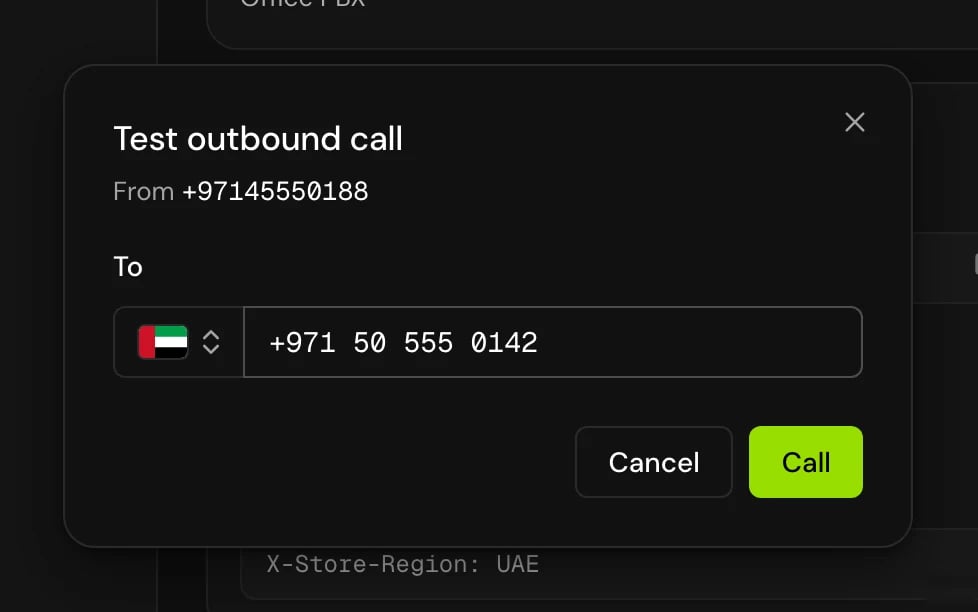
Call from the API
Send aPOST to /v1/voice-agents/phone-number/call with your API key.
1
Get a key
On API keys, create a key for Your server. With Limited access, the quick select Initiate and monitor voice calls only covers this request. A public key (
pk_…) can’t place phone calls.2
Send the request
3
Keep the job ID
A The
201 response means the call is queued:jobId is the call’s ID. It’s the conversationId in your webhook and the call’s ID in the Conversation log.Request fields
Errors
Errors come back with amessage and a messageKey:
How the call goes
- The request is accepted and the call is queued. If your account already has as many calls running as your plan allows, the call waits and tries again every 30 seconds, for up to an hour. If no slot frees up in that time, the call isn’t placed: it ends as Failed with the error “Concurrency limit reached: no concurrency slot became free within 60 minutes, so the call was not placed.” The limit is never exceeded. The agent never starts, so no webhook is sent for it.
- Hamsa dials
toNumberfrom your number. The agent doesn’t start until someone answers. - When the person answers, the agent joins and speaks its greeting. The maximum call length counts from this moment.
- If nobody answers, the line is busy or the call is declined, the call ends as No answer. Other dialing errors end it as Failed. Either way, your webhook gets a
no_answerorerrorevent. - When an answered call ends, the webhook gets
call_endwith the transcript and outcome.
Which version calls
API calls run what prod runs. If prod runs an A/B test, the number you call decides the version, so the same person keeps hearing the same version. You can’t choose an environment for an API phone call.Values the agent receives
The agent’s variables are filled in this order, and a later source wins for the same name:- The default values of the agent’s variables.
- The agent’s own default parameters.
- The
paramsin your request.
params with the same name.
A variable the agent uses but nobody filled in is empty on the call.
Good to know
- Variables use double braces:
{{customer_name}}, not{customer_name}. - The call record shows the from number and the number called.
- To call many people with their own values, upload a list in Batch calls instead of looping over this request.
Related
Batch calls
Call a list with a schedule, concurrency and retries.
Webhooks
Get the transcript and outcome when the call ends.
Pass values when a call starts
Use params in prompts and messages.
Create API keys
Public and secret keys, and what each can do.