

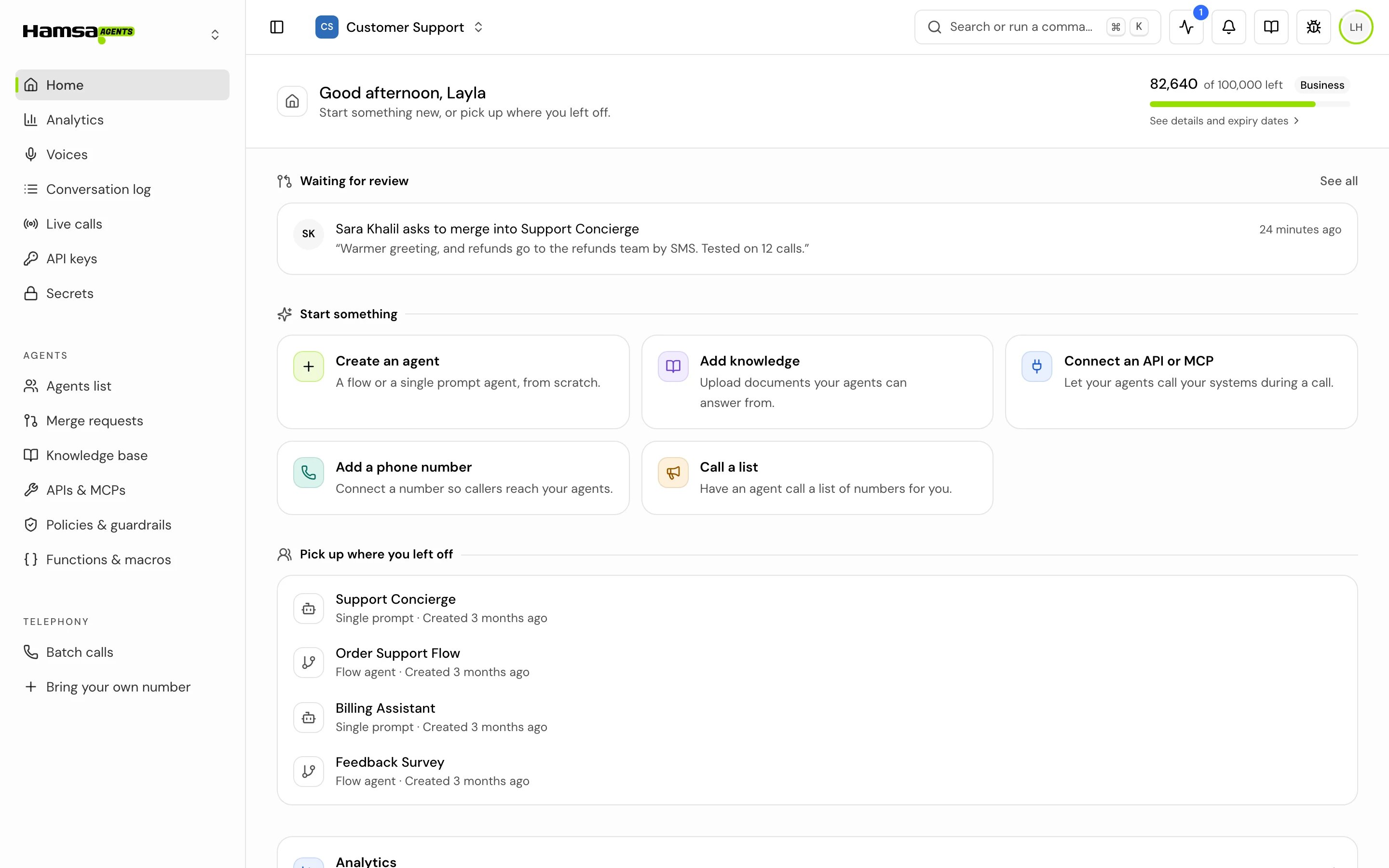
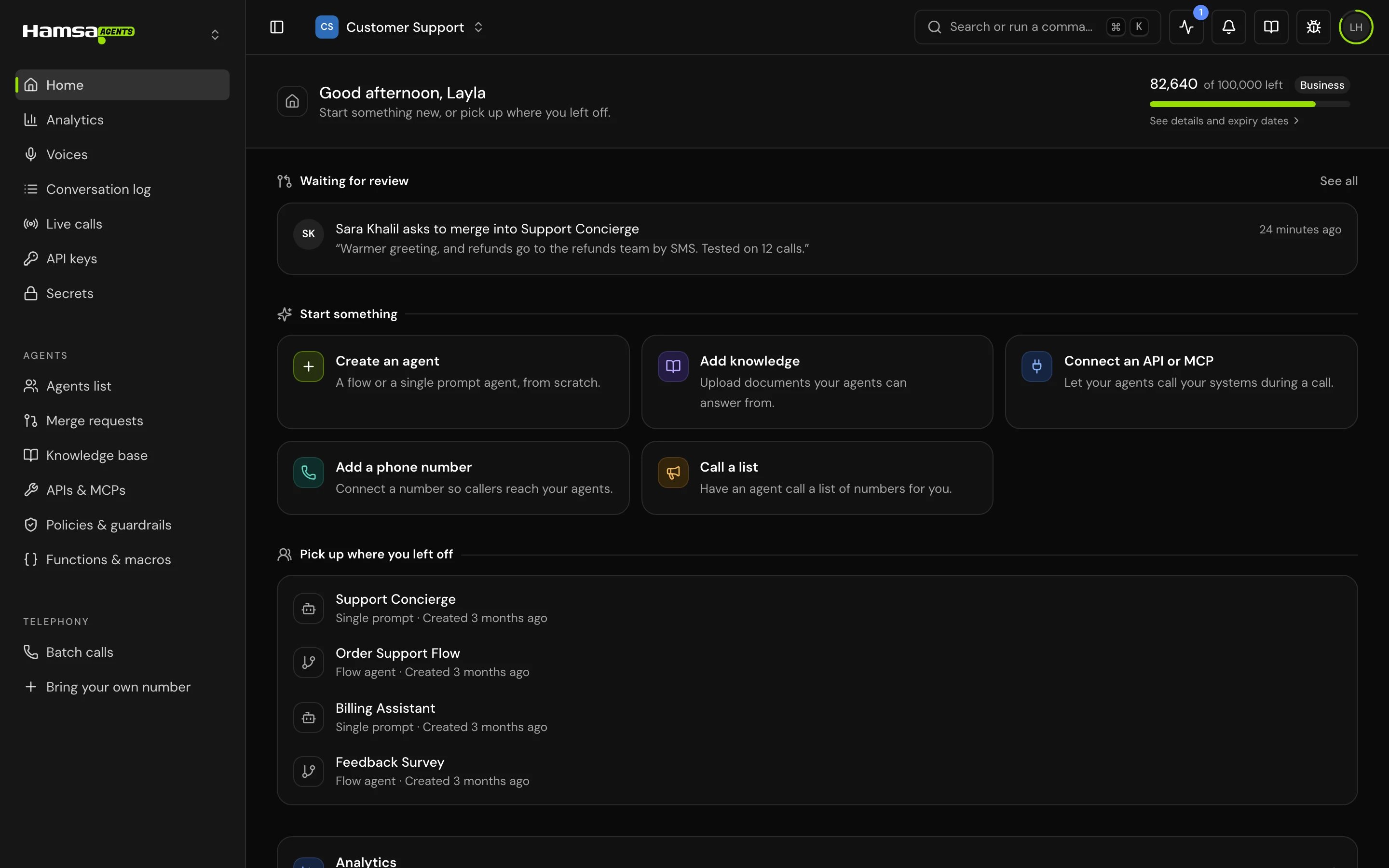
What’s on the page
The page shows only what your role lets you use. A section you have no access to is left out, not greyed out.Start something new
Each quick start opens the right screen for the task. You see only the ones your role allows.If you have limited access
If your role can’t view agents and can’t start any of the tasks above, Home shows Limited access in this project instead. It lists the pages you can open, names the project owner, and offers Copy access request: a short message with your account and the project name that you can send to the owner. To change what a member can do, see Roles and permissions.Good to know
- Pick up where you left off is remembered per browser. On another computer or browser, you see the newest agents until you open some there.
- The list of recent agents is per project. Switching project shows that project’s agents.
- If you open a page in the sidebar that your role can’t use, the page says “You don’t have access to this feature.” Ask the project owner for access.
Related
Analytics
Calls, reply time, outcomes and errors across your agents.
Conversation log
Every call, with filters, analysis and exports.
Merge requests
Review and merge changes to an agent.
Billing
Credits, plans and what a call costs.