

Before you start
These are the role defaults. An owner can change them per member in Roles and permissions.
Choose the type and use
Used as decides where it runs:
text is what was said. For a check it is cleaned up: digits in 0 to 9, Latin letters lowercased. For an action it is exactly as said. vars holds the call’s variables.
Create one
1
Open Functions & macros
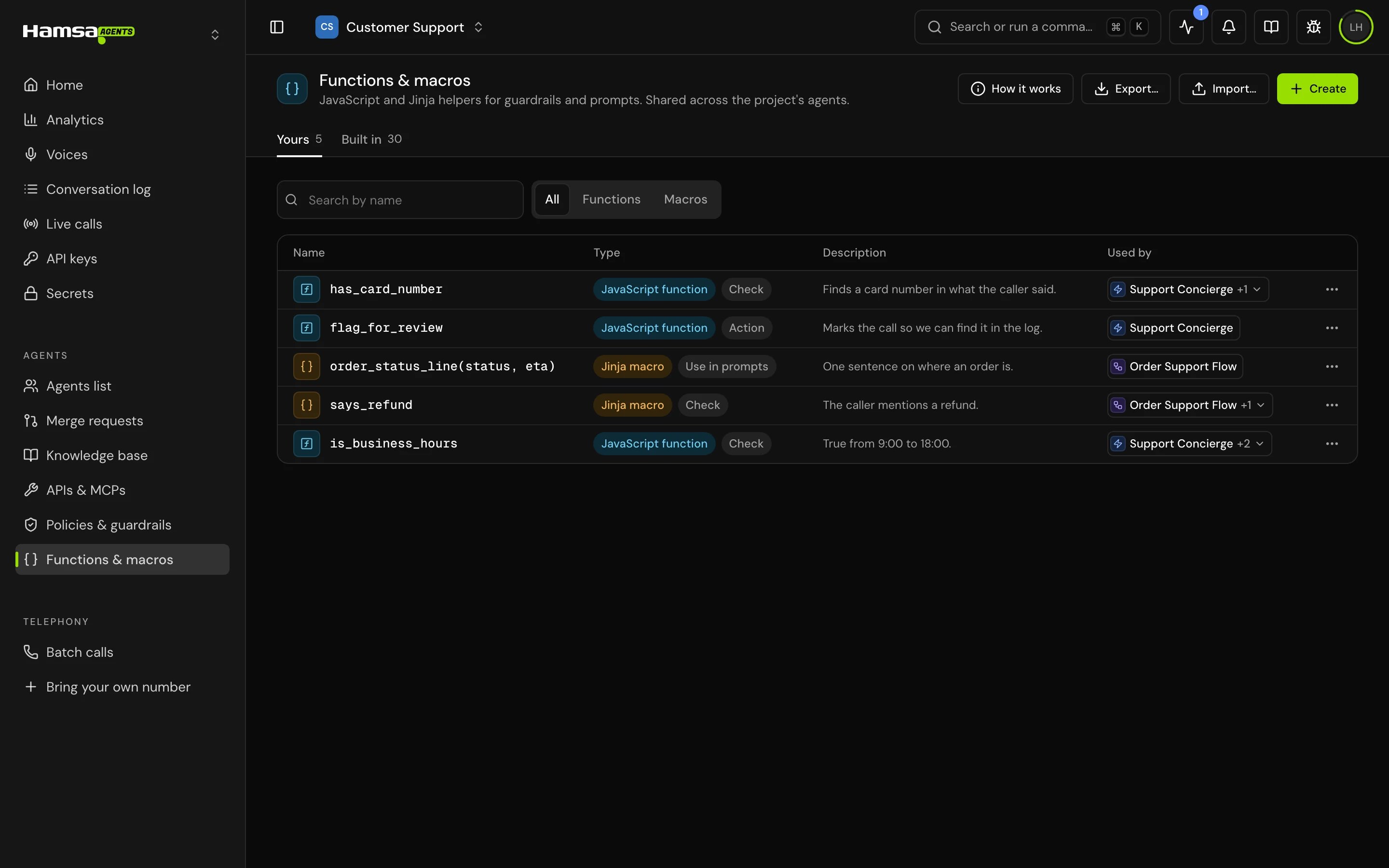
In the sidebar, open Functions & macros. “JavaScript and Jinja helpers for guardrails and prompts. Shared across the project’s agents.” The Yours tab lists the project’s helpers; Built in lists the ones that ship with Hamsa.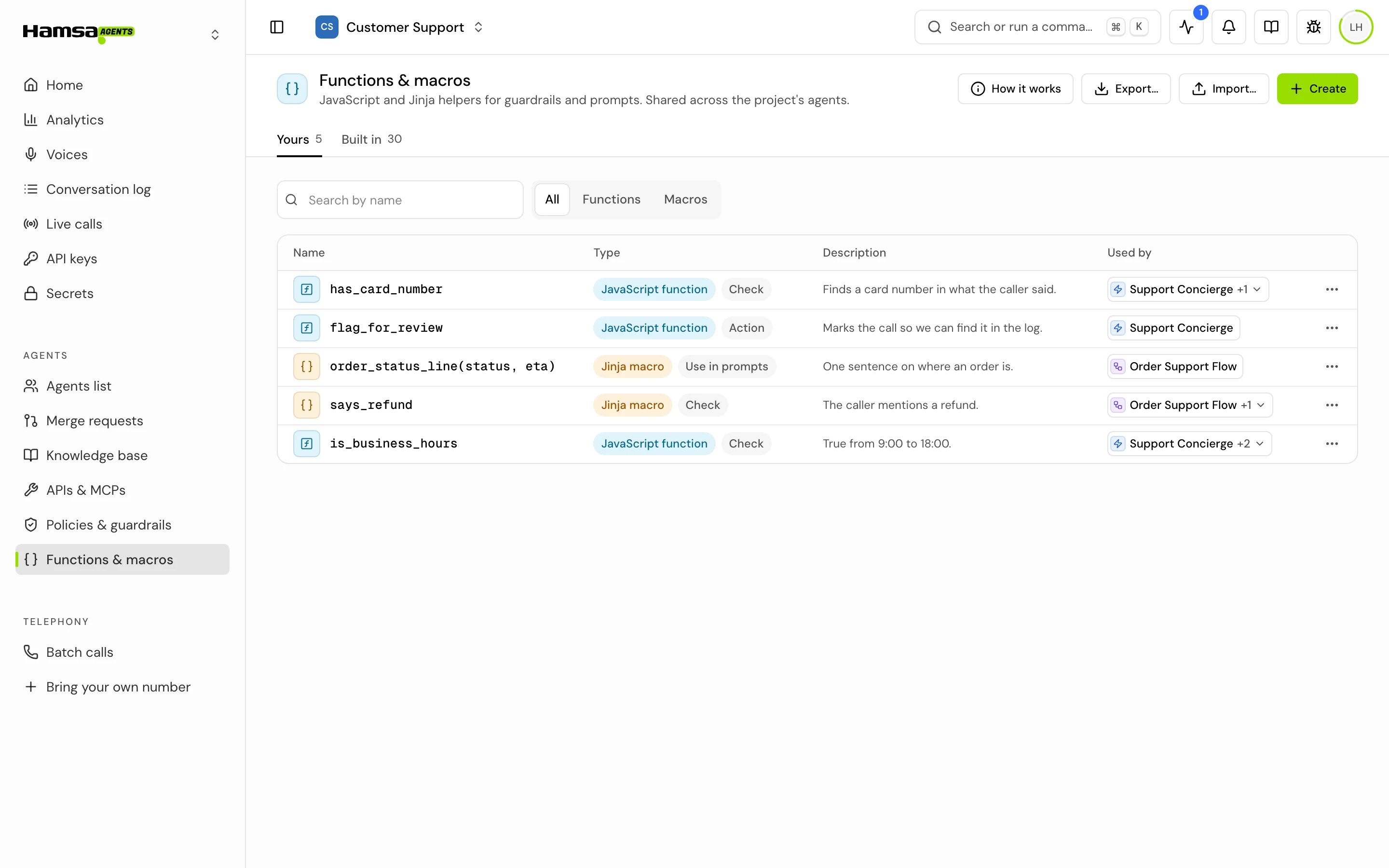
2
Click Create
Start a blank function or macro, or a copy of a built-in one.
3
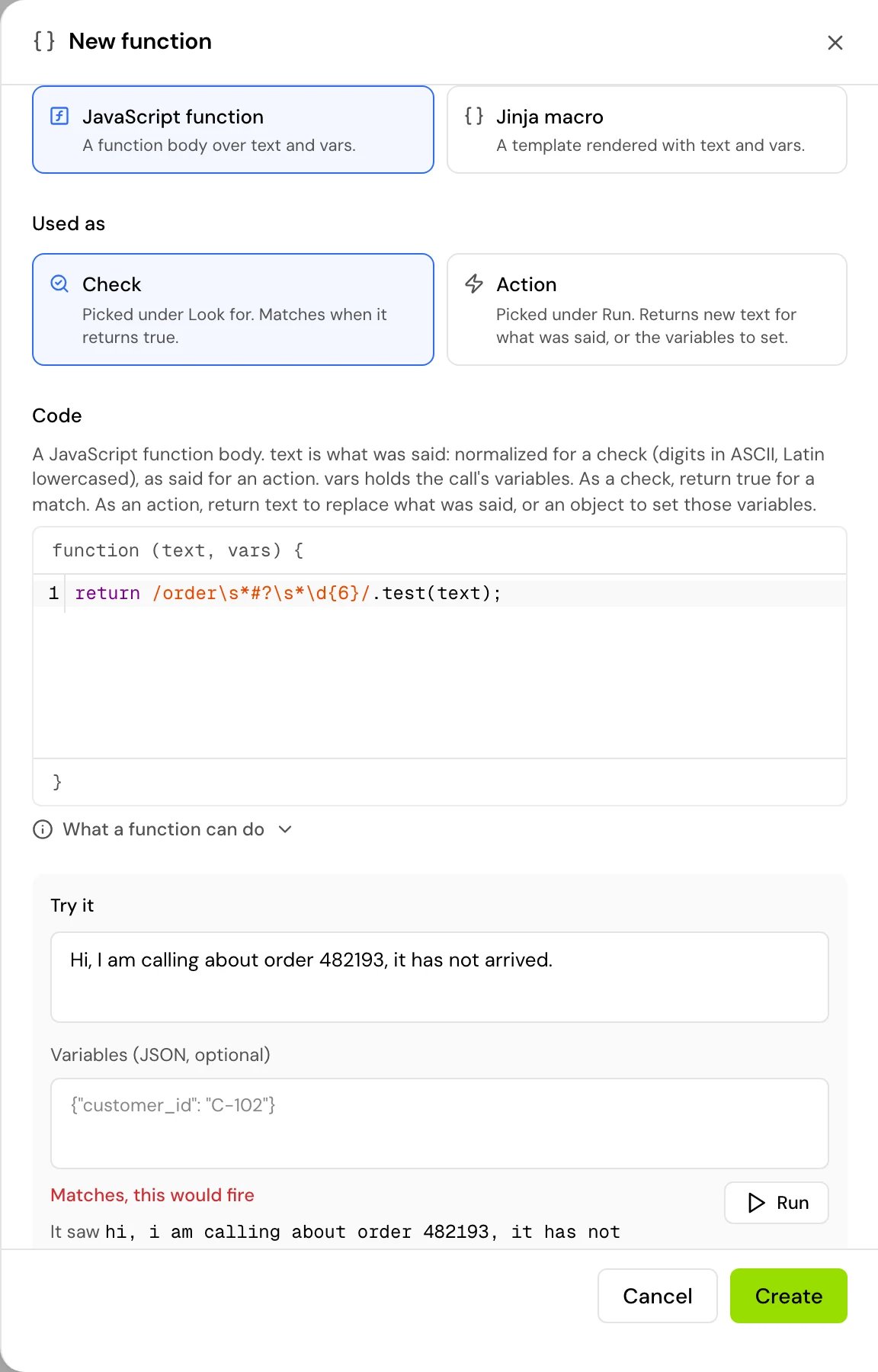
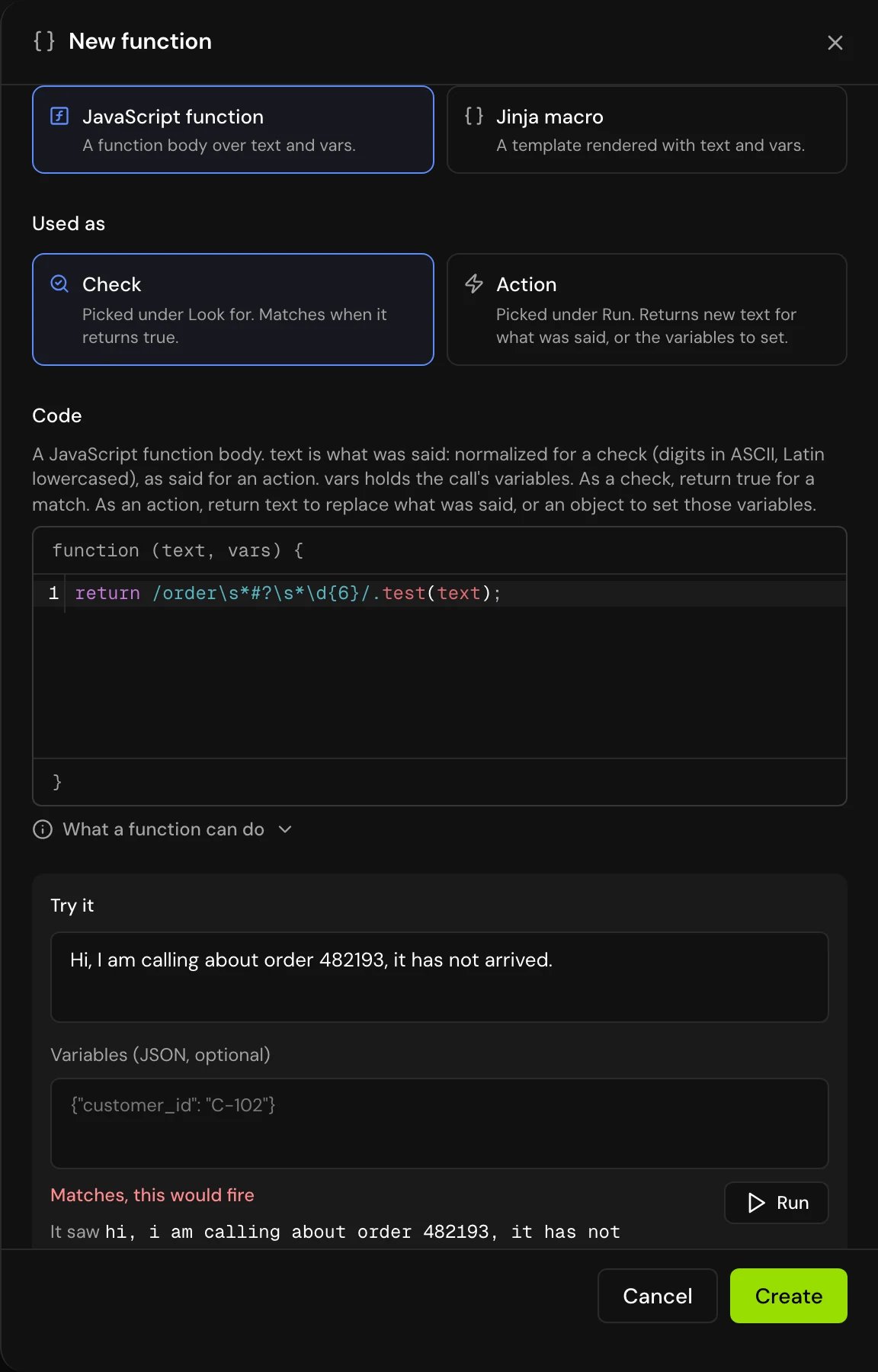
Fill in the fields
- Name: letters, digits and
_, starting with a letter. Two macros can’t share a name. - Type: JavaScript function or Jinja macro.
- Used as: Check, Action or Use in prompts.
- Code: up to 20,000 characters.
- Notes: optional. “What it checks, for whoever uses it next.” Up to 2,000 characters.
4
Try it
Under Try it, type a sample sentence and, if the code reads variables, the variables as JSON, for example
{"customer_id": "C-102"}. For a check or an action, choose which side it checks: the caller’s words or the agent’s. For a macro used in prompts, fill in a value for each parameter. Click Run. You see what a call would do with the result (it trips or not, rewrites the text, sets variables, has no effect, or what it renders), the raw value the code returned, how long it took, and, under what the code saw, the exact text and variables it got. Try it runs on the same engines and limits as a call, so a result that a call would ignore shows here as an error that says why.5
Save
Saving checks the code. “The code doesn’t compile.” means it has a syntax error.
Examples
A check that fires when the caller mentions a six-digit order number:Add a helper to an agent
A guardrail only runs helpers that are on its agent. In the agent’s settings (a single prompt agent’s settings, or Global settings in a flow agent), open Functions & macros: “JavaScript and Jinja helpers guardrails check with or run”. Add the helper and make sure it is switched on.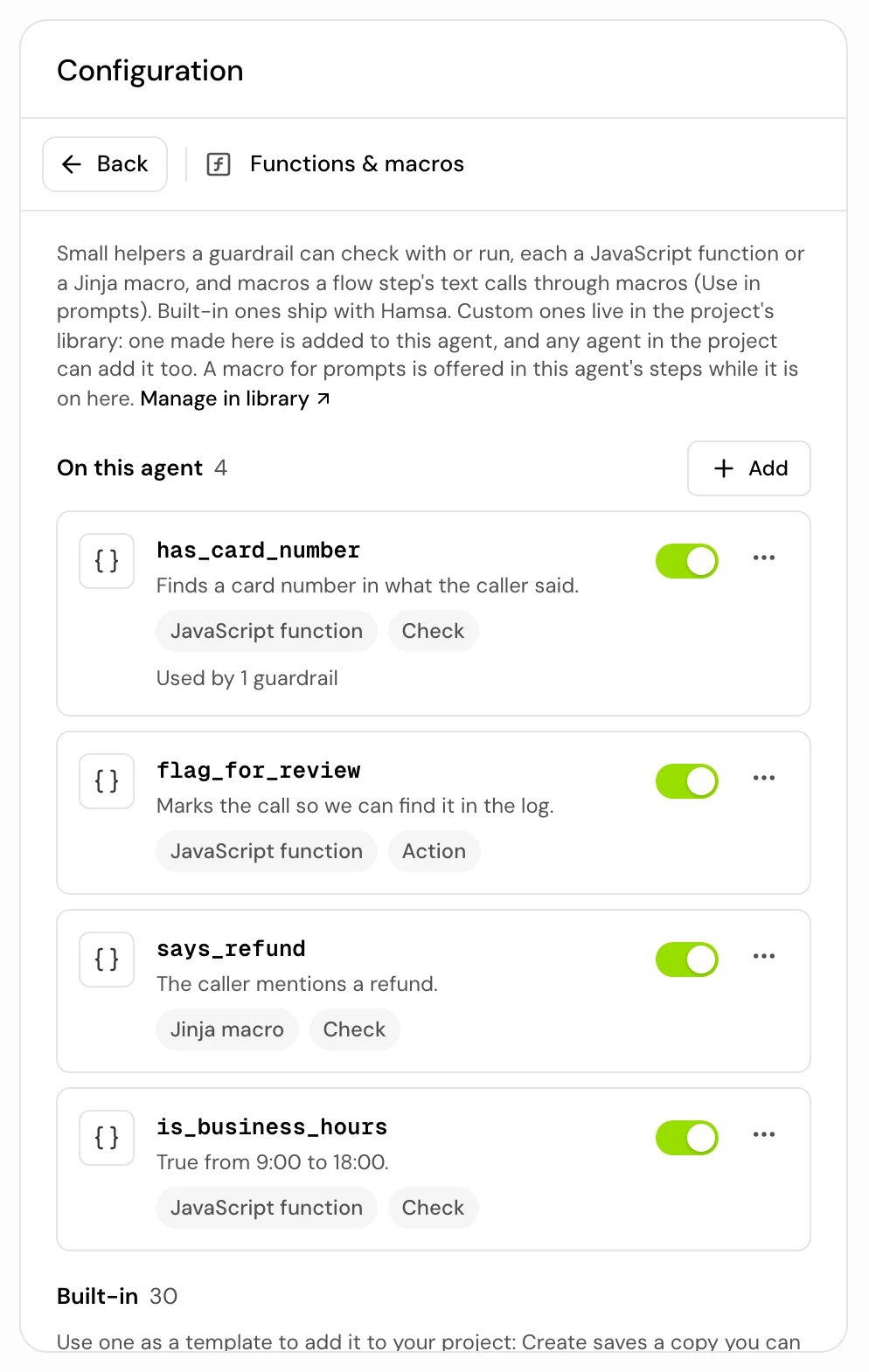
Call a macro from a flow step’s text
A Jinja macro used as Use in prompts can be called from a flow step’s text by its name:{{ greet(first_name, tone="warm") }}.
1
Create the macro
Set Used as to Use in prompts. The code is the whole macro definition, and its first line names it with the macro’s name:
{% macro greet(first_name) %}, then the body, then {% endmacro %}. The editor fills in that frame and keeps the name in step with the Name field. The parameters are read from the definition and shown next to the code. A macro takes at most 20 parameters, each up to 64 characters.2
Add it to the agent and switch it on
“Offered in this agent’s steps while it is on here.”
3
Call it in a step
Type
{{ greet(first_name) }} in the step’s text, or pick it from the suggestions. What the macro renders goes into the text where it is called. Steps written with the older {{ macros.greet(...) }} form are updated to the new form when you open them in the editor; save the agent to keep the change. Until then, the old form renders empty on a call.Limits
What a function gets and returns:
- The text exactly as it was said: digits and letters aren’t changed, so a check that should match Arabic digits has to handle them itself.
- Variables as text, so
vars.ageis"30": compare it as text or turn it into a number withNumber(). A value that looks like JSON ({…}or[…]) is read as JSON; a value starting with+, such as a phone number, never is. Variables without a value aren’t passed. Checks and actions also getvars._side(calleroragent). - JavaScript built-ins only: JSON, Math, Date (in UTC, not the agent’s time zone), regular expressions with named groups and Unicode, Map, Set, classes,
?.and??, and more. There’s noconsole,fetch,setTimeoutor other way to reach the network or files, and noIntl,structuredClone,Array.prototype.at,findLast,toSortedorObject.hasOwn. - A check matches only when it returns exactly
true. An action returns new text (a non-empty string) or an object of variables to set. A returned promise is never awaited. - Within a call, functions share one context for the whole call, so a global variable set in one run is still there in the next. Try it starts fresh every time.
trim, lower, replace, split, join, tojson and more); range and lipsum don’t exist. A name that isn’t set renders empty, but reading a field of one ({{ missing.x }}) is an error. A check macro matches unless what it renders is empty, false, 0, none or no. An action macro that renders a JSON object sets those variables; anything else becomes the new text. Macros write no logs.
When a run fails, Try it says why: the code doesn’t parse, it failed while running, it took too long, it used too much memory, it rendered too much, or it returned something a call would ignore. On a call the same failure is silent: a check counts as no match, an action changes nothing, and a macro in a prompt renders empty. A syntax error is refused when you save.
An action can’t set user_number, call_id, current_date or current_time.
Built-in functions and macros
Hamsa ships ready-made helpers under Built in. Their code isn’t shown and can’t be changed. To use one in a guardrail, open it and click Use as template: this saves a copy in your project that you can edit, and guardrails can use the copy. A built-in helper itself can’t be used in a guardrail, only your copy.Built-in functions
Built-in functions
Built-in macros
Built-in macros
Good to know
- A check runs on everything said, so keep it fast.
- “It can’t be deleted while it’s in use.” Take it off every guardrail and agent first.
- Variables an action sets are ordinary call variables: use them in transitions, conditions and other guardrails.
Related
Policies & guardrails
Use functions and macros as checks and actions.
Protect personal data
The mask and unmask functions in practice.
Jinja syntax
Templates in prompts and messages.
Variables
The values helpers read and set.