


The services
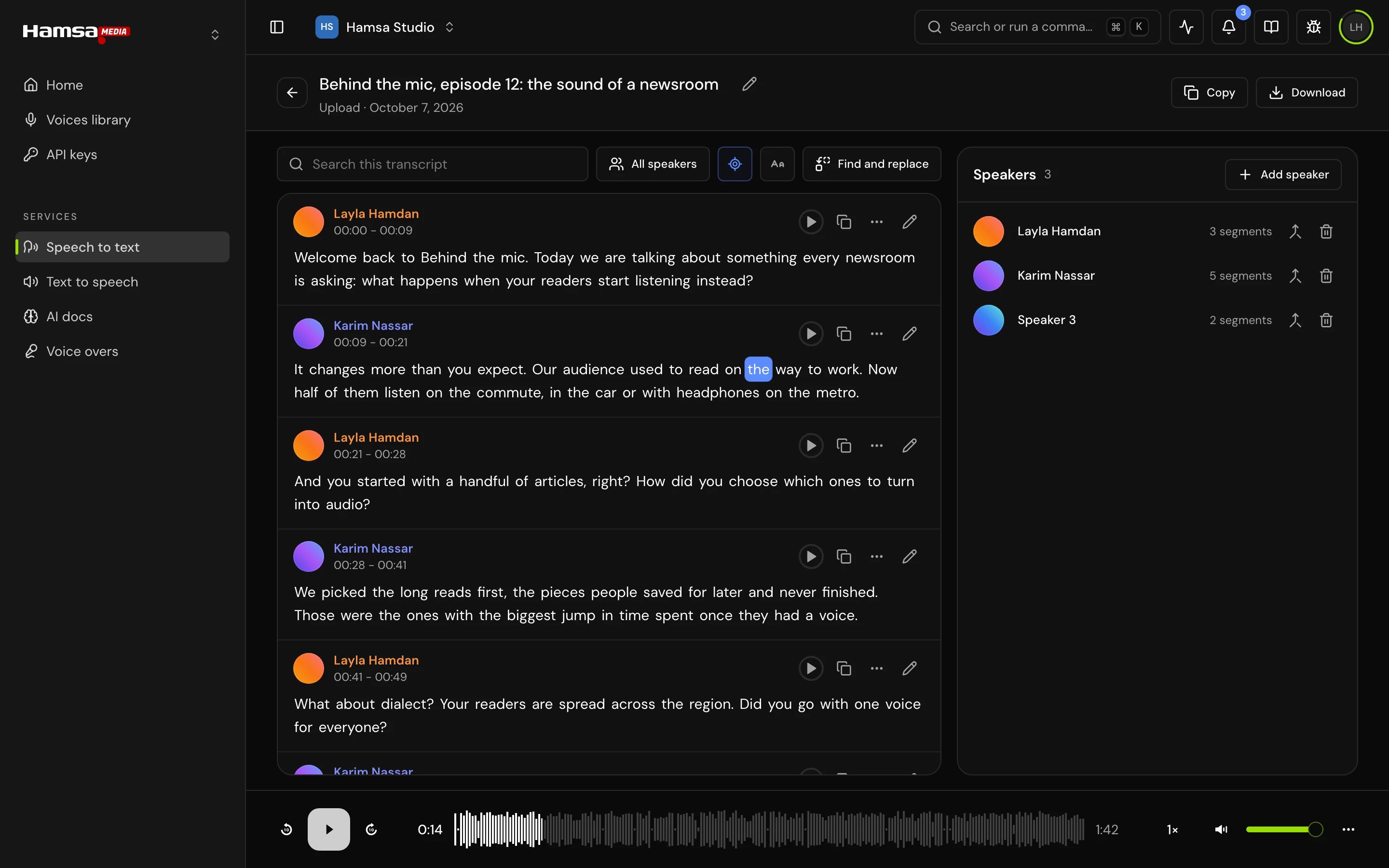
- Speech to text
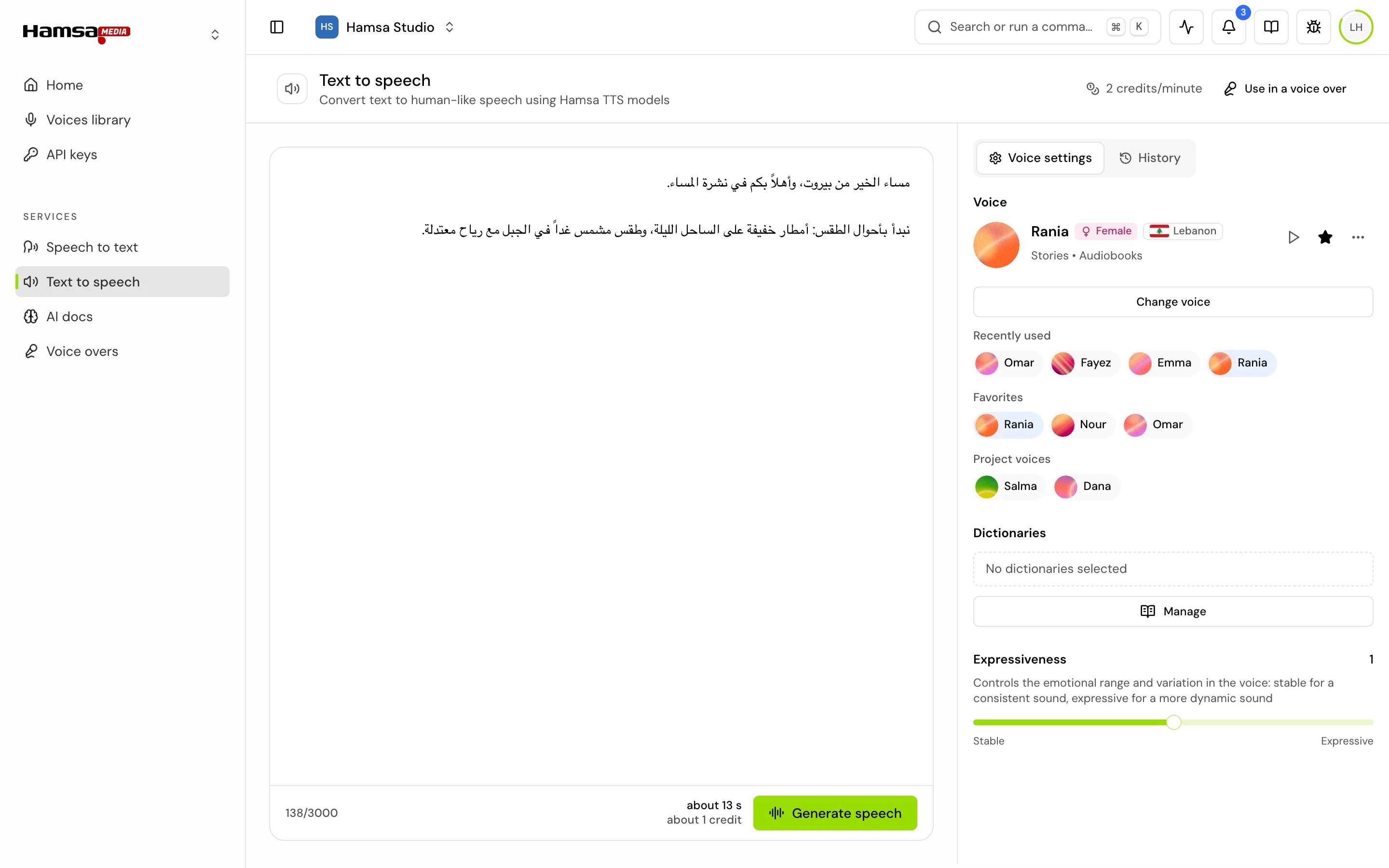
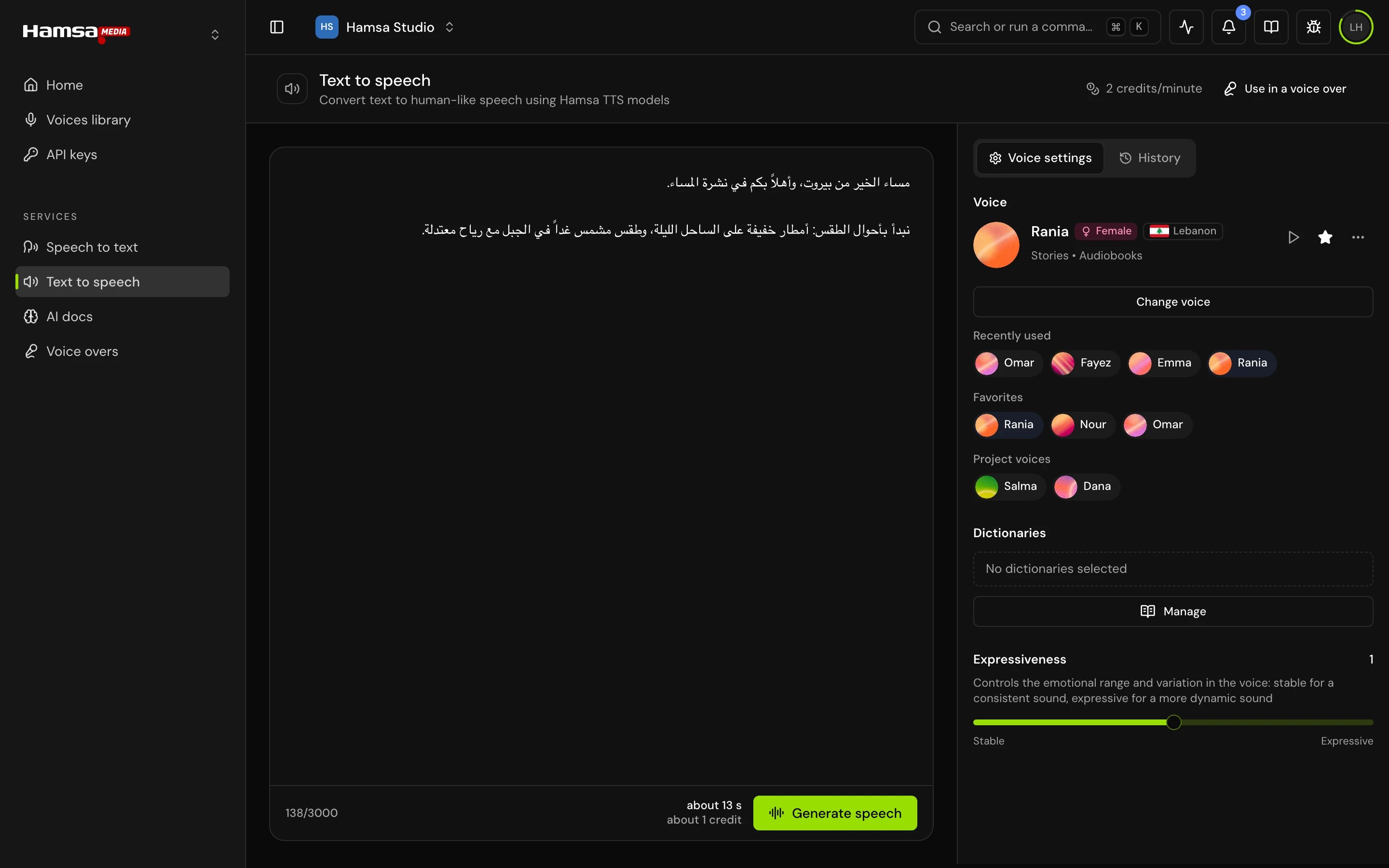
- Text to speech
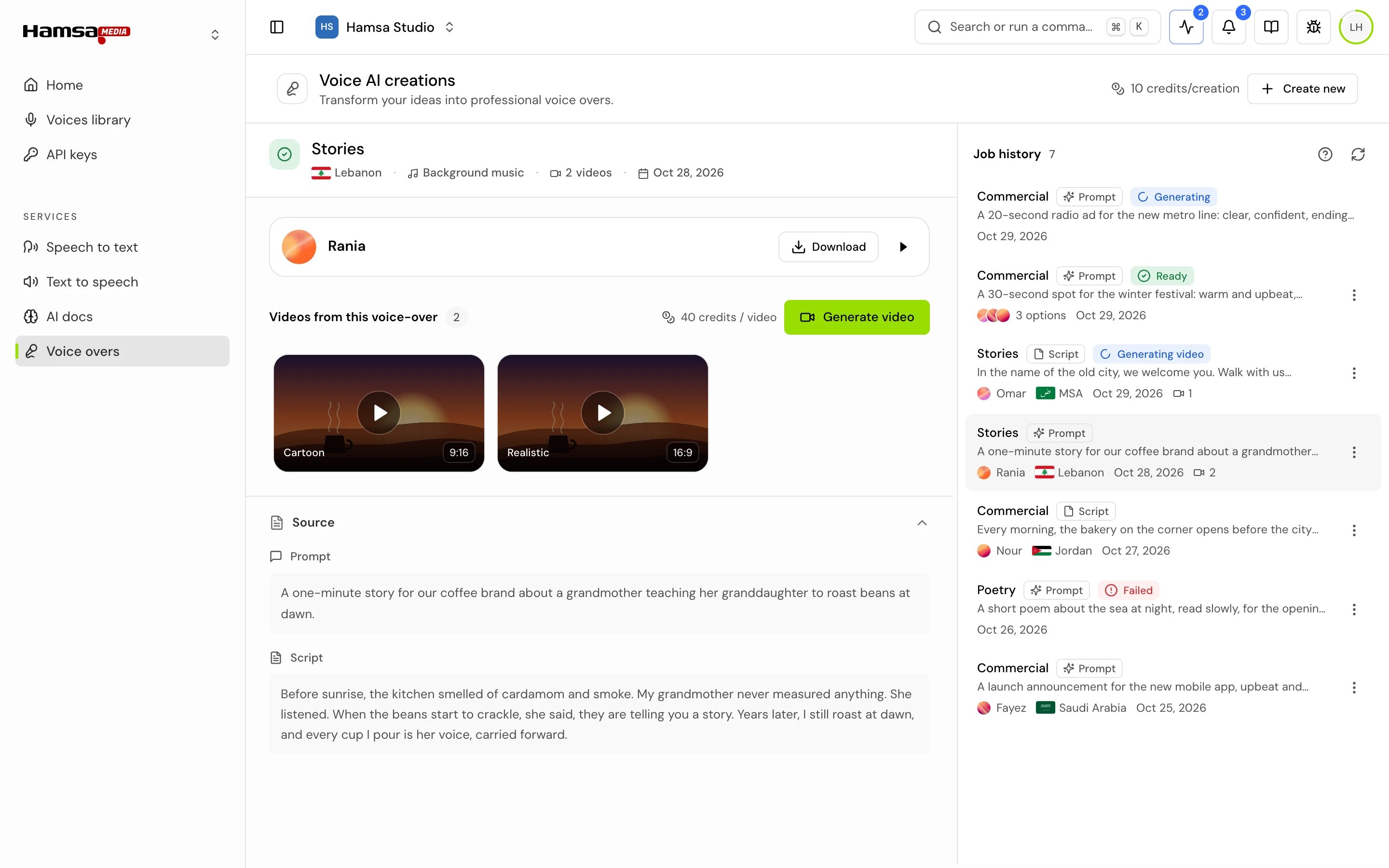
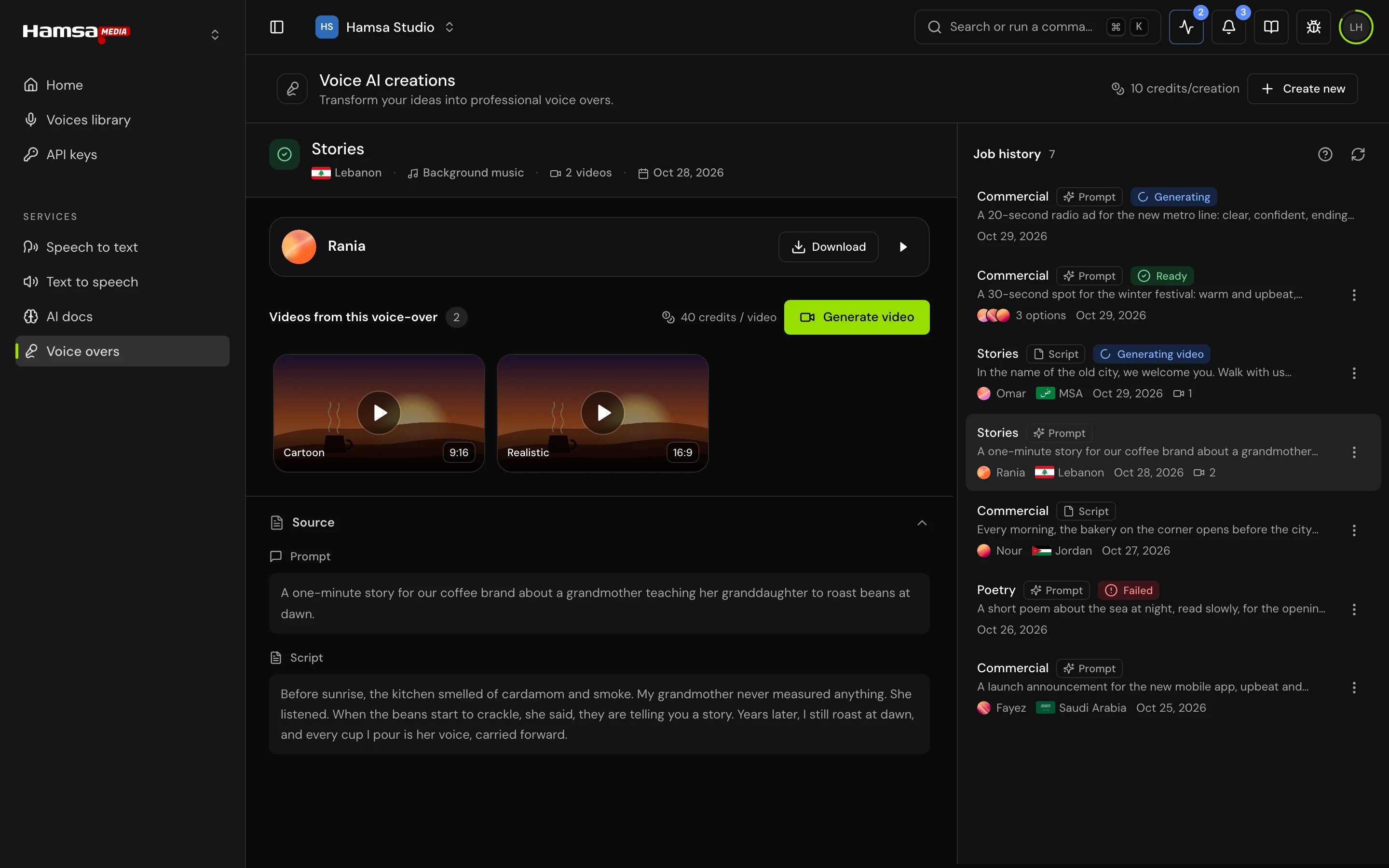
- Voice overs
- AI docs
- Voices library
- Dictionaries



How the services work together
Work in one service can move to the next without copying files:- From a transcript, Send to text to speech or Use in a voice over sends its text on. See Transcript editor.
- From an AI doc, Read it aloud sends the document to text to speech.
- From a script in text to speech, Use in a voice over starts a voice over with it.
- When a voice says a word wrong, Add pronunciation saves the fix to a dictionary from the transcript or the script.


Hamsa Media and Hamsa Agents
Hamsa Media and Hamsa Agents are two apps on one account. They share:
To switch apps, click the logo at the top of the sidebar and pick Agents Platform (“Build AI agents”) or Media Platform (“Create content with AI”). The other app opens in the same tab.


Find your way around
Get started
Quickstart
Transcribe a file, turn part of it into speech and download it.
How it fits together
Projects, jobs, credits, voices, dictionaries, languages and permissions.
Work in Hamsa Media
Home
Start something, pick up recent work, see your credits.
Navigation
The sidebar, the header, Cmd+K and keyboard shortcuts.
Activity and notifications
Follow running jobs and retry failed ones.
Lists and uploads
Tables, uploading several files and the player.
Services
Speech to text
Transcribe, edit, name speakers and export.
Text to speech
Write a script, pick a voice and generate.
Voice overs
Narration with music, and videos made from it.
AI docs
Documents written from audio, designed and exported.
Web reader
Let readers listen to your articles.
Voices
Voices library
Find, compare and favorite voices.
Add a voice
Clone a voice from a short recording.
Dictionaries
Fix how voices say specific words.
Project defaults
The voice, dictionaries and dialect a project starts with.
Reference
Limits
Every number you can run into, in one place.
Troubleshooting
Answers for when something doesn’t work as expected.