

Before you start
- You need permission to create tools. See APIs & MCPs.
- The server must be reachable from the internet at a public HTTPS URL and support the streamable HTTP transport. Addresses on localhost or a private network are refused.
- If the server needs a key, store it as a secret first.
Add an MCP server
1
Start a new tool
Open APIs & MCPs, click Add new tool and choose MCP server.
2
Name and describe it
Enter a Tool name and a Description so you and your team know what the server is for.
3
Enter the connection settings
Under Tool settings, enter the server’s URL, the Timeout, and the Authentication and Headers it needs.
4
Connect
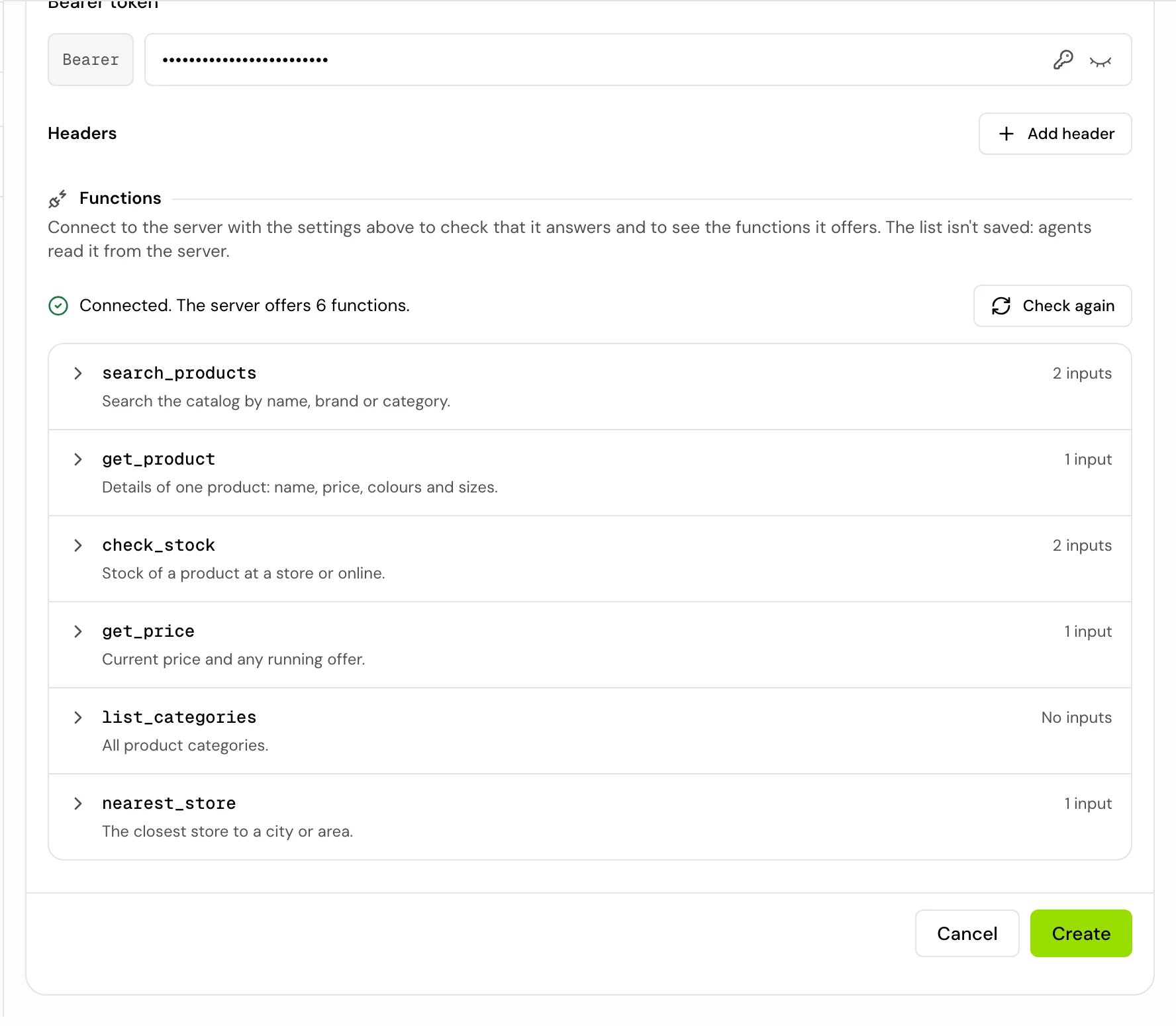
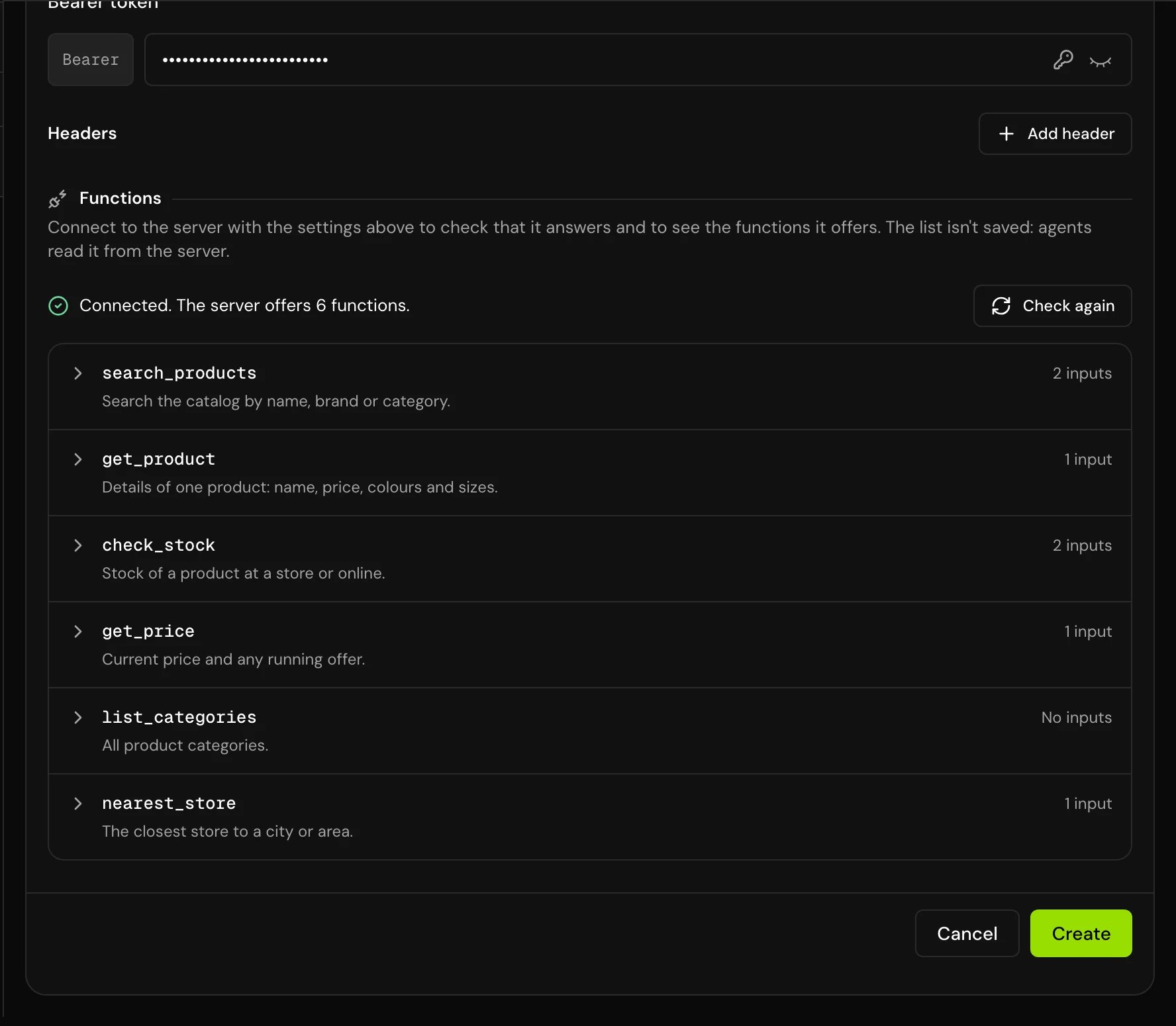
Under Functions, click Connect and list functions. When the server answers you see “Connected. The server offers N functions.” and the list of functions with their inputs.
5
Save
Click Create. You can only save after a successful check of the current settings. If you change the URL, authentication or headers after checking, the list dims (“The connection settings changed since this check. Check again before saving.”): click Check again.
Long lists of functions
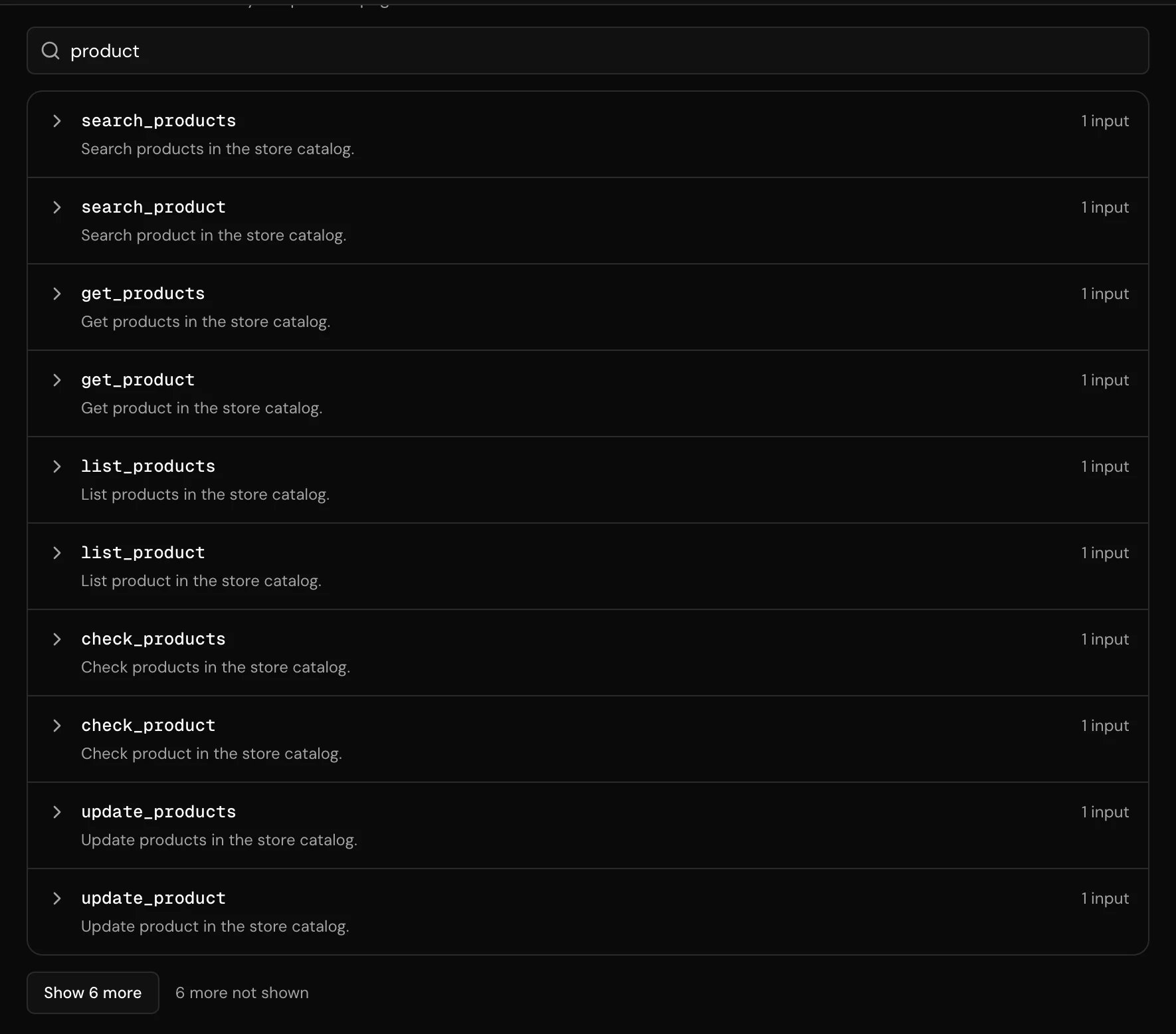
Some servers offer dozens or hundreds of functions. The form and the tool’s page show the first 10. Click Show {n} more to see up to 25 more at a time; the line beside it says how many are still hidden (“{n} more not shown”). When a server offers more than 10 functions, a Search functions box above the list searches all of them, by name and description, not only the ones on screen.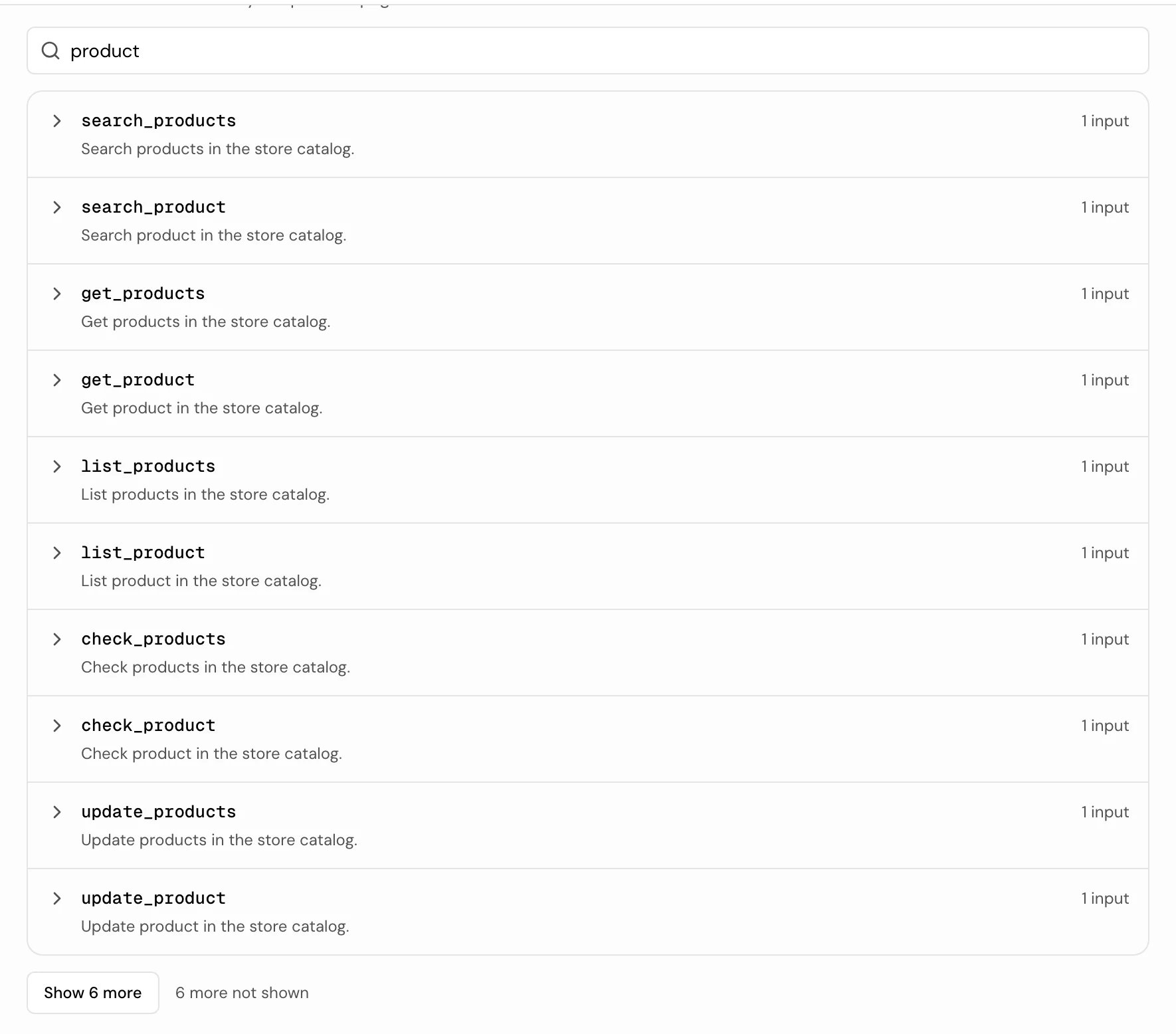
Settings
To use a secret, click the key icon next to the token or a header value and pick the secret: the field holds
{{secrets.NAME}} and the value is filled in when the agent connects.
MCP servers have no Method, On hold music, Async execution or parameters: the server describes its own functions.
Attach it to an agent
- Single prompt agent
- Flow agent
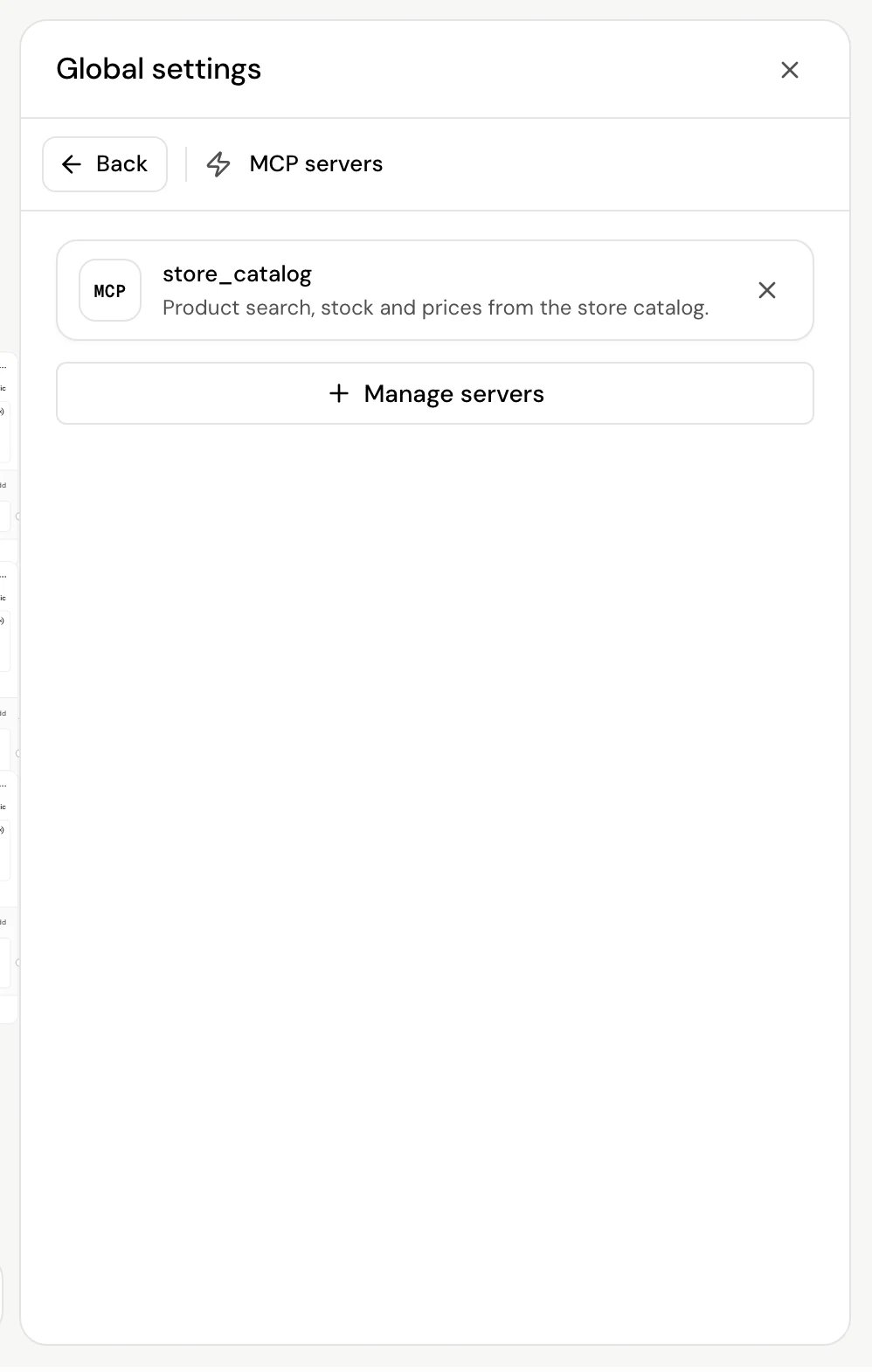
Under Tools, click Manage and select the server in Select tools (filter Type by MCP server). Click Done.Under Tool configuration you can change the server’s connection settings (authentication, timeout, headers) for this agent only.
How it works on a call
- When the call starts, the agent connects to each attached server and gets its functions. A server that can’t be reached is skipped, and the call goes on without it.
- The model sees every function the server offers, with the server’s own names and descriptions, and calls them when the conversation needs them. This works the same on single prompt and flow agents.
- If a function call fails, the agent is told the action couldn’t be completed and to carry on without mentioning technical problems.
Good to know
- Every function on the server is offered to the agent. If a server offers functions the agent shouldn’t use, connect a server (or a server URL) that offers only the ones you want.
- Function descriptions come from the server. Clear descriptions there help the agent pick the right function.
- On a flow agent, MCP functions run when the model decides to call them, not when the call reaches a step.
- You can’t delete an MCP server tool while an agent uses it.
Related
APIs & MCPs
Kinds of tools and how agents use them.
Connect an API
Call a single endpoint with exact control.
Secrets
Keep the server’s key out of the tool.
Flow settings
Global settings for a whole flow.