

Before you start
- The agent has deployments on, and prod runs a version. “Deploy a version to prod first.” See Environments and releases.
- You have a second version to test against the live one.
- You have the Experiment permission. Owners and admins have it by default; members don’t. Ending a test by sending all calls to the candidate also changes what prod runs, which needs the Deploy permission.
Start an A/B test
1
Open Releases
Click the version chip in the editor header.
2
Promote the candidate to prod
Click Promote {version} to prod on the staging lane, or pick a version from the prod lane’s menu.
3
Choose Start with a share
Under Who gets it, pick Start with a share instead of All calls. “The rest stay on” the live version.
4
Set the share
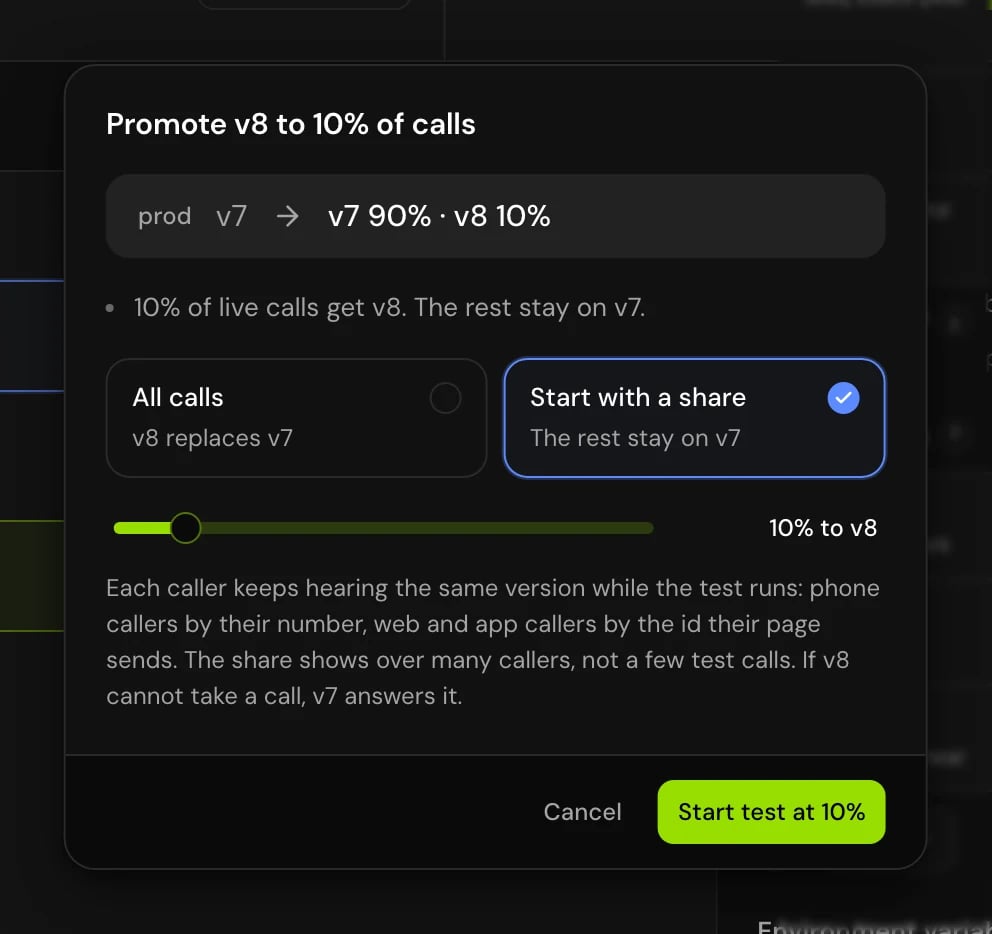
Drag Share of calls. The candidate can get 5% to 50% of calls, in steps of 5. It starts at 10%.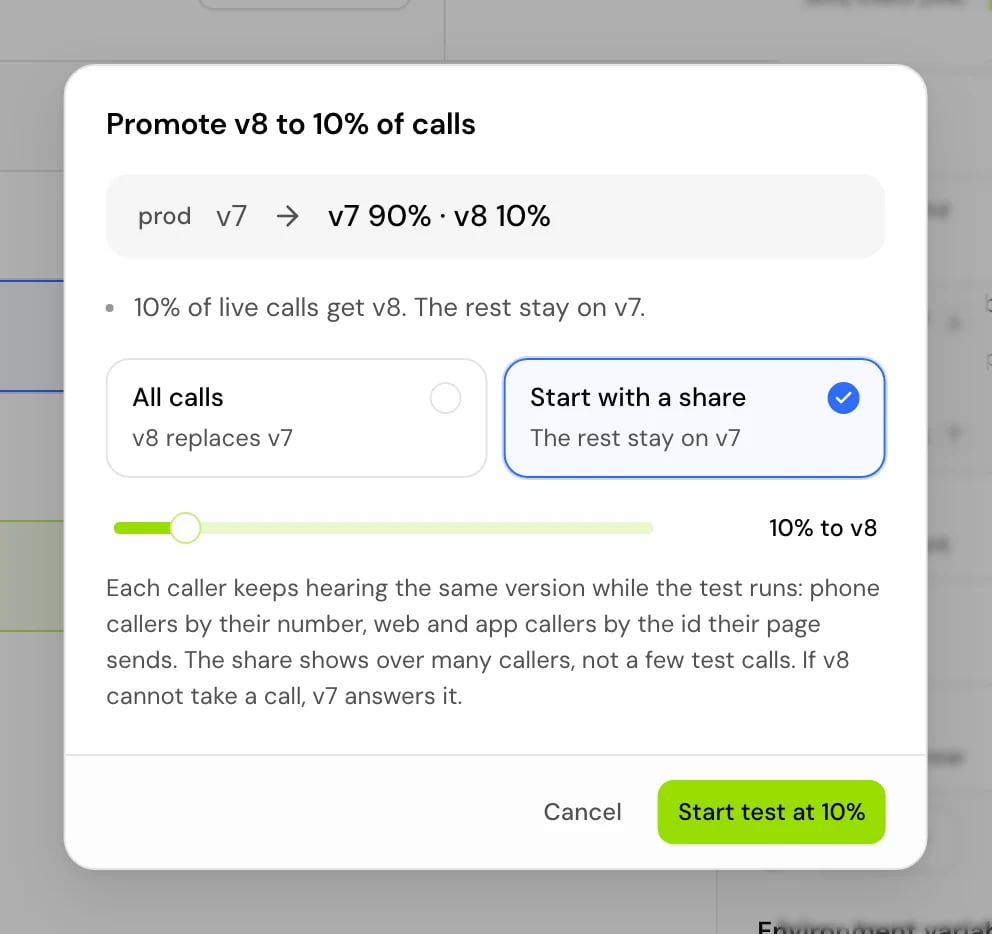
5
Start the test
Click Start test at {percent}%. “{percent}% of live calls get {version}. The rest stay on {current}.”
How callers are split
“Each caller keeps hearing the same version while the test runs: phone callers by their number, web and app callers by the id their page sends.”- Raising the share only adds callers. “Callers already on {version} stay on it; new ones join until it reaches {percent}%.”
- Lowering the share moves only the callers above the new share back. “Only the callers above {percent}% go back to {current}; the rest stay on {version}.”
- A new candidate is a new test. Starting one with another version shuffles callers again.
- A web session with no id is assigned at random each time.
- “If {version} cannot take a call, {current} answers it.”
- The share shows over many callers, not a few test calls.
Compare the two versions
The comparison appears in Releases under the release path while prod splits. It counts “Calls this test sent to each version since it started. Test calls are left out.”

Change or end the test
From the prod lane:
Deploying or promoting another version into prod also ends the test: “This ends the A/B test running there.”
Good to know
- A/B tests run on prod only: “A/B tests run on the live environment only”.
- The candidate and the live version each read prod’s environment variables.
- Test calls never count toward the comparison.
Related
Environments and releases
Promote, switch and roll back versions.
Drafts and versions
Publish the version you want to test.
Conversation log
Find and filter calls, including A/B test calls.
Analytics
Track how the agent does over time.