

Where to find it
- Single prompt agent
- Flow agent
In the editor’s Configuration panel, open LLM configuration.
Choose a model
1
Pick the provider
Choose a Provider: OpenAI, Gemini, Groq, or Custom (OpenAI Compatible) for your own endpoint.
2
Pick the model
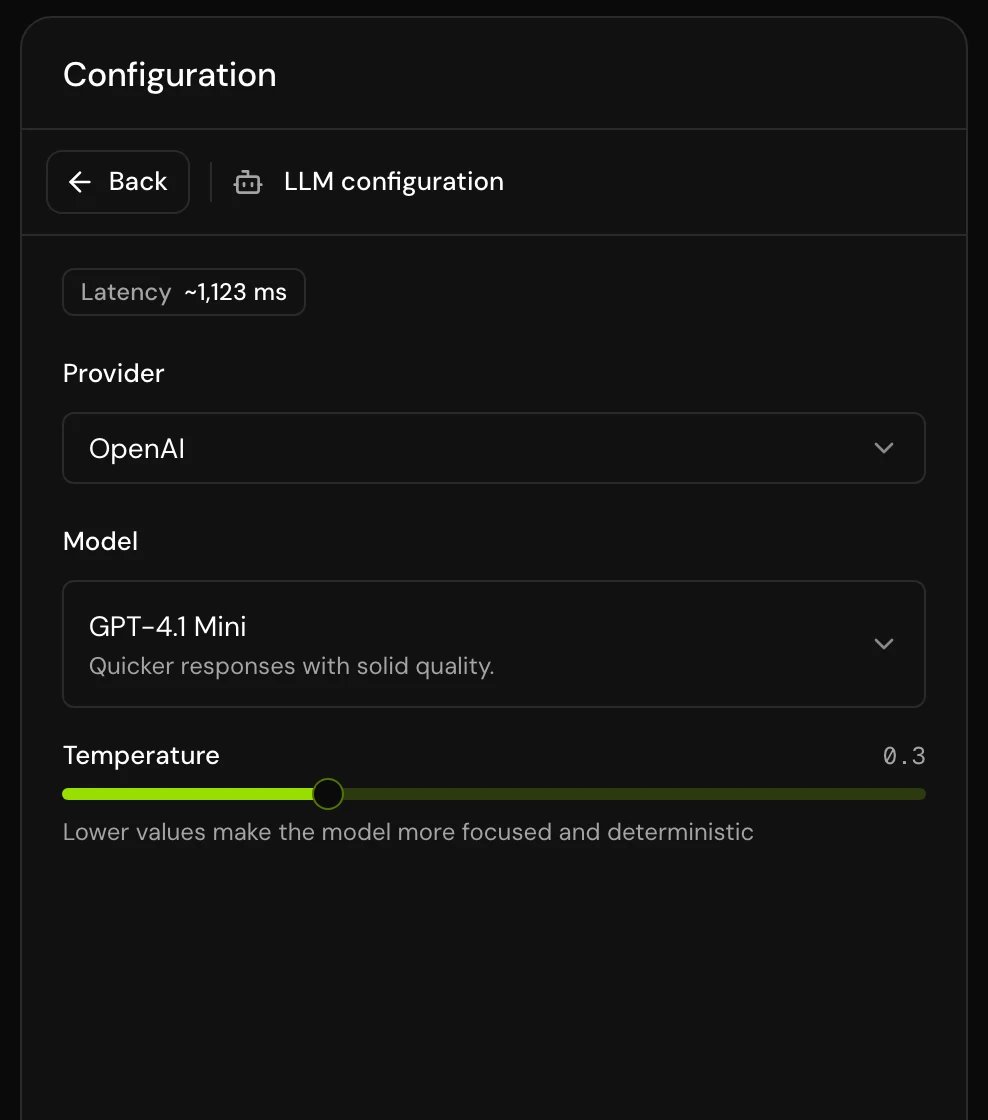
Choose a Model from the list. Each row shows how fast and how capable the model is (see below).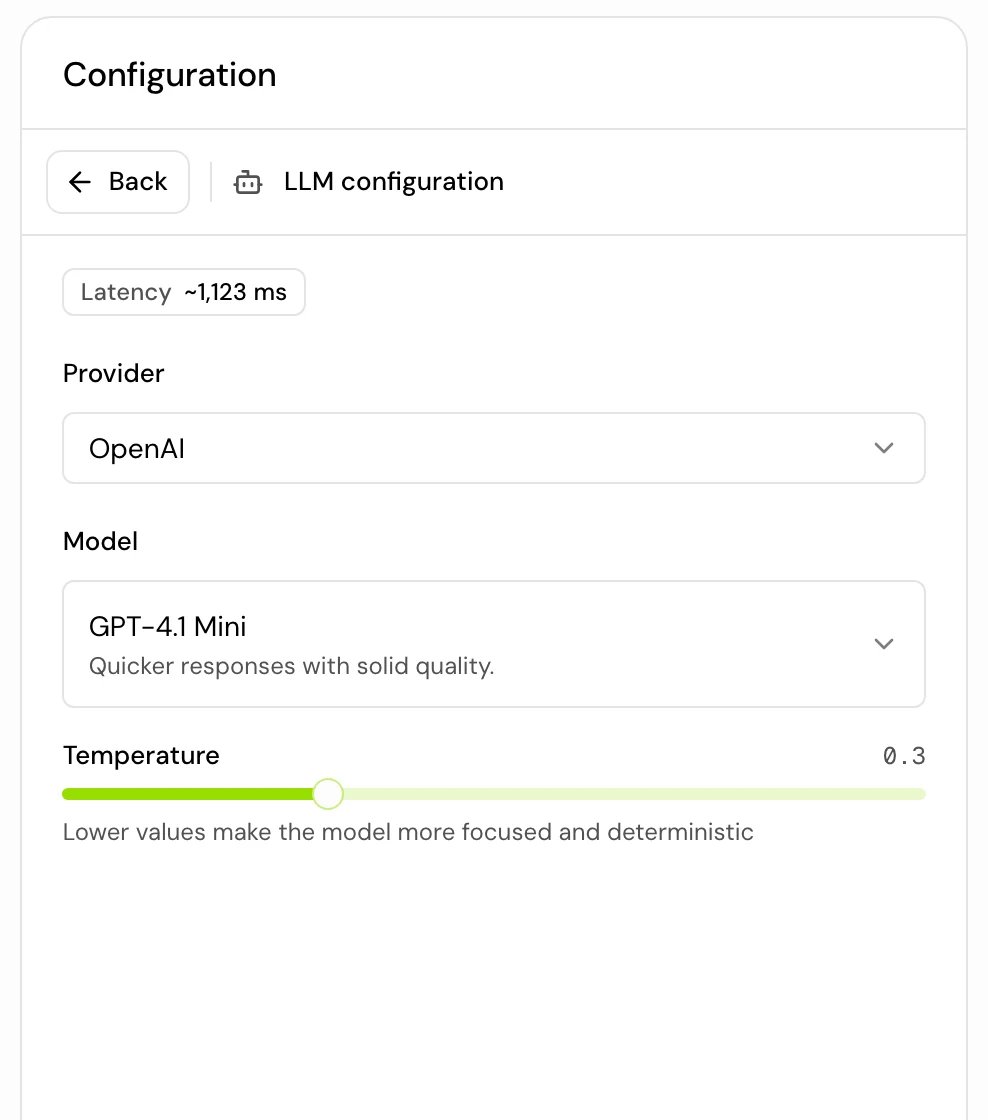
3
Add a key if the model asks for one
If the row is tagged Your key, an API key field appears under the picker. See Models that run on your own key.
4
Test the agent
Make a test call and listen for reply speed and how well the agent follows your instructions. See Test your agent.
Read the model list
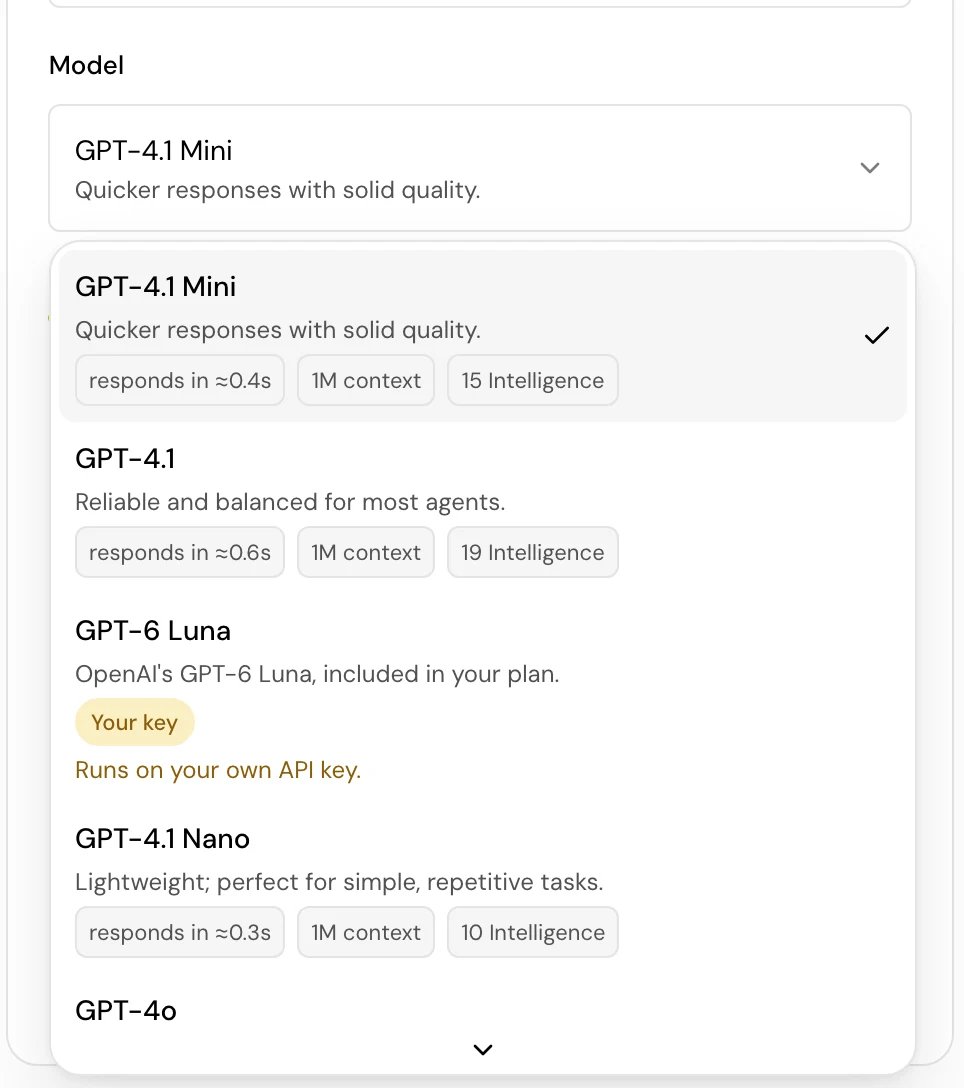
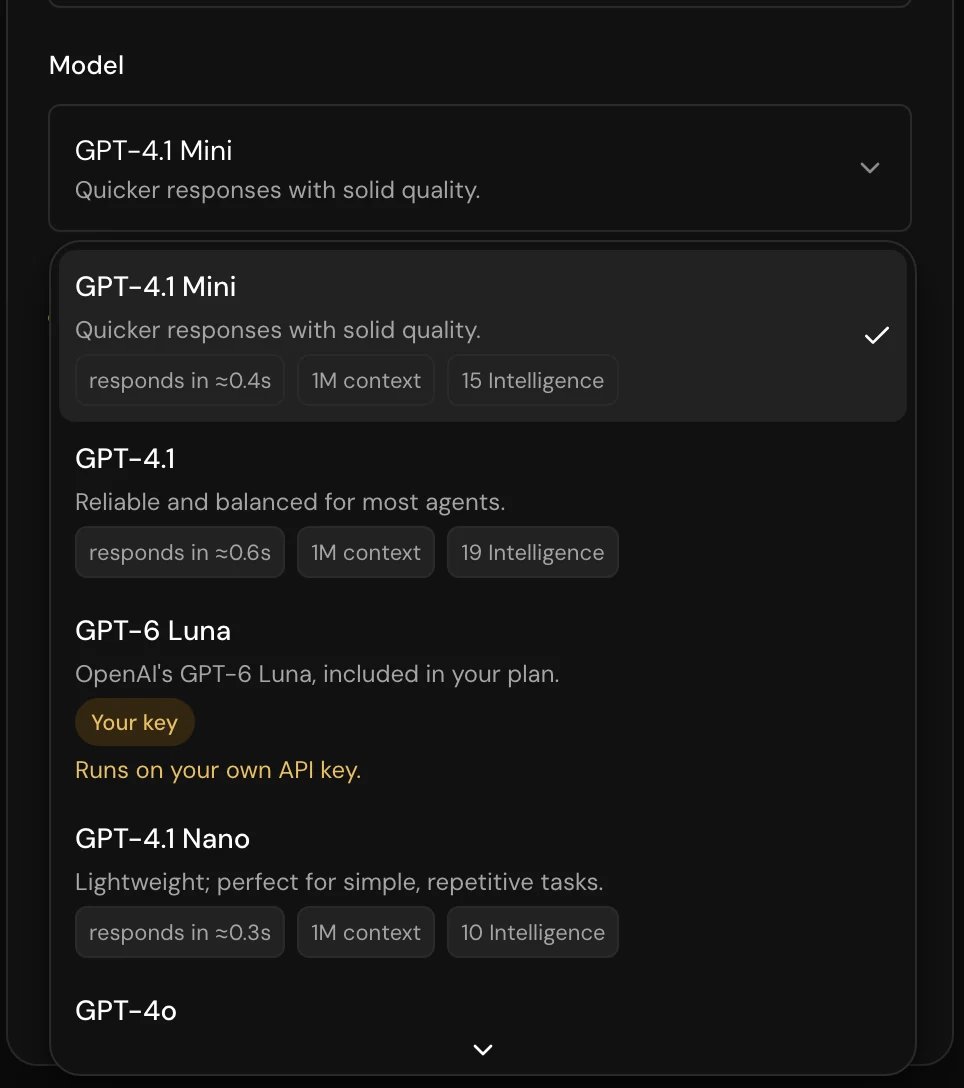
Each model row can show:
A model the list no longer offers shows as “model (not available any more)”. Pick another one.
The models on offer:
Models that run on your own key
Some models run on your own account with the provider. They are tagged Your key, and picking one shows an API key field.1
Open the key picker
Under the model, click API key. It lists your project’s secrets.
2
Pick or create the secret
Choose the secret that holds your key, or click New secret to add one. The key stays a project secret, so the raw key is never stored on the agent.
Use your own endpoint
Pick Custom (OpenAI Compatible) to use a model you host or a provider Hamsa doesn’t list. The endpoint must accept OpenAI-style chat completion requests with tool calls.
All three are required.
Temperature
- Single prompt agent
- Flow agent
Temperature goes from 0 to 1 in steps of 0.1. Lower values make the model more focused and predictable. New agents start at 0.2, and picking another provider or model sets it to 0.1.GPT-5 and later models fix it at 1.0 and lock the slider (“This model requires temperature to be set to 1.0”). On calls, GPT-5, GPT-5 Mini, GPT-5 Nano and GPT-6 Luna run without a temperature; GPT-5.4 Mini uses the value set here.
What the choice changes on a call
- Reply speed. A faster model starts speaking sooner after the caller finishes. Compare responds in values, then confirm on a test call.
- How well it follows instructions. Long prompts, many tools and strict rules need a more capable model. A short, focused agent can often use a faster, lighter one. Test both on the same calls.
- How the prompt enhancer writes. With the enhancer on Advanced, Hamsa formats its added sections for the model family (OpenAI, Gemini, others). See Write a prompt that works on calls.
- Reply length on Groq. Groq models stop each reply at 250 tokens. Keep replies short in the prompt, which suits voice anyway.
- Reasoning. OpenAI reasoning models (GPT-5 and later) run at the lowest reasoning effort they accept, to keep replies fast.
Good to know
- Changing the model changes your draft only. Callers get it when you publish.
- The model list comes from Hamsa, so it can change. When an agent uses a deprecated model, a strip under the editor header says so, with the date it moves to your own key and a Change model button. Add your key in LLM configuration before then, or switch to an included model.
- Some plans only allow a custom endpoint. On those, saving any other model fails with a message about the plan.
Related
Write a prompt that works on calls
What the model reads, and what to write.
Secrets
Store provider keys for your models.
Call behavior settings
Turn taking, silence and call length.
Test your agent
Hear the difference before you publish.