

When to use it
- To set a flag that a Router step checks later, such as
verifiedset toTrueafter a successful lookup. - To give a variable a default before a step that may or may not fill it.
- To build a value from others, such as a full name from a first and last name.
- To clear a value before the caller tries again.
Add a Set local variables step
1
Add the step
On the canvas, click Add node and choose Set local variables (“Set local variables for use in subsequent nodes”).
2
Add variables
Click Add variable for each value, and fill in its Name, Type and Value.
3
Connect Auto-advance
Connect the step’s Auto-advance transition to the next step.
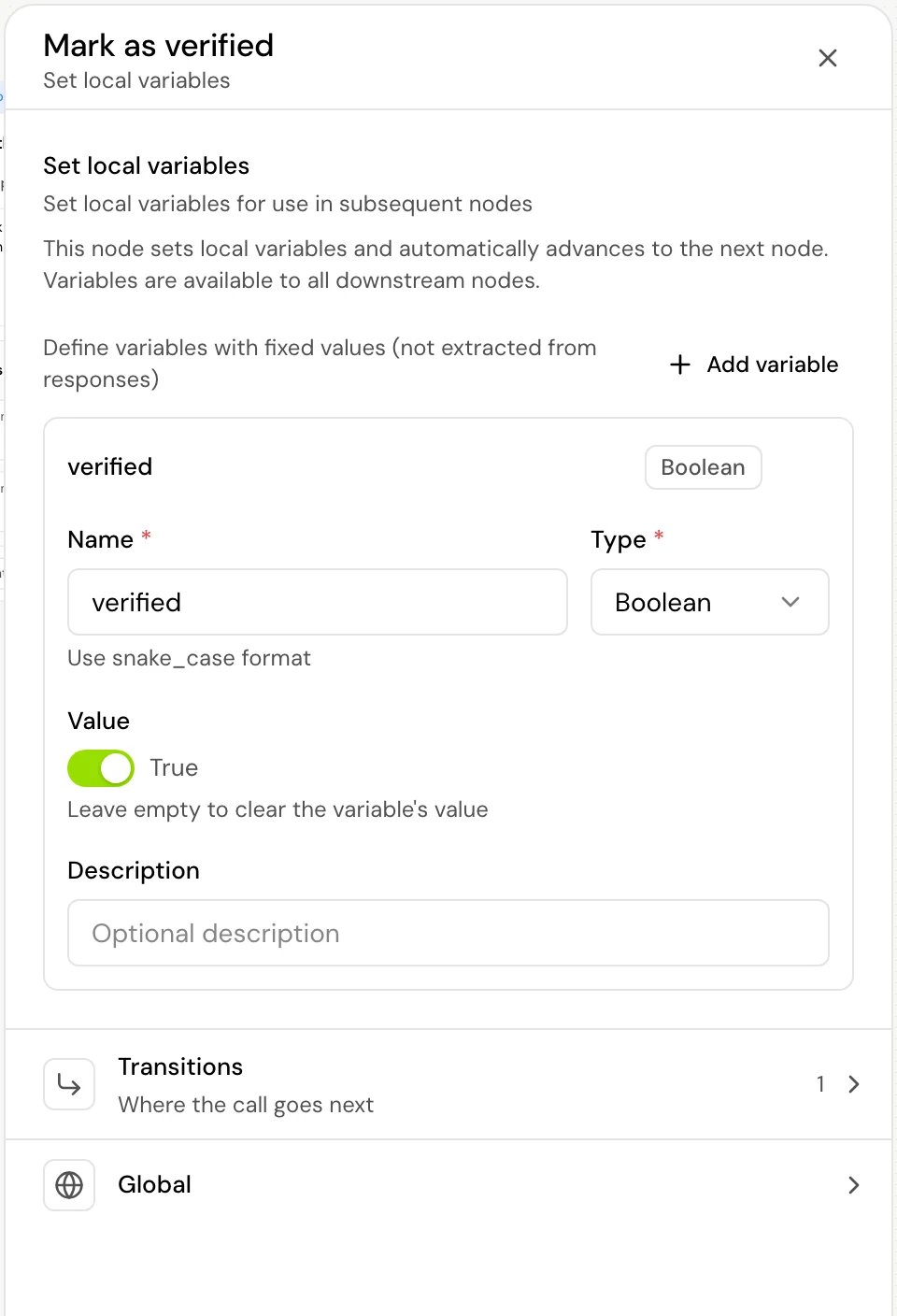
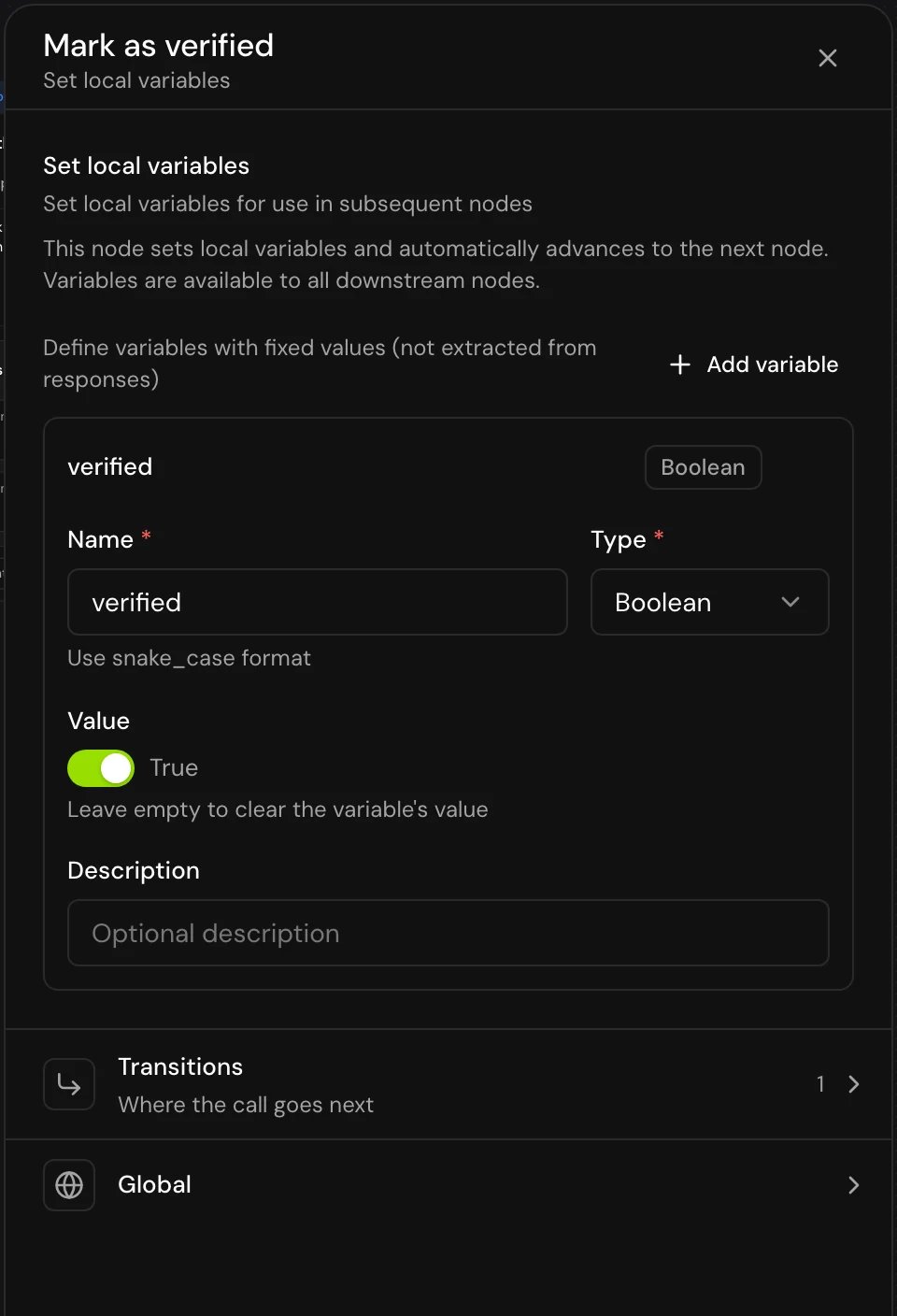
Fields
Each variable has:
Values can include other variables and Jinja, for example
{{first_name}} {{last_name}}. This works for String values. In Array (JSON) and Object (JSON) values, {{...}} isn’t filled in: the JSON is stored as written.
Keep in sync
With Keep in sync off, the value is worked out once, when the call reaches the step. Iffirst_name changes later, full_name keeps the old value.
With it on, the variable stays a formula: every time a step reads it, it’s worked out again from the current values. A step whose transitions depend on it (such as When a live variable matches) also reacts when its inputs change. The step shows “In sync” on the variable.
- If the value has no
{{...}}, there’s nothing to keep in sync, and the panel says so. - If the variable reads itself, directly or through other variables, the panel warns that “the call sets it once instead”, and it’s set once.
- If a later step sets the same variable, the new value replaces the formula.
Transitions
Auto-advance is created with the step and can’t be removed.
You can also add Skip if to this step: when its conditions already hold as the call arrives, the call goes straight to its target and the step doesn’t run. See Skip if.
How it works on a call
- Each variable is set in the order listed. A variable with no value at all is skipped; an empty value clears the variable.
- The call moves on through Auto-advance right away. Nothing is spoken.
True or False, and a number reads as written, so compare them that way in a Router step.
Good to know
- Local variables are available to every later step on the call, not only to the next one.
- The step has a Global section, without Confirm before proceeding.
Related
Static and local variables
More on local values and where they can be used.
Jinja syntax
Build values from other variables.
Router step
Branch on the values you set.
Variables
Every kind of variable in a flow.