

Every step type
Every flow has exactly one Start step. It isn’t in the Add node list, and you can’t delete or copy it.
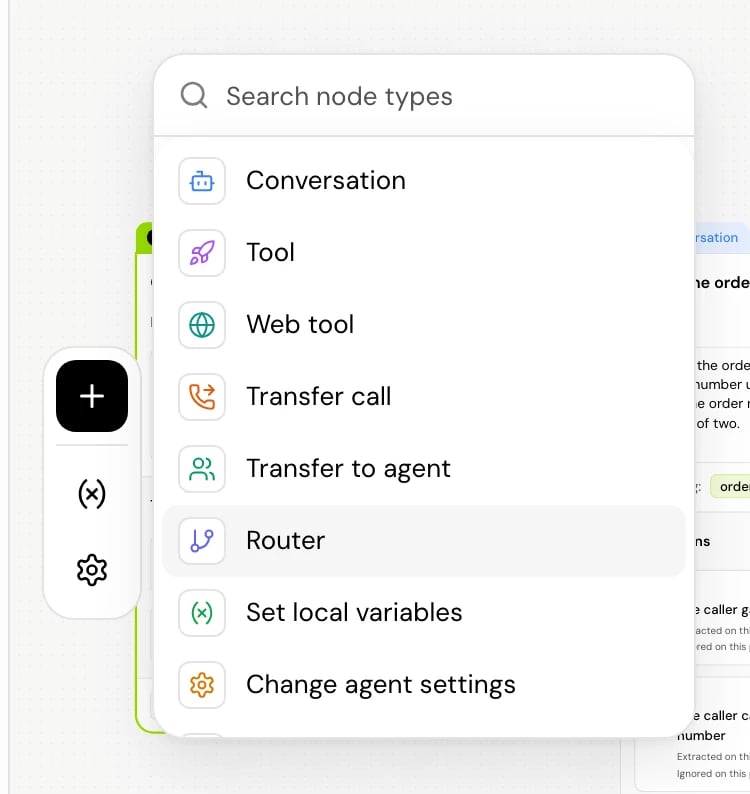
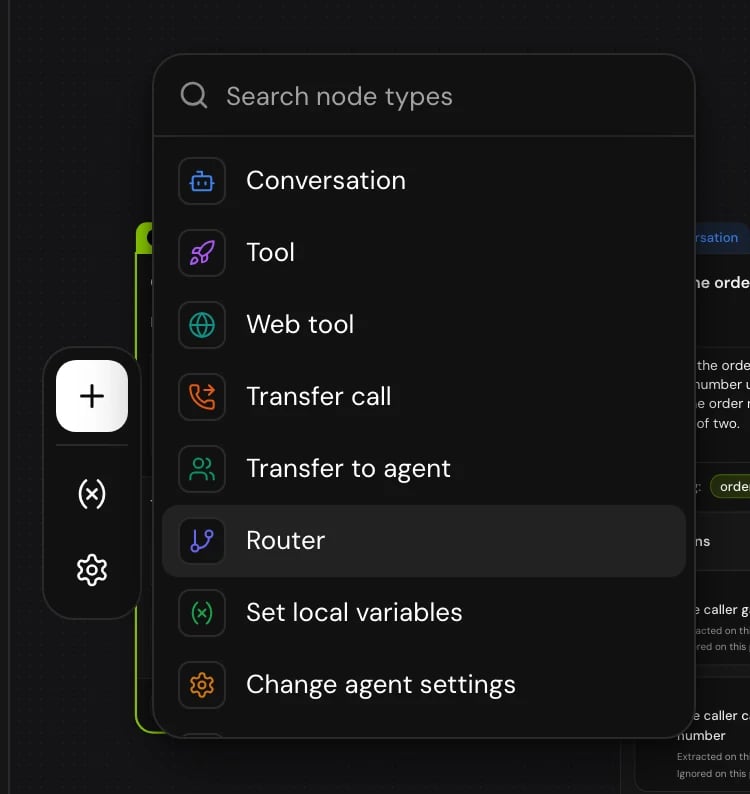
The Add node list shows the types in this order, with these descriptions when you hover:
Two types have a shorter name in the panel title: Transfer to agent shows as Transfer agent, and Change agent settings shows as Change settings. Once you give a step a label, the label becomes the panel title and the type moves underneath it.
Choose a step type
- To say something and listen for an answer, use Conversation.
- To look something up or save something in your systems, use Tool.
- To read or change something on the web page the caller is using, use Web tool.
- To branch on a value you already have (an amount, a status, a yes or no), use Router. It checks the values directly, without asking the model.
- To store a value, a flag or a counter for later steps, use Set local variables.
- To switch the voice, the system prompt or call timing from a point on, use Change agent settings.
- To hand the caller to a person, use Transfer call. To hand them to another agent, use Transfer to agent.
- To finish, use End call.
What every step has
Each step’s panel starts with the step’s main fields, then has sections you open one at a time.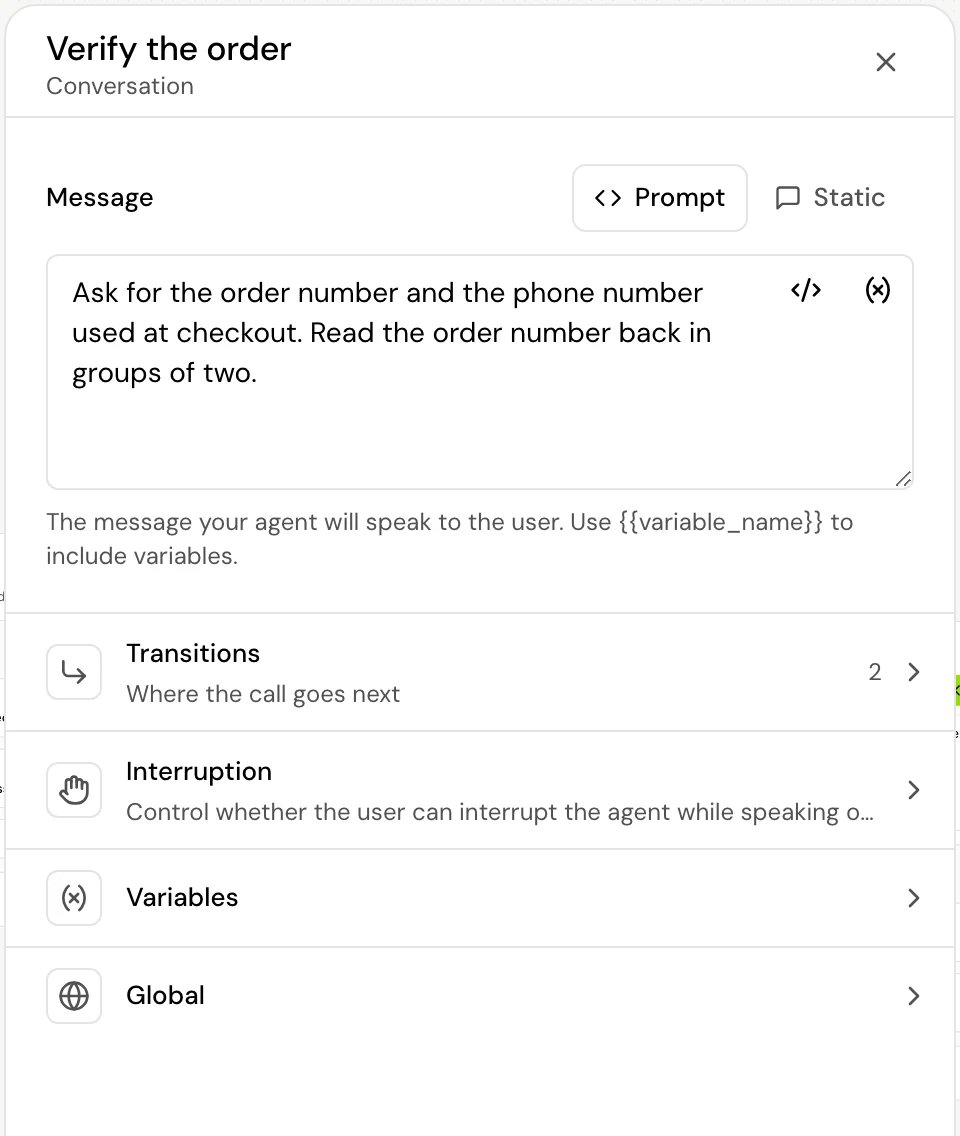
Confirm before proceeding
In the Global section of a Conversation, Tool, Web tool, Router, Transfer call, Transfer to agent or End call step, Confirm before proceeding (“Require confirmation before advancing to this node”) makes the agent check with the caller before the step runs. On a call, the agent repeats back what the caller asked for and waits for a clear yes or no. On yes, the step runs. On no, the call goes back to the last Conversation step. The agent asks again every time the call reaches the step.How it works on a call
- Steps run in a chain. When a step finishes, the next one starts right away. The chain stops at a step that waits for the caller, or when the call ends.
- Local variables come first. When the call reaches any step, that step’s local variables are set before it does anything else.
- Only Conversation and Start can be interrupted. Their Interruption setting decides whether the caller can talk over the agent. Every other step’s speech (processing messages, transfer messages, the final message) plays to the end.
- The caller can keep talking while the flow works. While the call passes through steps that don’t speak, such as a Tool or a Router, the agent doesn’t answer. It keeps what the caller says, and the next step that speaks answers it in the same reply. Transfer and End call steps keep those words in the transcript but don’t answer them.
Related
Flow agents
When a flow fits better than a single prompt, and how a call moves through steps.
Transitions
Every transition type and how the next step is chosen.
Work in the flow builder
Add, connect and find steps on the canvas.
Variables
The kinds of variables steps can capture, set and read.