

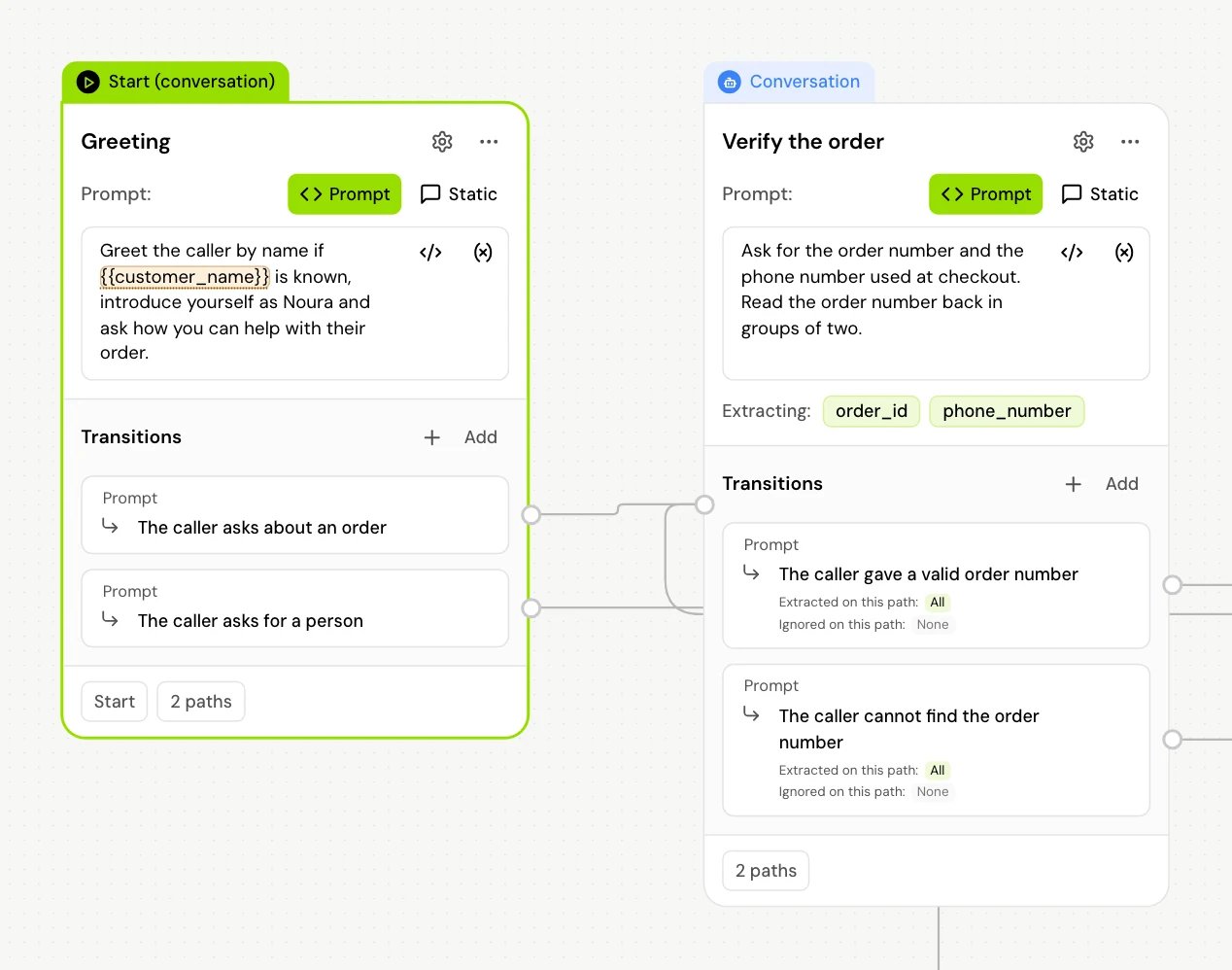
Choose a mode
The first field in the panel is Start node type (“Choose whether this start node should behave as a conversation or tool node”).
The panel title follows the mode: Start (conversation) or Start (tool).
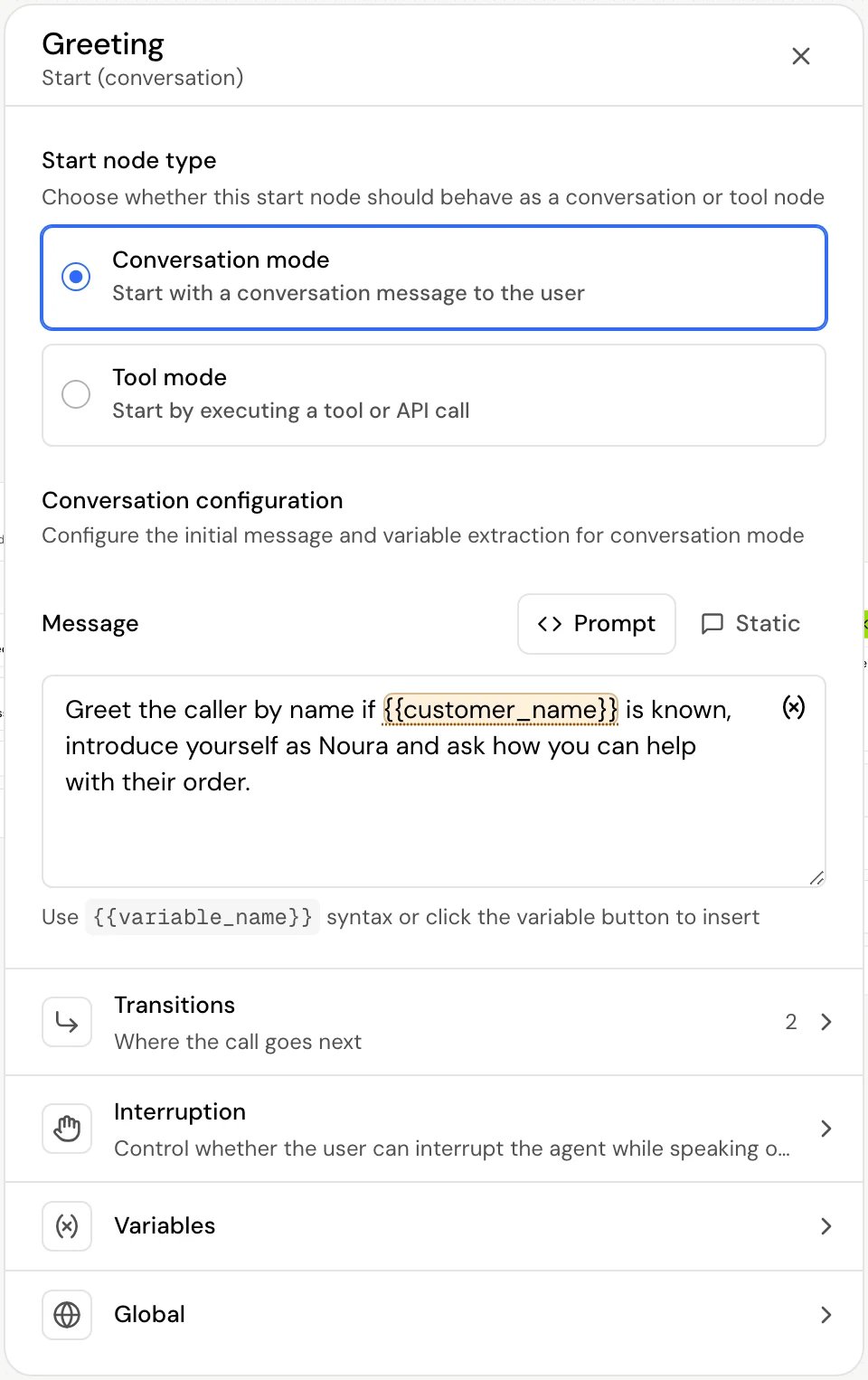
Conversation mode
Fields
When Interruption is Disable, the toggle greys out with a note that it has no effect.
A new flow doesn’t set Interrupt the opening message, and on a call an unset toggle lets the caller interrupt. To make sure the opening can’t be interrupted, set Interruption to Disable.
Transitions
A Start step in Conversation mode starts with no transitions. You can add:
Skip if and Auto aren’t offered on the Start step. See Transitions for each type.
Variables
In the Variables section you can add a Live variable, a Variable on node exit, a Local variable or DTMF capture (“Capture a sequence of DTMF digits and store it in a variable. Use * or # on transitions as termination keys.”). The agent’s own live variables from Global settings are listed there too, each with a switch to turn it off for this step. See Live variables, Extract values from the conversation and Keypad input.Tool mode
Fields
Tool configuration works as on a Tool step. Tool mode offers API tools only.
The panel shows Manual configuration required: at the start of a call there’s no conversation yet, so the agent can’t fill tool parameters from what the caller said. Each parameter shows a Value field (“Manual value required” on required ones): type a fixed value, or insert a variable with
{{variable_name}}, for example a value you pass when the call starts (see Pass values when a call starts) or a system variable such as the caller’s number (see System variables).
Transitions
Tool mode creates two fixed transitions, and you can’t add others:Variables
Add a Tool response variable to save a value from the response, or a Local variable. See Tool step.How it works on a call
- The Start step runs as soon as the call connects.
- Conversation mode: the agent speaks the opening message (or writes one from your prompt), then waits for the caller. The step stays active, and the agent keeps talking with the caller, until one of its transitions fires.
- Tool mode: the step runs exactly like a Tool step, then follows On Success or On Failure. There is no Put on hold option on the Start step.
Good to know
- The Start step has a Global section like other steps, but no Confirm before proceeding.
- A Start step in Conversation mode has no Auto transition, so it can’t move on right after the greeting. To do work before the greeting, use Tool mode; to move on after the caller’s first answer, add After user replies.
Related
Conversation step
The same message and interruption settings, for every step after the start.
Tool step
How API calls, processing messages and response variables work.
Transitions
Every transition type and when it fires.
Write a prompt that works on calls
How to write instructions the agent follows on a call.