

When to use it
- To ask a question and wait for the answer, for example “What’s your order number?”
- To give information and let the caller react.
- To collect values from what the caller says, as variables.
- To say something and move straight on, with an Auto transition.
Add a Conversation step
1
Add the step
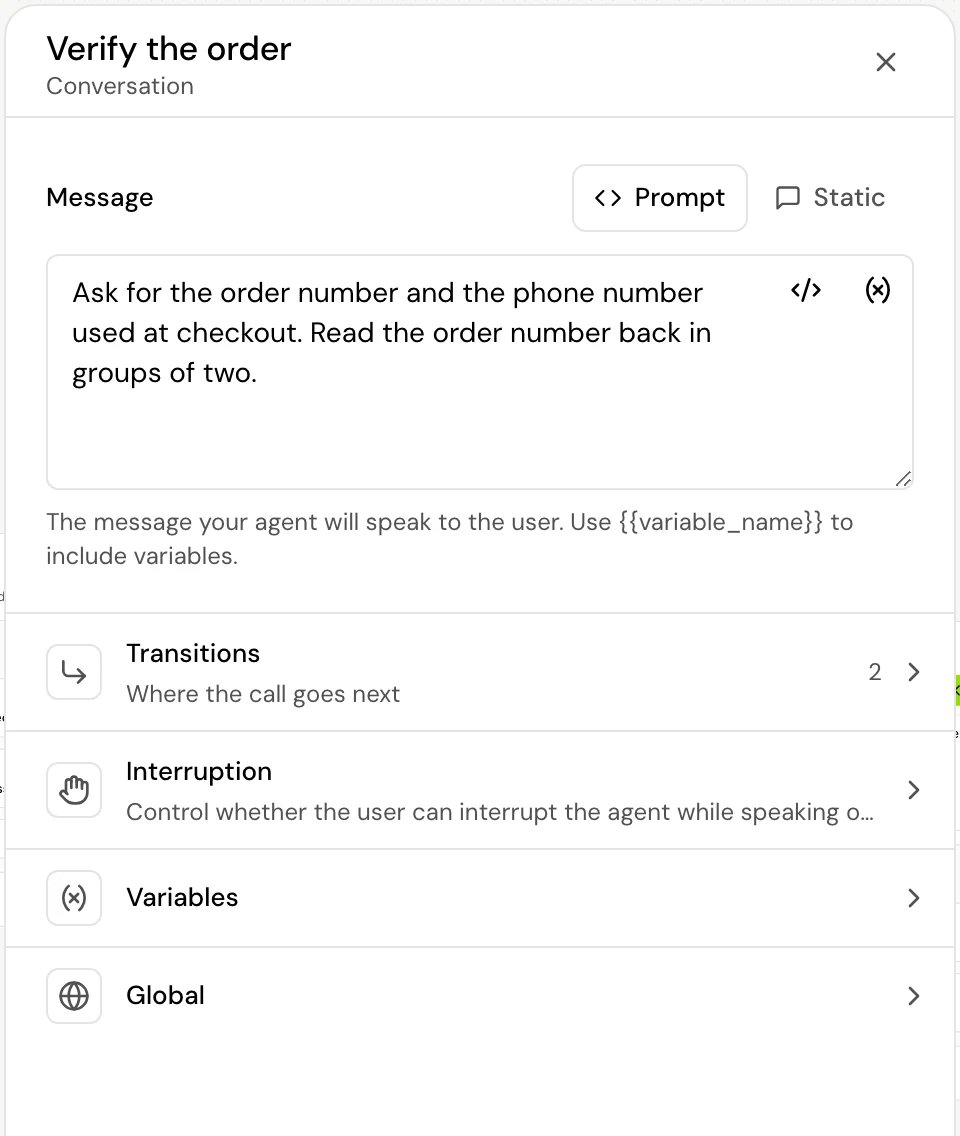
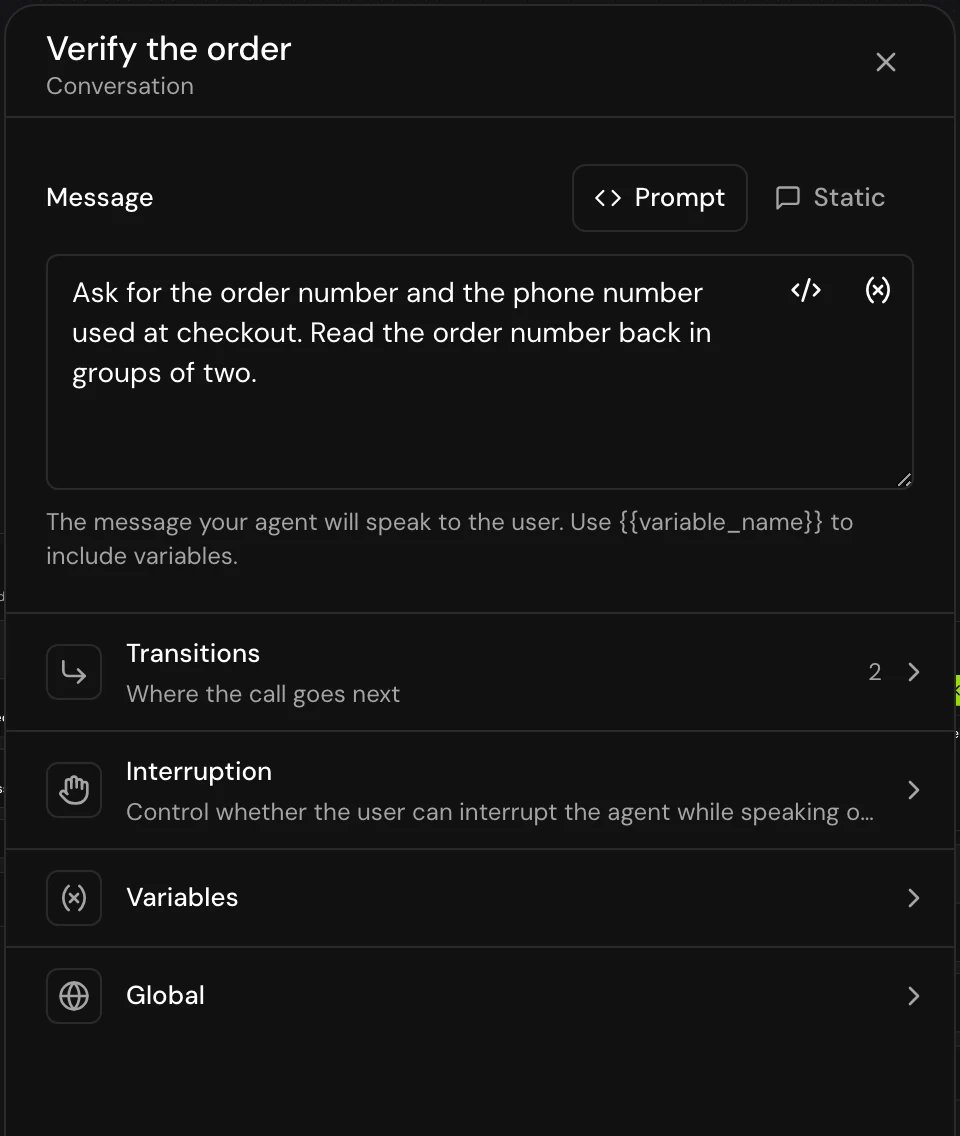
On the canvas, click Add node and choose Conversation (“Interactive dialog with the user”). The step’s panel opens.
2
Write the message
Choose Static or Prompt and write the Message.
3
Add transitions
Open Transitions and add at least one, so the call can move on. Connect each one to the next step on the canvas.
4
Add variables (optional)
Open Variables to capture values from the conversation or set local values.
Fields
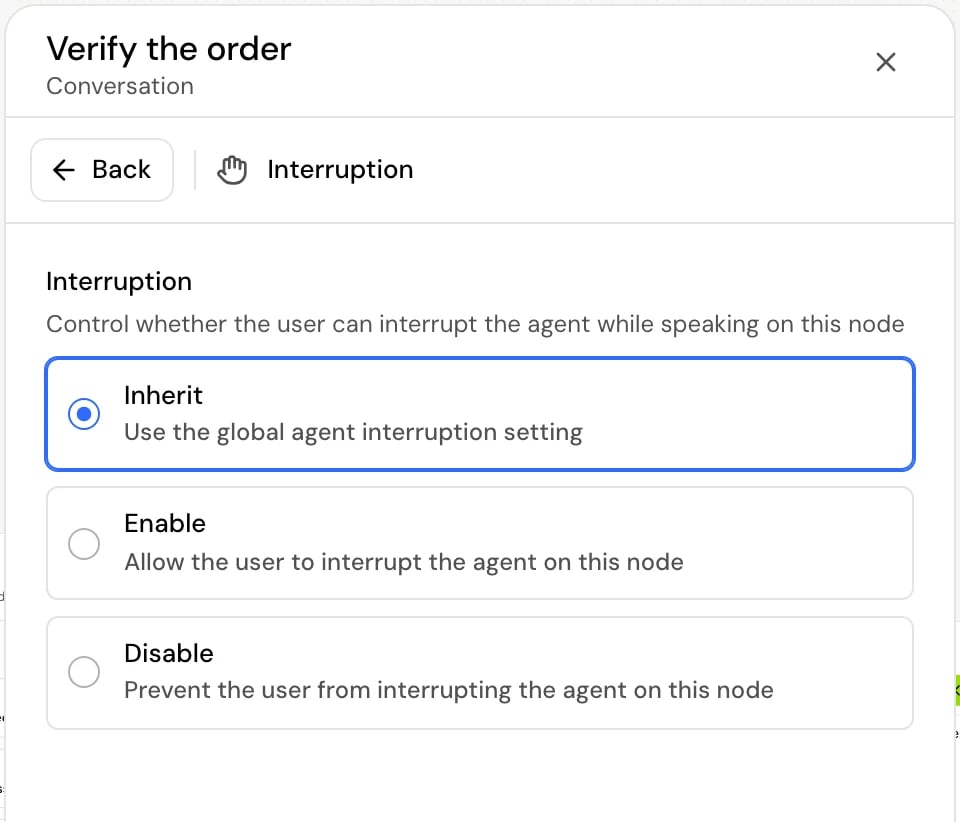
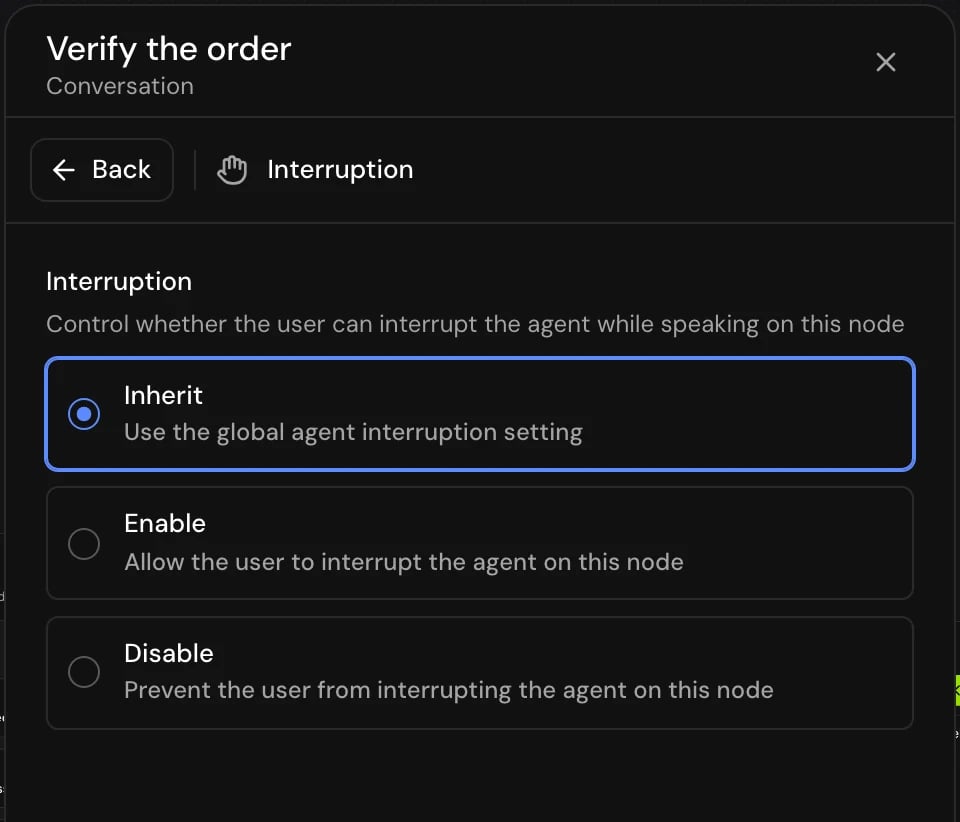
Interruption options:
{{variable_name}}.
Transitions
A new Conversation step has no transitions. You can add these:
Auto and After user replies can’t be on the same step; adding one asks to replace the other. See Transitions for conditions, the “offer it only when” rules, and how the agent picks between several transitions.
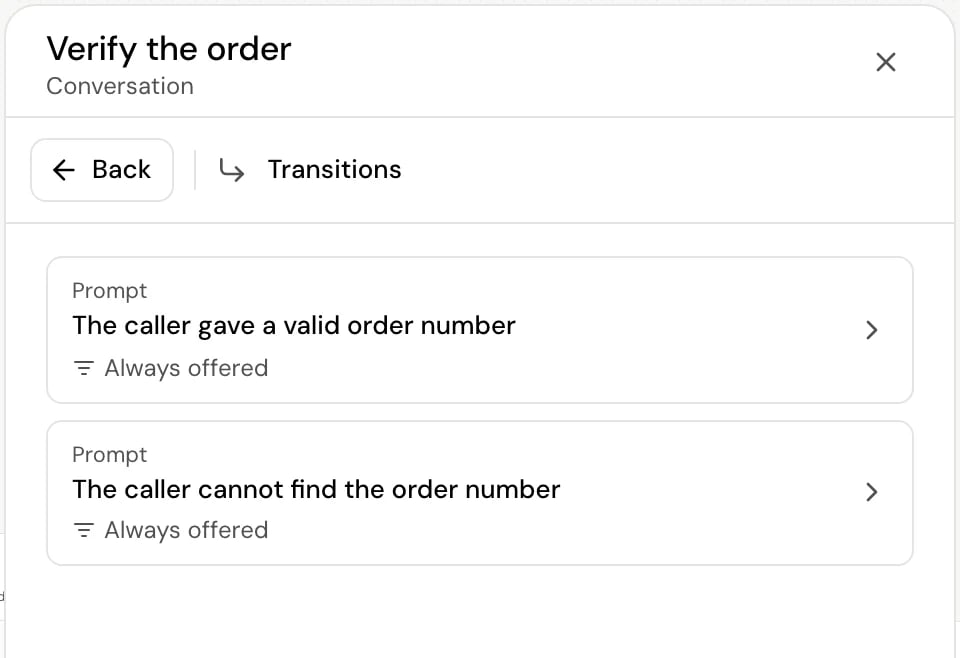
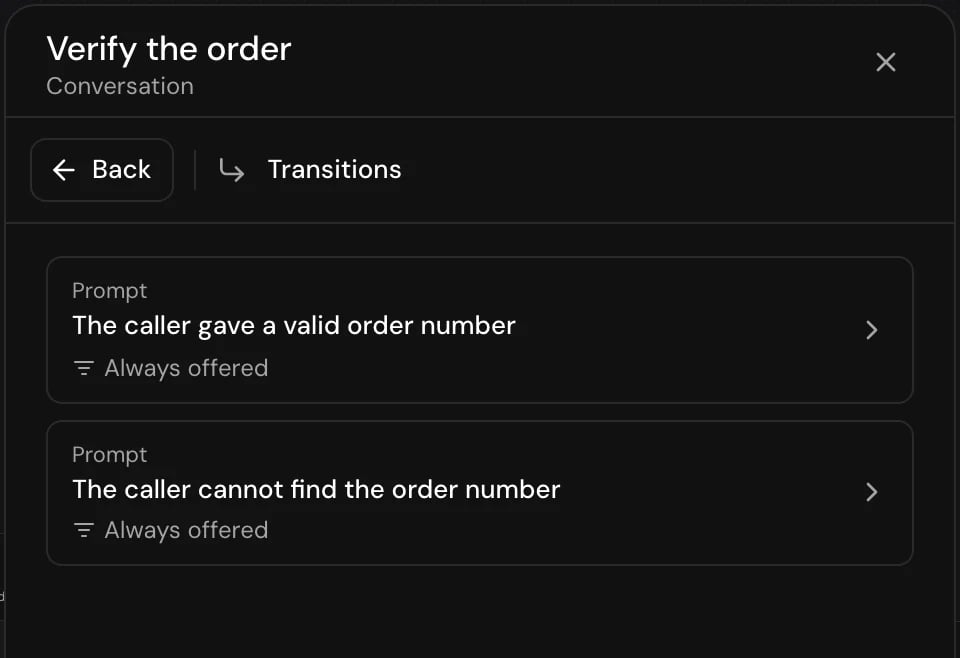
Variables
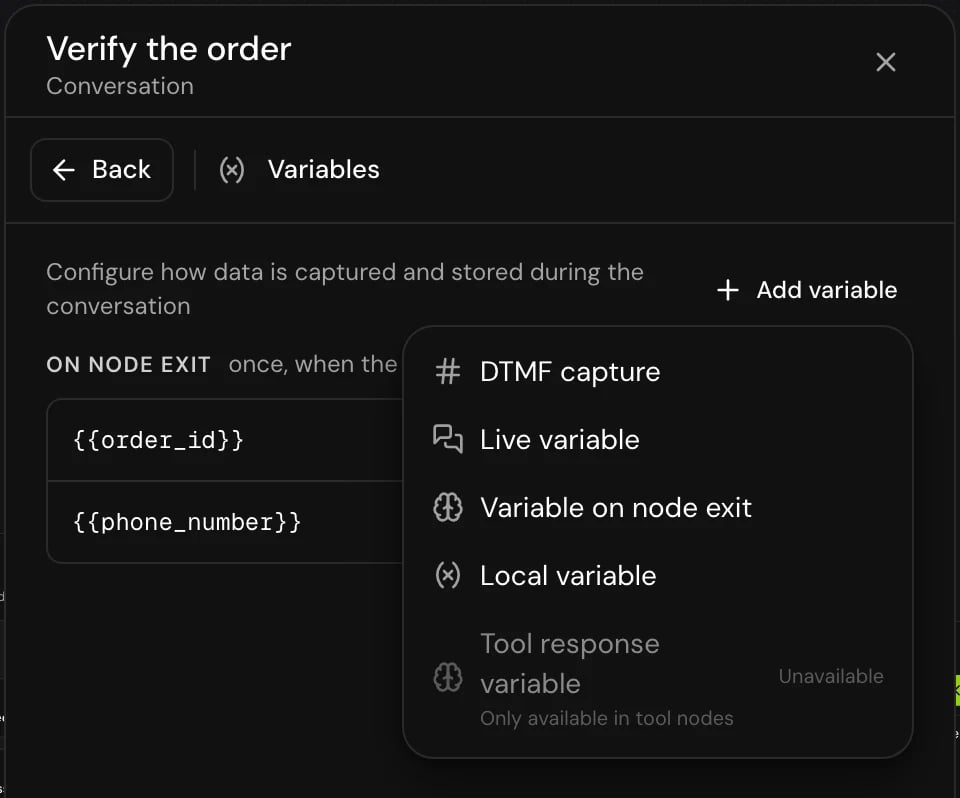
In Variables, click Add variable and choose: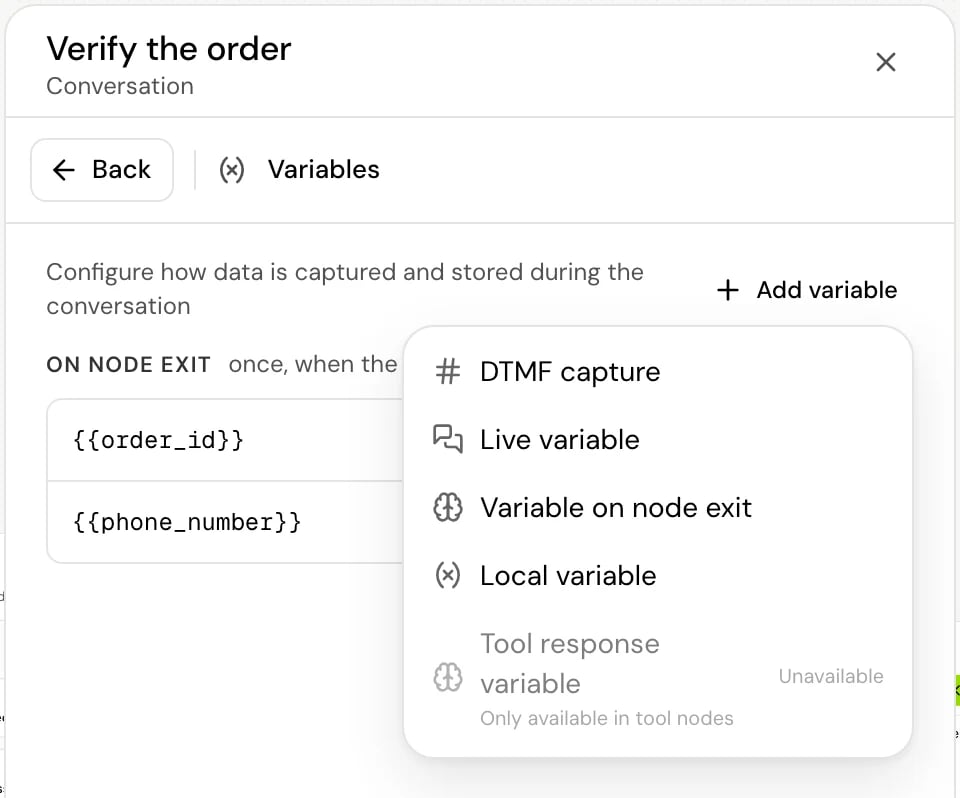
How it works on a call
1
The interruption setting is applied
The step’s Interruption setting takes effect for as long as the call stays on this step.
2
Skip if and live variable rules are checked
If a Skip if matches, the call goes straight to its target. If a When a live variable matches rule already holds, the call moves on without speaking.
3
Local variables are set
Any Local variable on the step gets its value.
4
The agent speaks
A Static message is spoken as written. A Prompt message becomes instructions for the agent’s reply. If the caller said something while earlier steps were working, the same reply answers it.
5
The step waits or moves on
The step waits for the caller if it has a Prompt, DTMF input, After user replies or When a live variable matches transition, or if the flow has any global step. With only Auto, it moves on as soon as the message ends.
Good to know
- A Conversation step with no transitions, in a flow without global steps, speaks its message and then has nowhere to go. Give every Conversation step a way out.
- Keypad digits captured with DTMF capture are saved only when the caller presses a key that has a DTMF input transition (
#or*). See Keypad input. - Confirm before proceeding, in the Global section, makes the agent check with the caller before the call enters this step. See Step types.
Related
Transitions
Every transition type and how the agent picks the next step.
Extract values from the conversation
Live variables and variables on node exit.
Write a prompt that works on calls
Write step instructions the agent follows on a call.
Router step
Branch on the values you collected.