

When to use it
- At the end of every path that completes the caller’s request.
- After an On Failure path when there’s nothing more the agent can do.
- As a global step, so the caller can end the call from anywhere by saying goodbye.
Add an End call step
1
Add the step
On the canvas, click Add node and choose End call (“End the conversation”).
2
Write the final message (optional)
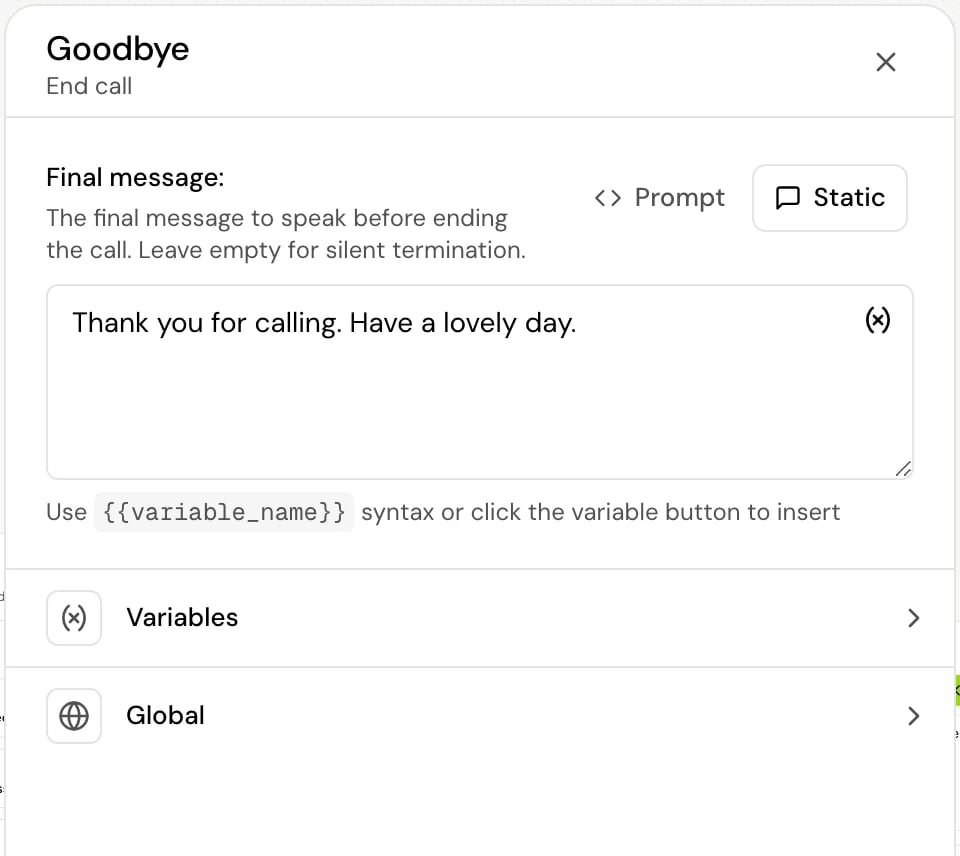
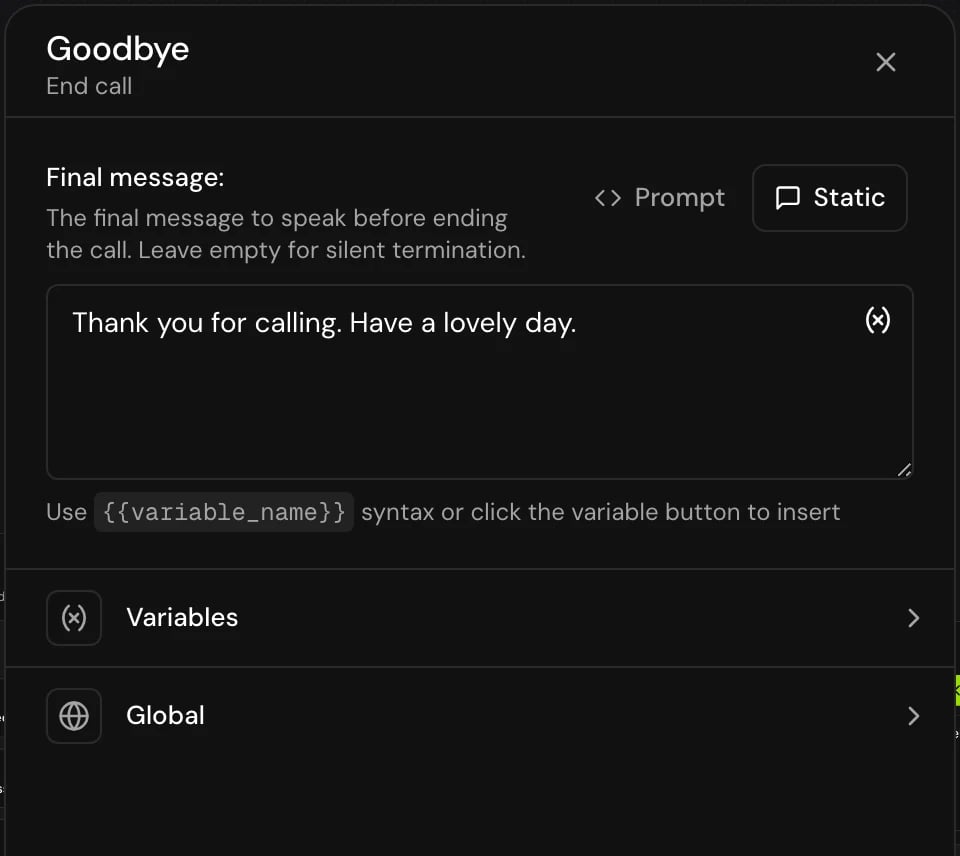
Choose Static or Prompt and write the Final message:, or leave it empty to hang up without a word.
3
Connect the steps that lead here
Connect the transitions of earlier steps to this step.
Fields
The step also has Variables (a Local variable to set a final value) and Global, which includes Confirm before proceeding. It has no Transitions section; its card shows that it ends the flow.
How it works on a call
- Any hold music from an earlier step stops.
- The step’s local variables are set.
- The agent speaks the final message. The caller can’t interrupt it, and the agent waits until it has finished playing.
- The agent hangs up about half a second later.
Good to know
- Use Confirm before proceeding on an End call step that the caller reaches by asking, so a misheard “that’s all” doesn’t end the call.
- A Prompt goodbye can use what was said in the call, such as the caller’s name or what was booked. A Static one can use variables: “Thanks,
{{customer_name}}. Goodbye!” - To end calls without an End call step, for example when the caller says goodbye, see Smart call end in Call behavior settings.
Related
Global steps
Let the caller end the call from any point.
Call behavior settings
Smart call end, maximum call length and inactivity timeout.
Transitions
Route calls to the End call step.
Step types
Every step type at a glance.