Documentation Index
Fetch the complete documentation index at: https://docs.tryhamsa.com/llms.txt
Use this file to discover all available pages before exploring further.
Authetication:
Create an Account On Hamsa Dashboard:
Hamsa Agents
Click here to create an account on Hamsa using Hamsa Agents platform
Hamsa Media
Click here to create an account on Hamsa using Hamsa Media platform
First, you need to create an account from the link in the above card.
After creating an account, you will recieve an email directs you to the login page.
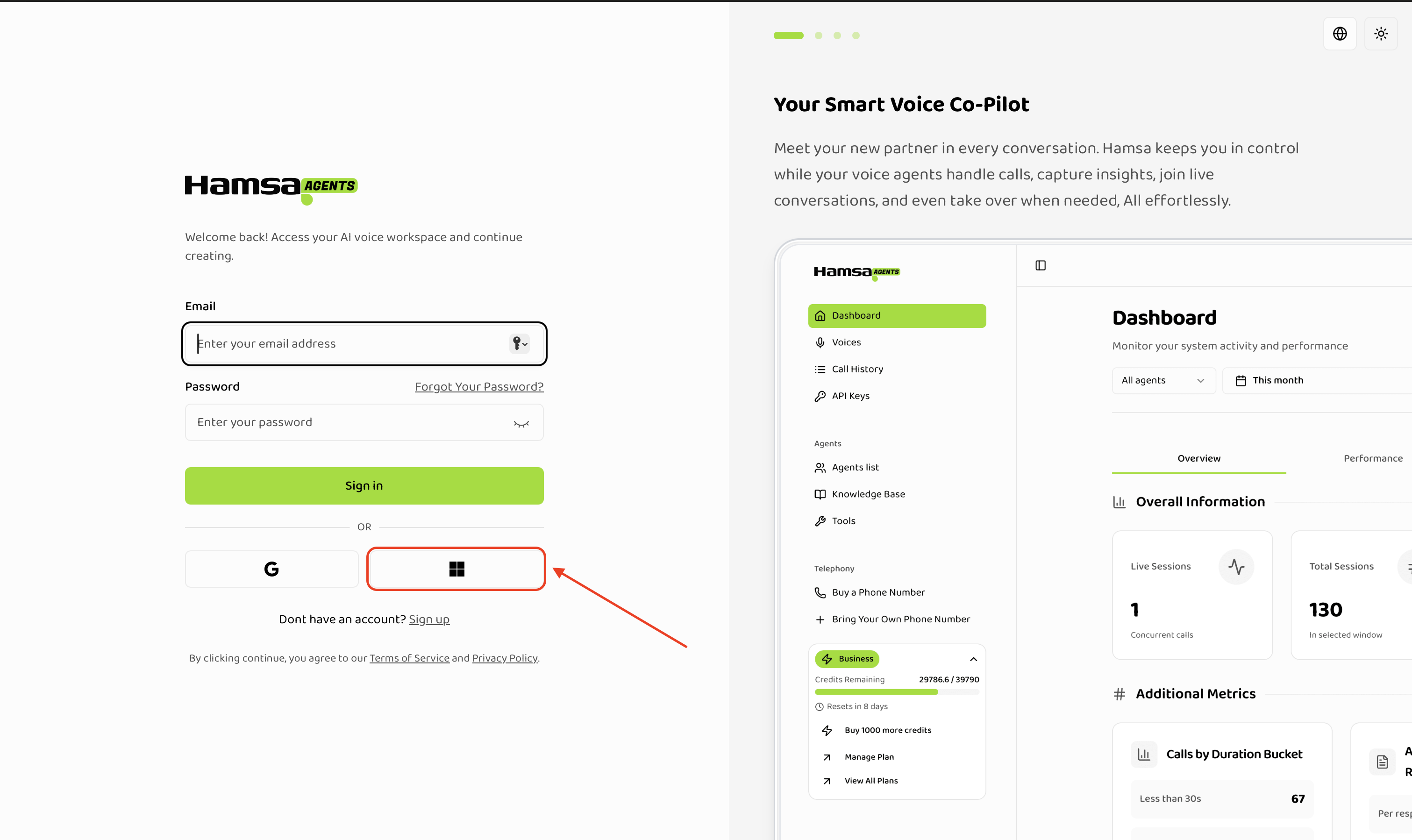
Now, you can sign in to your account using the same email and password you used.
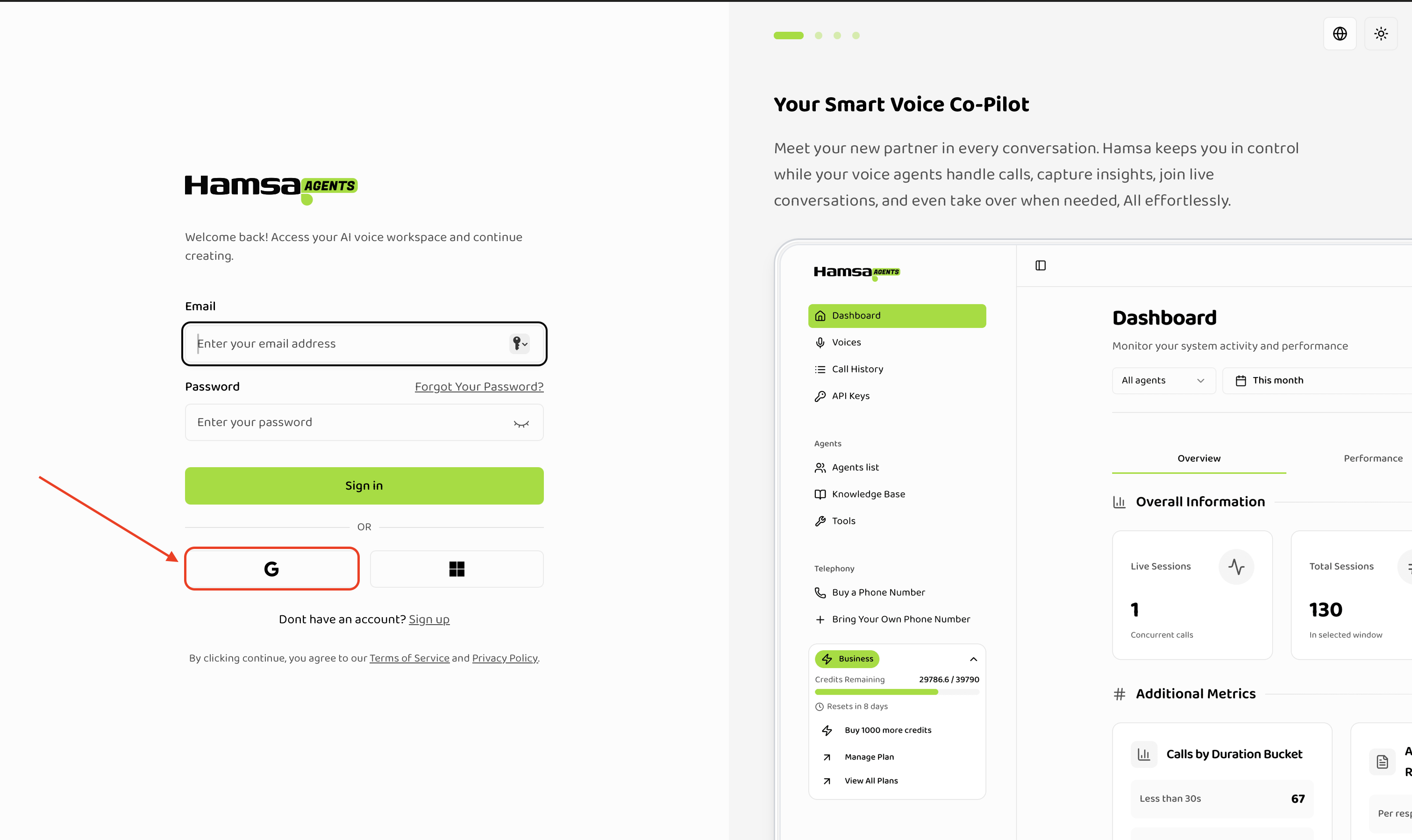
You can use Continue with Google option to signup with using Google Auth.
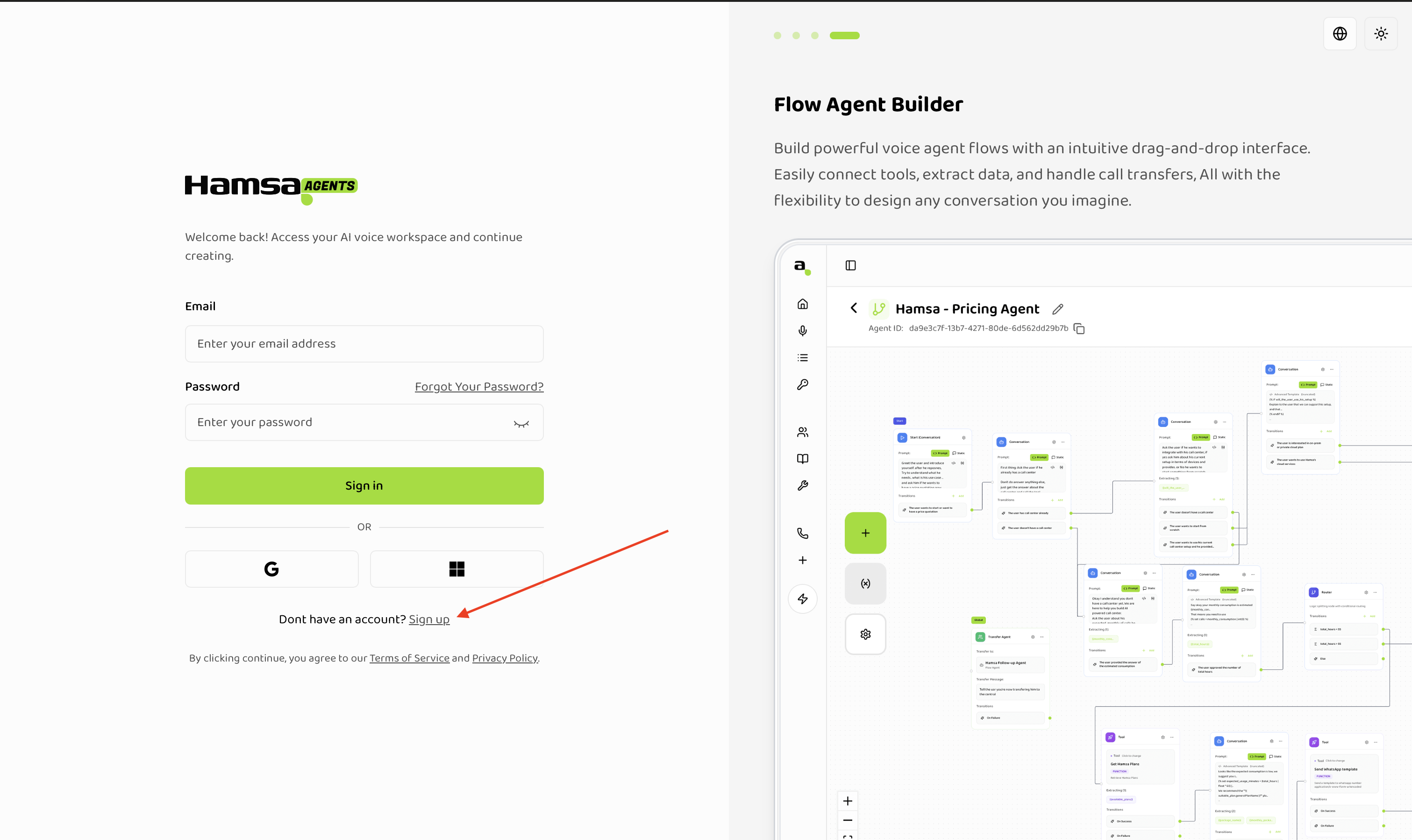
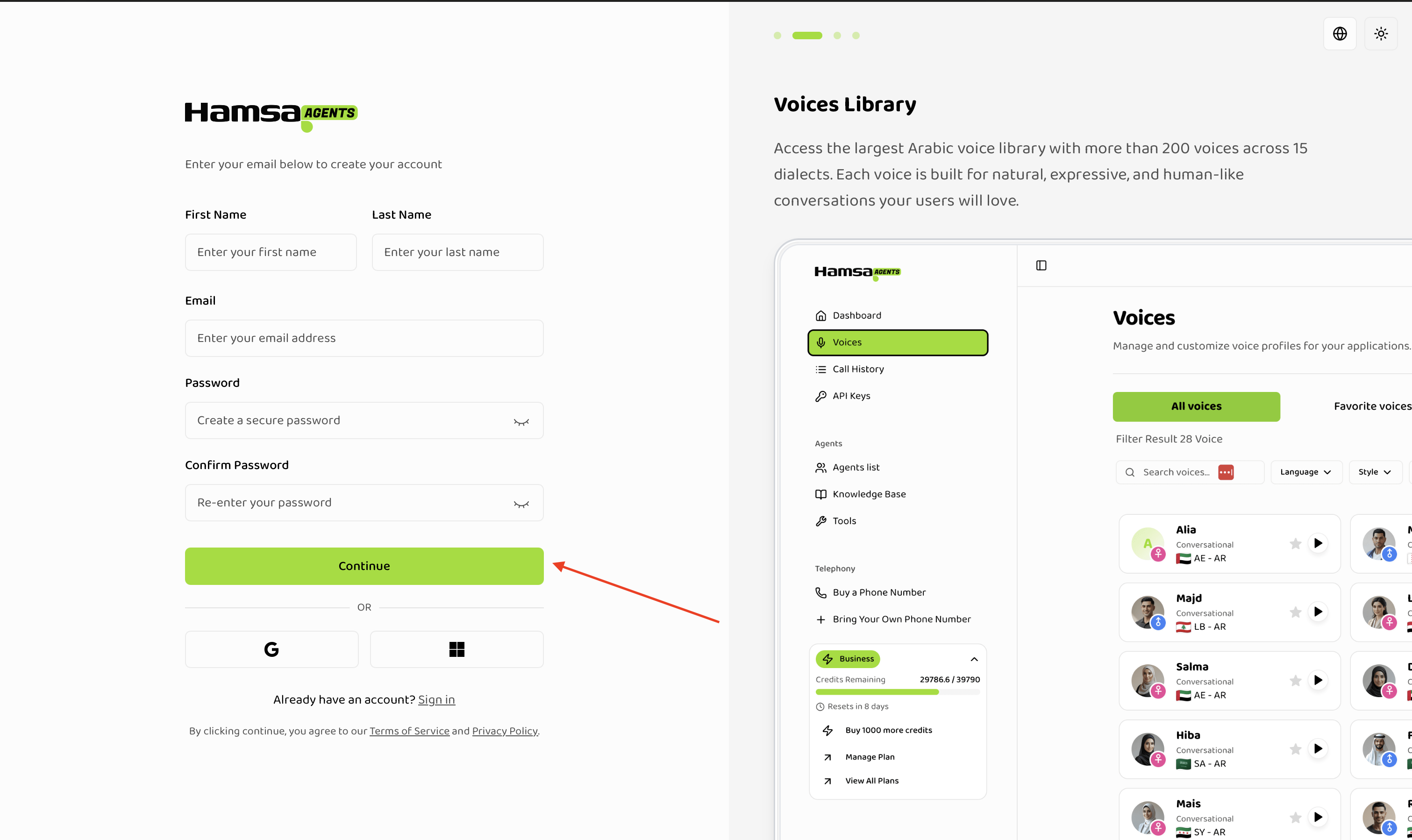
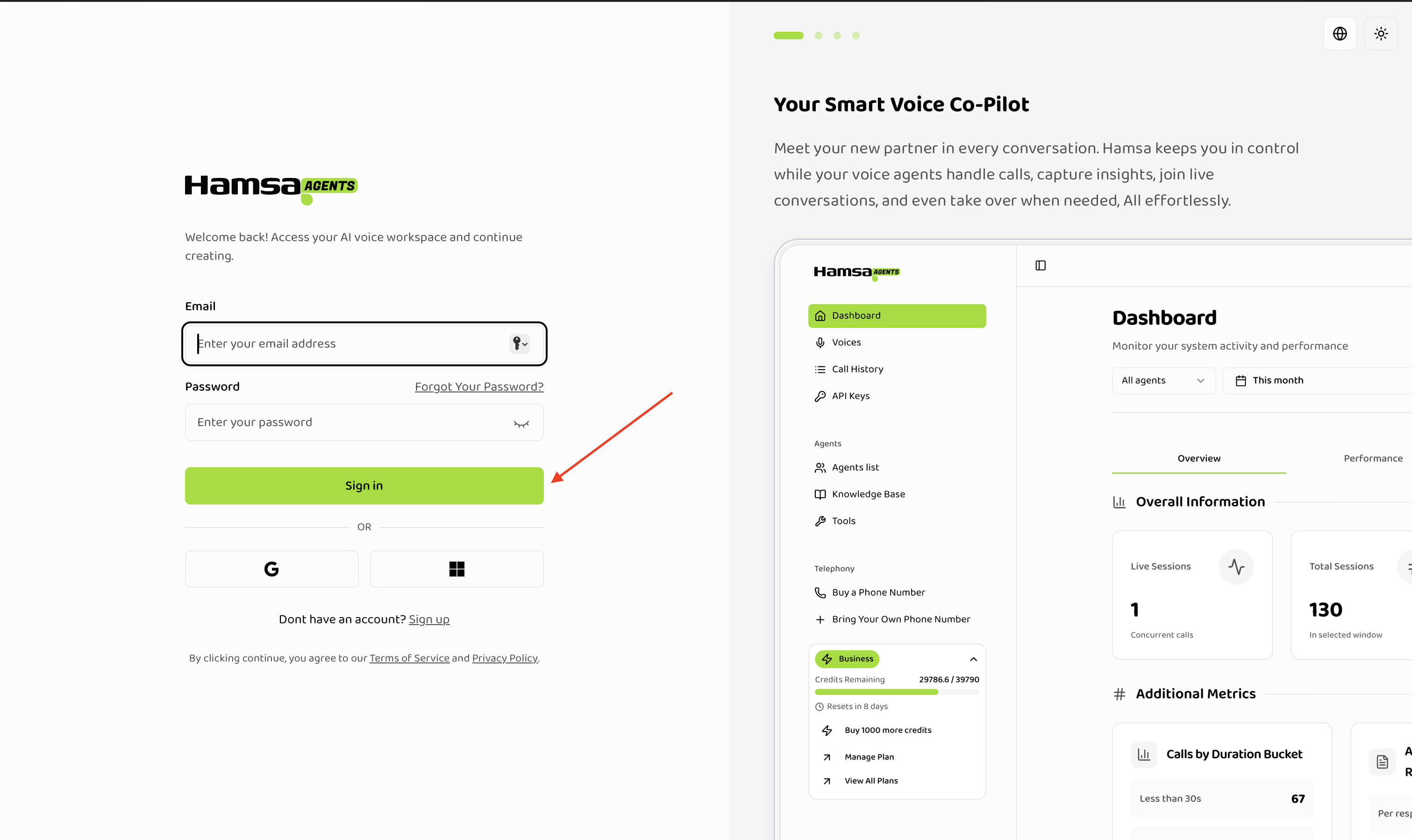
Authentication Steps in Picutures:
Signing Up - Creating an account
Sign In - Log in to your account
Continue with Google- Signup - Login using Google Auth
Continue with Microsoft- Signup - Login using Microsoft Auth