> ## Documentation Index
> Fetch the complete documentation index at: https://docs.tryhamsa.com/llms.txt
> Use this file to discover all available pages before exploring further.

# Authentication

> To use the transcription API, you need to authenticate your requests.


## Authetication:

### Create an Account On Hamsa Dashboard:

<br />

<Card title="Hamsa Agents" icon="browser" href="https://agents.tryhamsa.com/register">
  <br />

  Click here to create an account on Hamsa using Hamsa Agents platform
</Card>

<Card title="Hamsa Media" icon="browser" href="https://media.tryhamsa.com/register">
  <br />

  Click here to create an account on Hamsa using Hamsa Media platform
</Card>

<br />

<li>First, you need to create an account from the link in the above card.</li>
<li>After creating an account, you will recieve an email directs you to the login page.</li>
<li>Now, you can sign in to your account using the same email and password you used.</li>
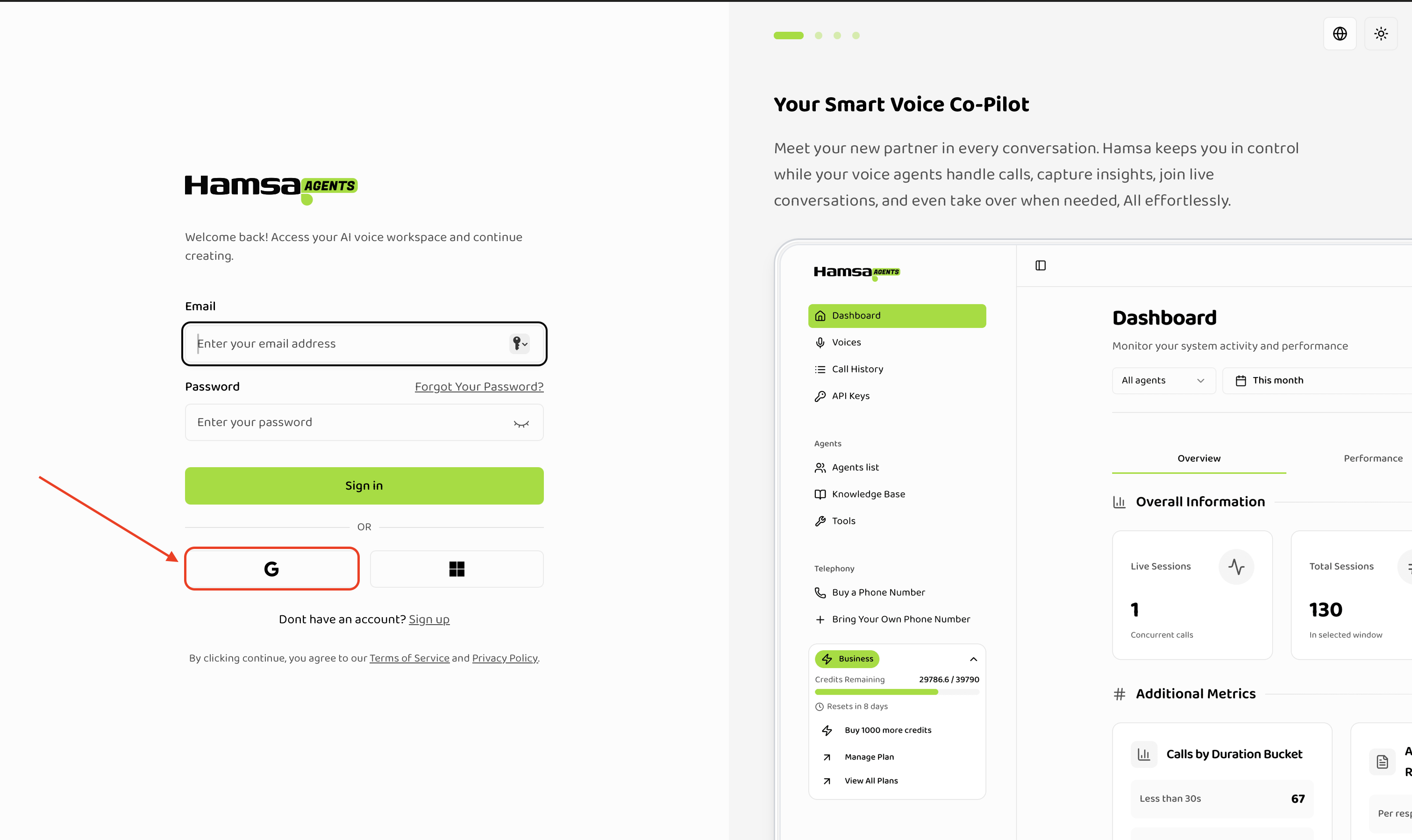
<li>You can use <b>Continue with Google</b> option to signup with using Google Auth.</li>

### Authentication Steps in Picutures:

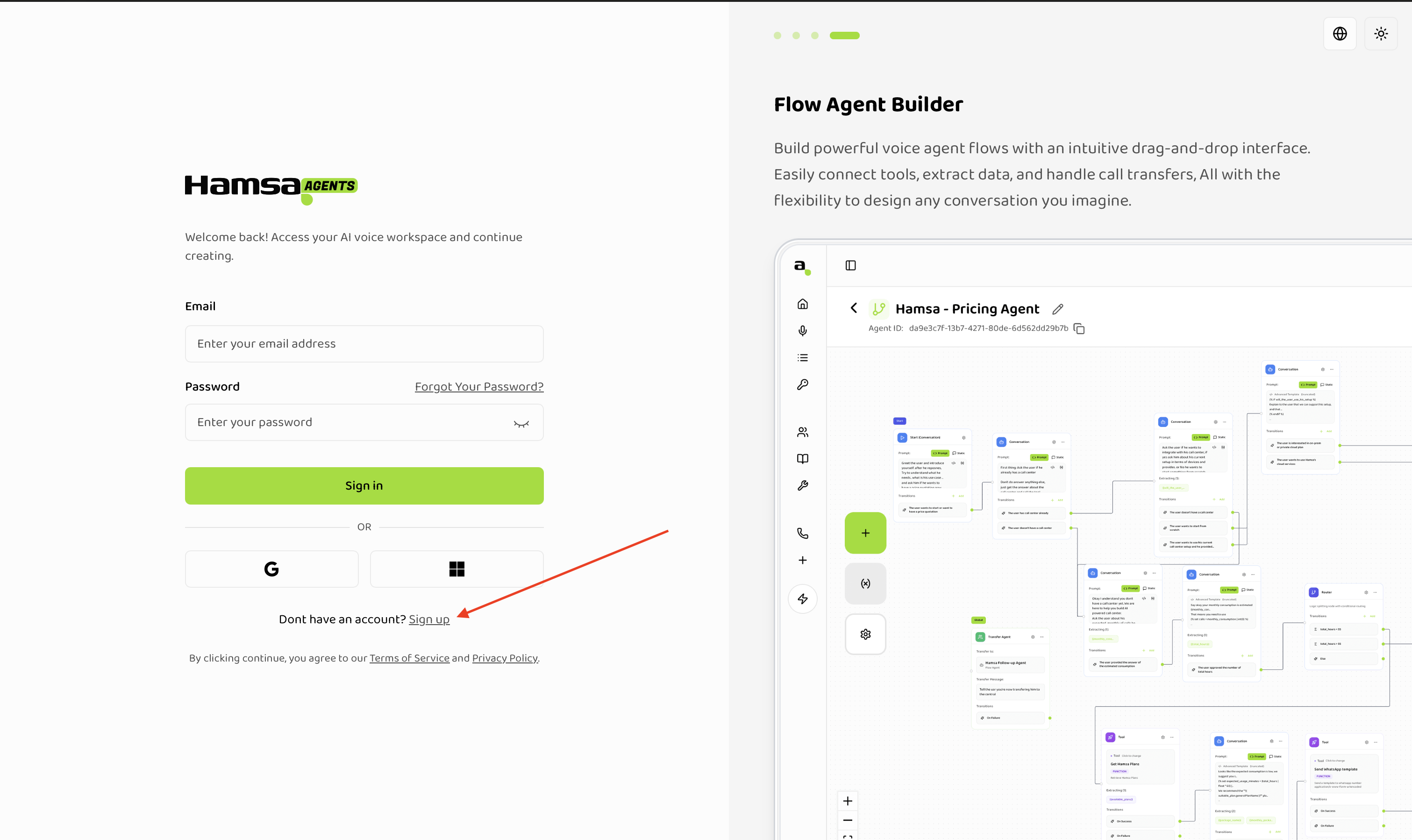
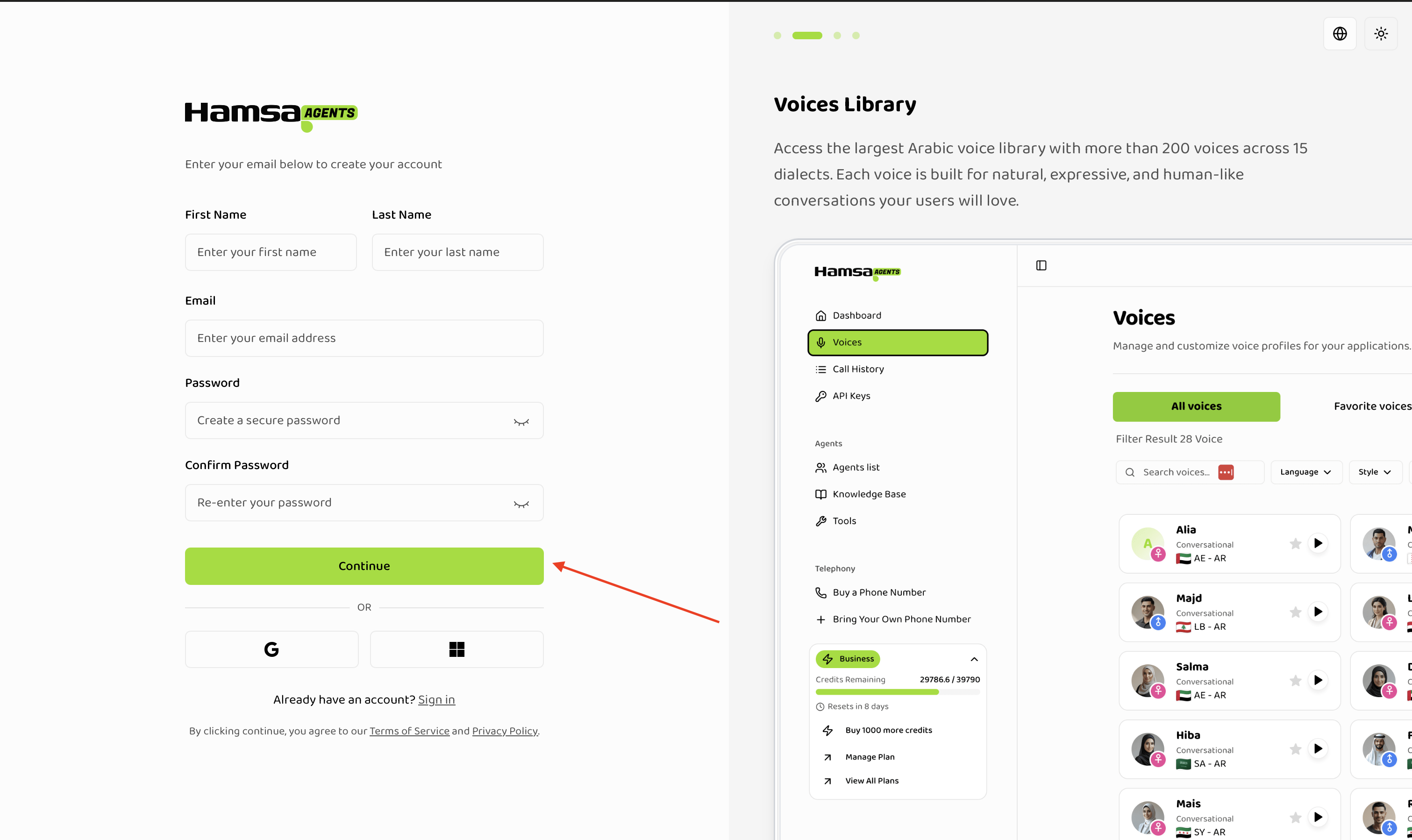
<li>Signing Up - Creating an account</li>

<img src="https://mintcdn.com/hamsa-452fa79a/z1y0oNwHv1IXNjPW/images/signup-button.png?fit=max&auto=format&n=z1y0oNwHv1IXNjPW&q=85&s=c8a9cec4a6da873c1c0474db76a03fff" alt="hamsa signup home button" width="3022" height="1798" data-path="images/signup-button.png" />

<img src="https://mintcdn.com/hamsa-452fa79a/z1y0oNwHv1IXNjPW/images/signup-form.png?fit=max&auto=format&n=z1y0oNwHv1IXNjPW&q=85&s=6d033077e0c88d3488c2fc688033aa25" alt="hamsa signup next component" width="3022" height="1798" data-path="images/signup-form.png" />

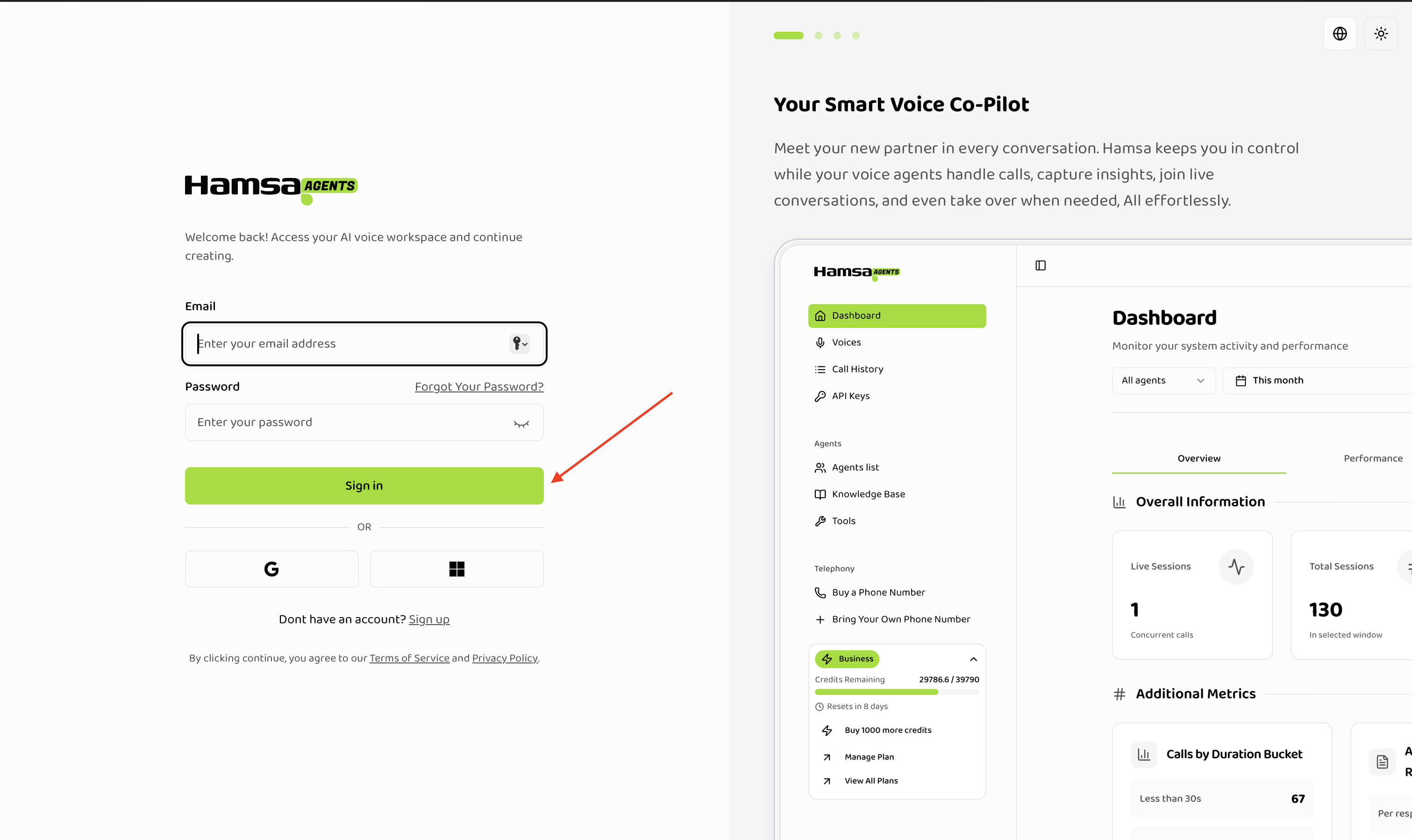
<li>Sign In - Log in to your account</li>

<img src="https://mintcdn.com/hamsa-452fa79a/z1y0oNwHv1IXNjPW/images/signin.png?fit=max&auto=format&n=z1y0oNwHv1IXNjPW&q=85&s=c4ffc6fe96731343561e051f074eccc7" alt="hamsa signin page" width="3022" height="1798" data-path="images/signin.png" />

<li>Continue with Google- Signup - Login using Google Auth</li>

<img src="https://mintcdn.com/hamsa-452fa79a/z1y0oNwHv1IXNjPW/images/google-auth.png?fit=max&auto=format&n=z1y0oNwHv1IXNjPW&q=85&s=a7b797a6aa88b6c235ba6c63c6630f2a" alt="hamsa signin page" width="3022" height="1798" data-path="images/google-auth.png" />

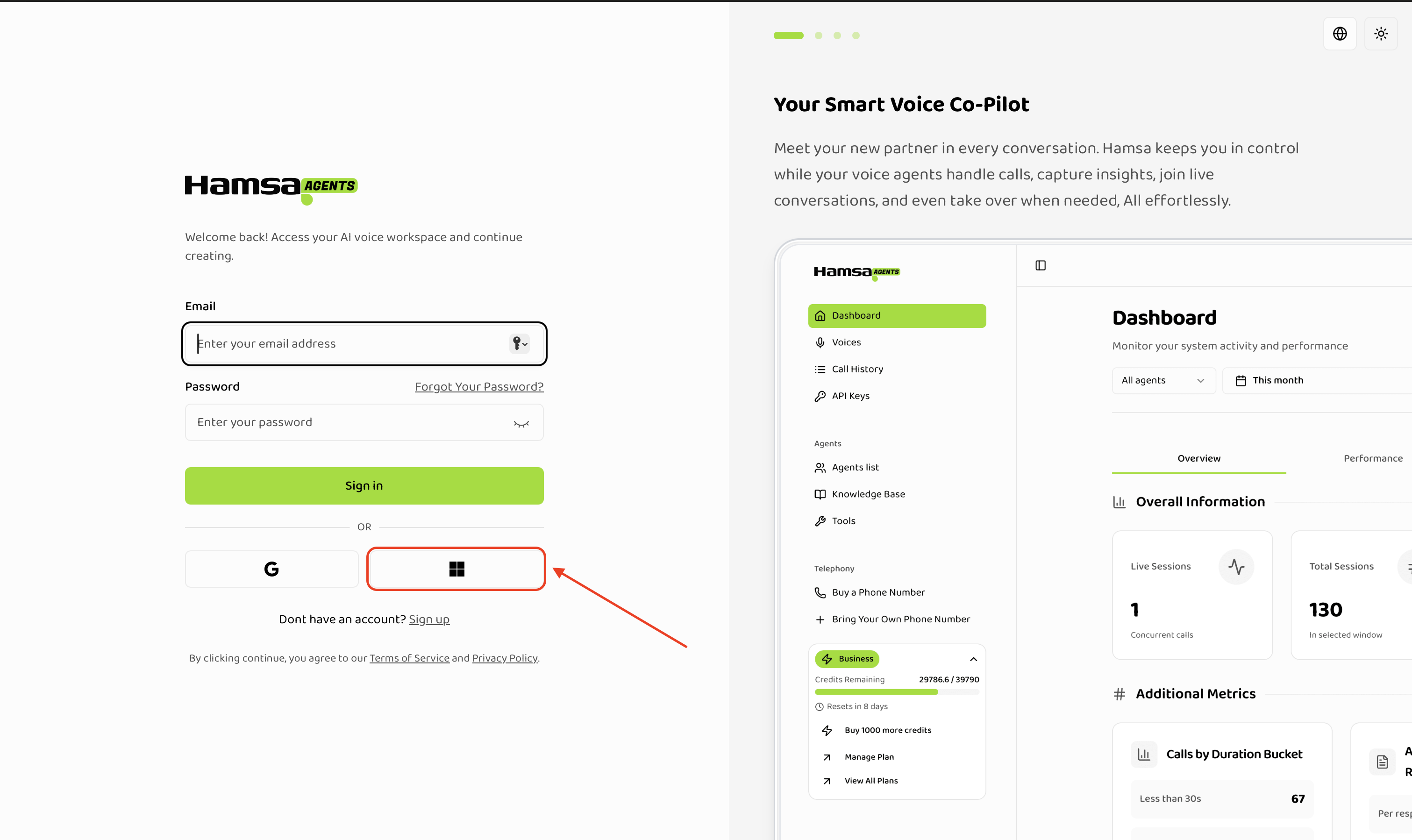
<li>Continue with Microsoft- Signup - Login using Microsoft Auth</li>

<img src="https://mintcdn.com/hamsa-452fa79a/z1y0oNwHv1IXNjPW/images/microsoft-auth.png?fit=max&auto=format&n=z1y0oNwHv1IXNjPW&q=85&s=ad36d1c03ef014bc9da696ed7a8090f5" alt="hamsa signin page" width="3022" height="1798" data-path="images/microsoft-auth.png" />